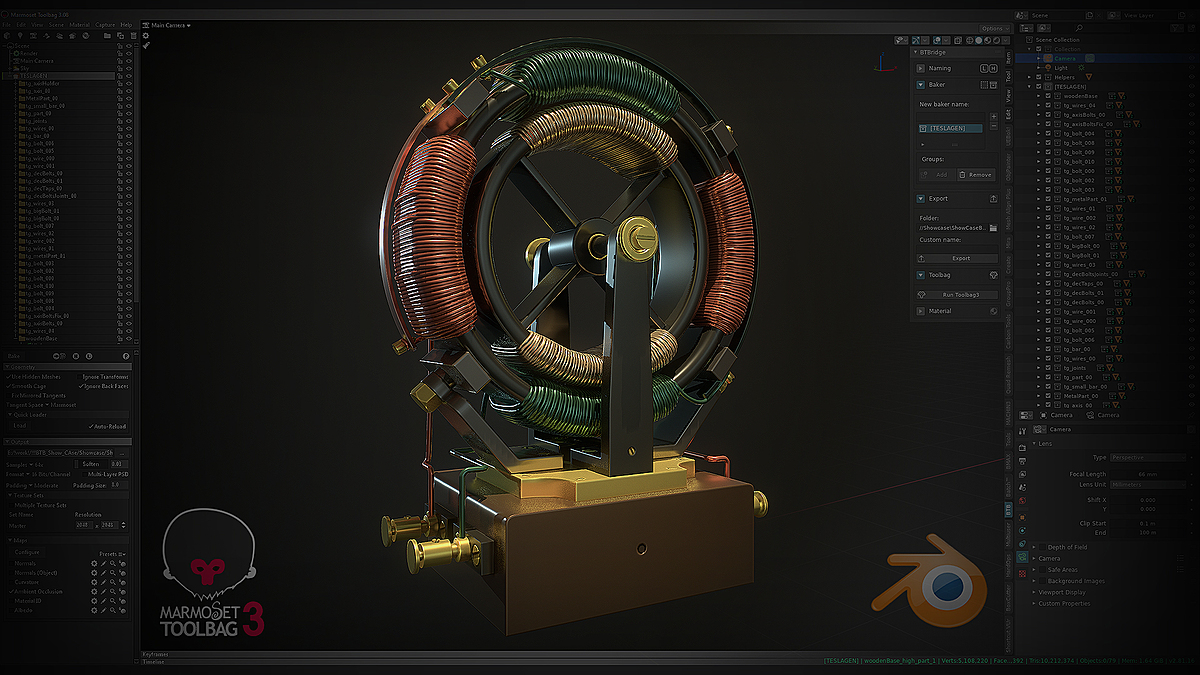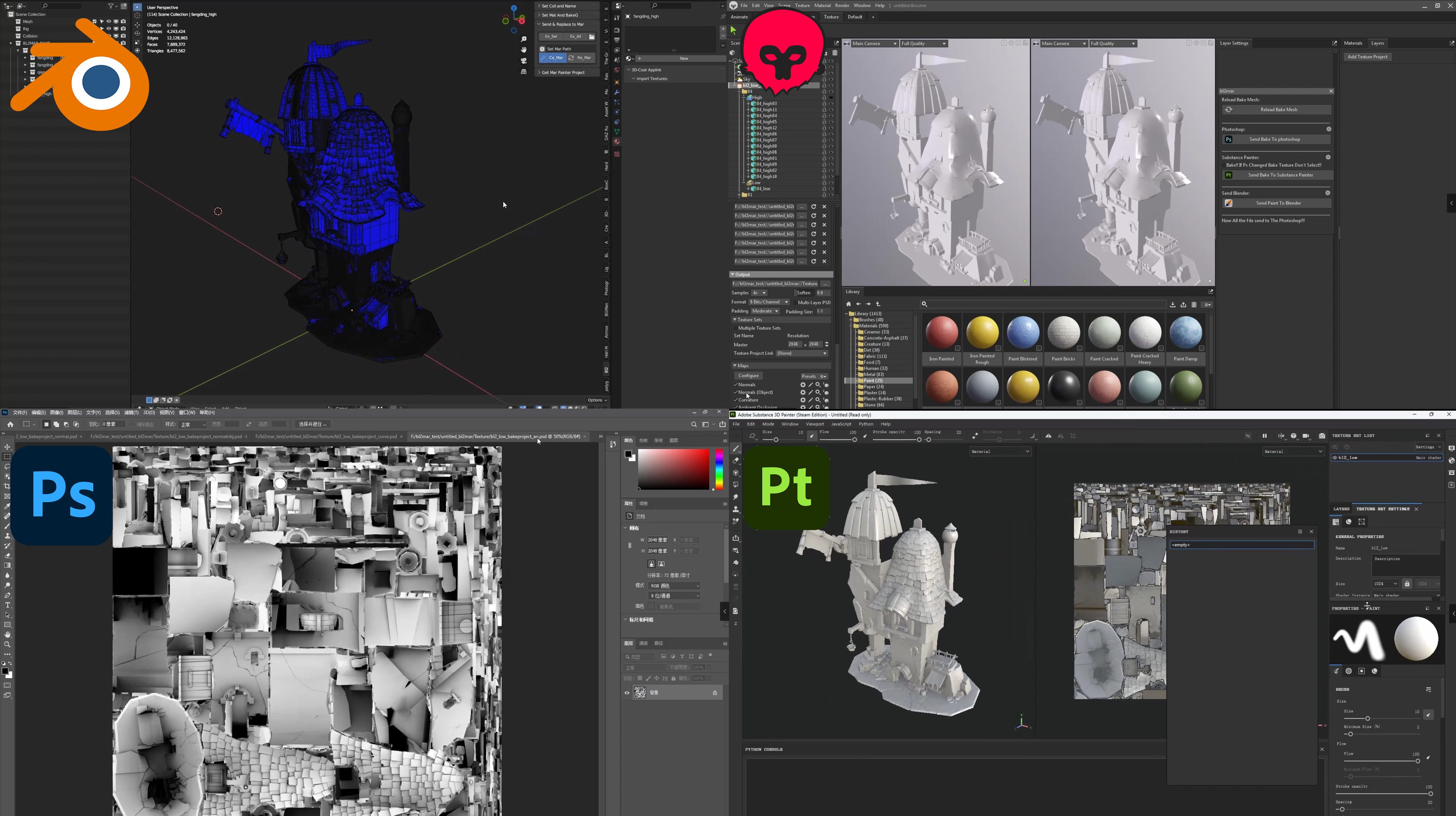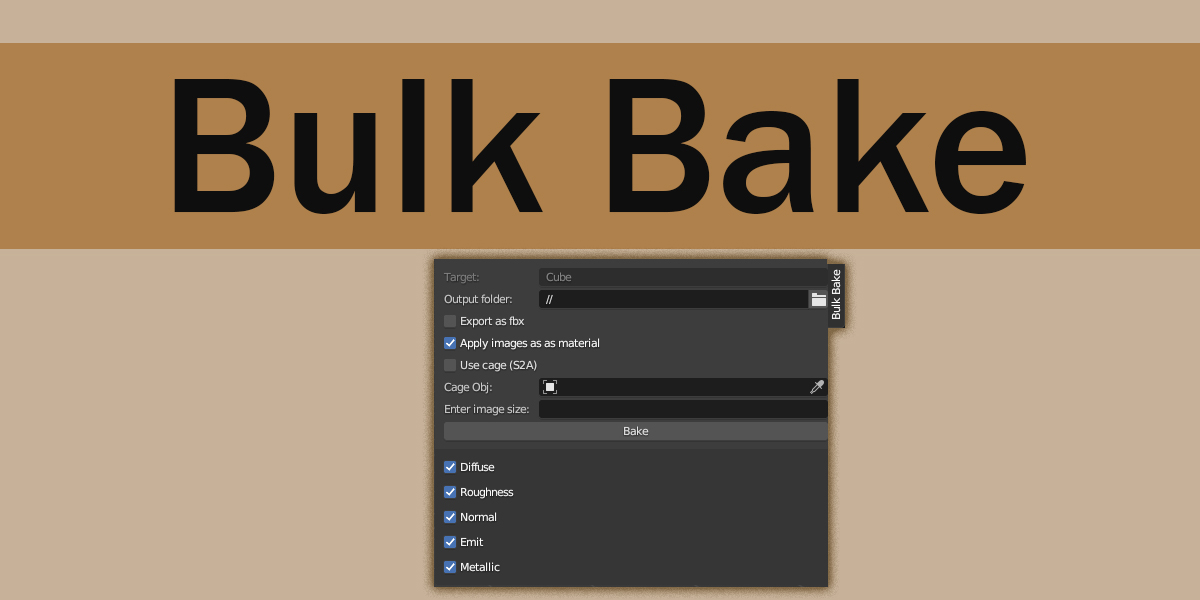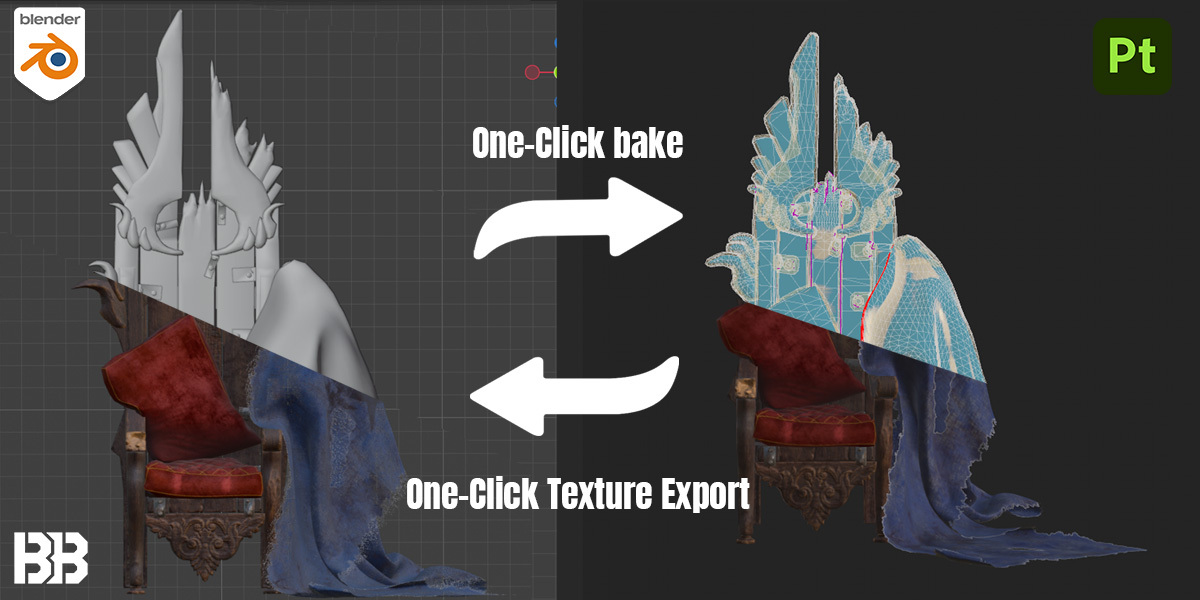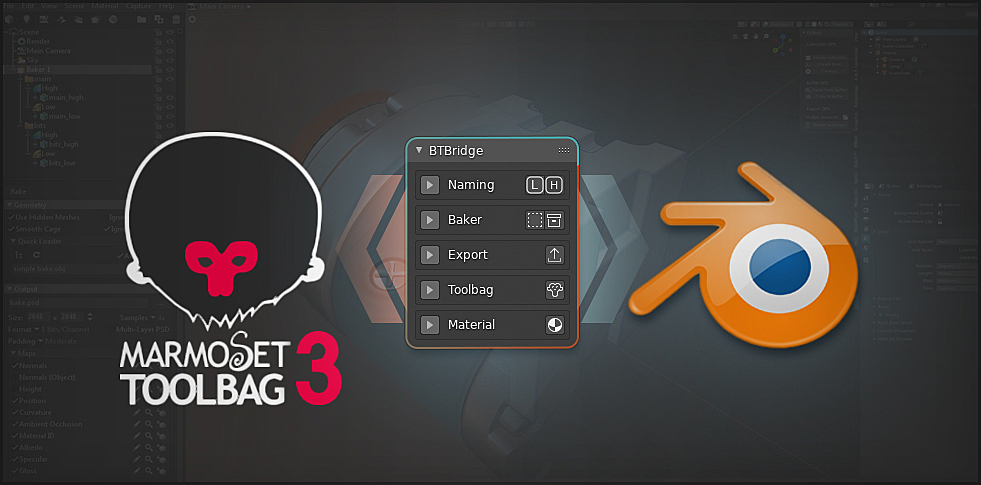
Blender <-> Marmoset Toolbag - Baker Bridge is a Blender add-on for preparing a scene before texture baking in Marmoset Toolbag. Its tools handle model naming, high/low-poly grouping, and FBX export setup from inside Blender.
Scene preparation and export
The naming operators apply LowPoly or HighPoly labels based on the active object name. A cleanup operator removes the _low and _high suffixes from selected objects. The BakerGroup operator expects a selected object ending in _low, then creates high-poly and low-poly subcollections inside the active collection. Other operators select objects by those suffixes within the active collection.
For export, you can set a folder path and export either the active collection or selected objects as an FBX file. The documentation says the add-on creates Baker and Textures folders based on the export path and names texture output from the exported filename. It also describes launching Toolbag from Blender. In the documented workflow, loading the export through Toolbag's QuickLoader is manual. The documentation marks post-bake material creation and texture import as a work in progress, so check for updated instructions if either step matters to your workflow.
Compatibility and setup
The product listing names Blender versions 2.8 through 3.2. Its documentation lists Windows, Blender 2.8x, 2.9x, and 3.x, plus Marmoset Toolbag 3.x and 4.x. To install, use Blender's Edit, Preferences, Add-ons, and Install from file controls. Then set the path to the Marmoset Toolbag executable; the instructions say to turn off the relative path option when selecting it. Check the current listing before relying on support for releases newer than Blender 3.2.
License and pricing
Superhive labels the add-on GPL and displays Personal, Indie, and Studio price tiers. Review the product listing for its current price and license details, and read the documentation for the setup steps and operator behavior.