Warp a layer along a mask path
BAO Boa is an After Effects plugin that deforms a source layer along a mask path. It suits motion graphics and character animation where artwork needs to bend or twist as it follows a drawn route. Examples cover a quick-start graphic, character-arm rigging, and particles moving along a path.
Control the deformation
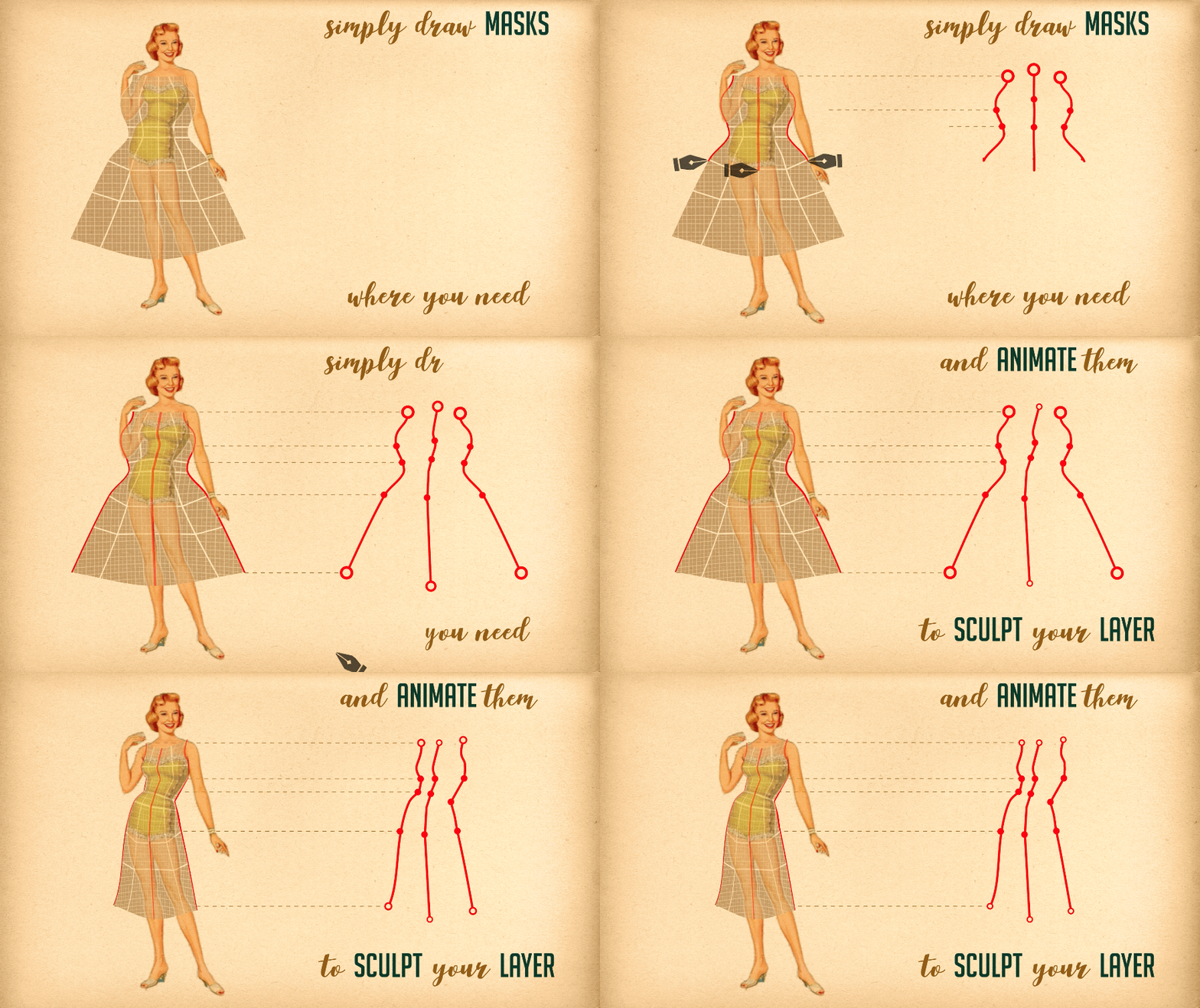
Boa lets you control the start and end, scale, Z position, rotation, and twist along the path. Mesh definition and sub-sampling provide controls for the deformation mesh and output quality. Its Stretch with verts match option uses mask vertices for per-segment distortion, similar to Puppet Pins, giving more control over how different sections bend.
Boa can undistort part of a texture, such as keeping a hand undistorted while bending an arm.
3D controls and compatibility
Boa can move, scale, and rotate splines in 3D space. It also supports extrusion and contouring in 3D and responds to the composition camera and lights. These controls suit a project that needs depth and lighting interaction as part of the path-based deformation.
The compatibility listing names After Effects 2026, 2025, 2024, 2023, 2022, 2021, 2020, CC 2019, CC 2018, CC 2017, CC 2015.3, CC 2015, CC 2014, CC, and CS6. A free trial is listed.
License terms
The product EULA grants use of one copy on one computer at a time. Multiple users or computers require an appropriate license for each user and copy. The EULA also restricts shared-use and multi-user network configurations, and transferring the license requires the author's written consent.