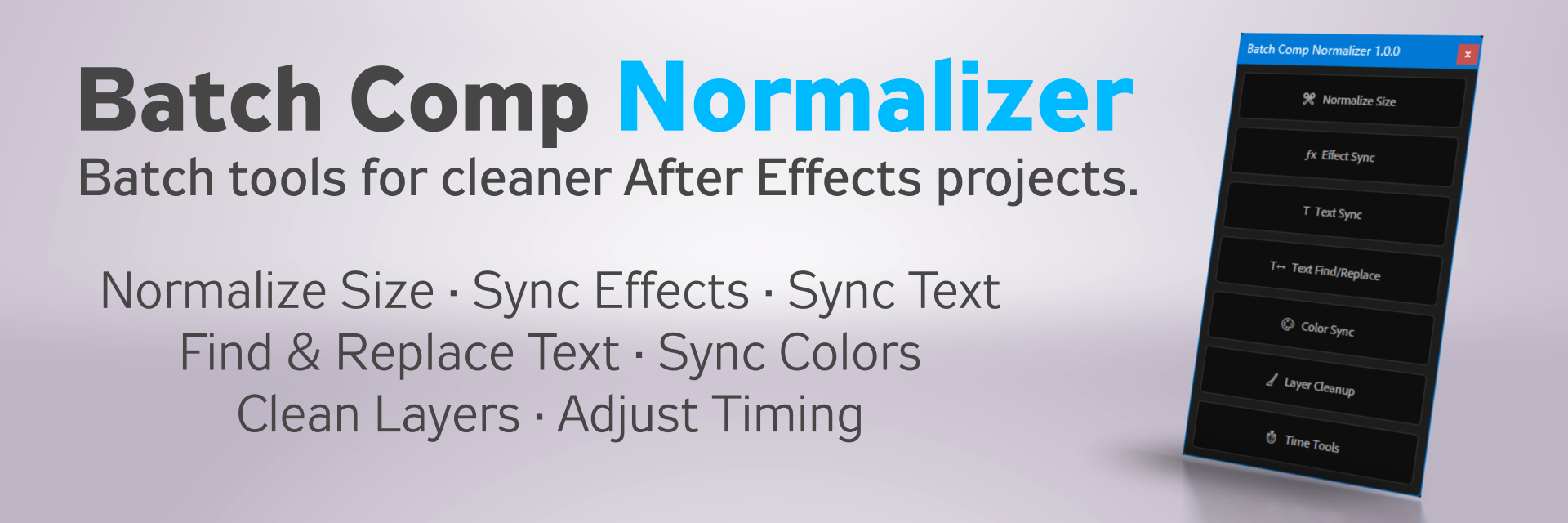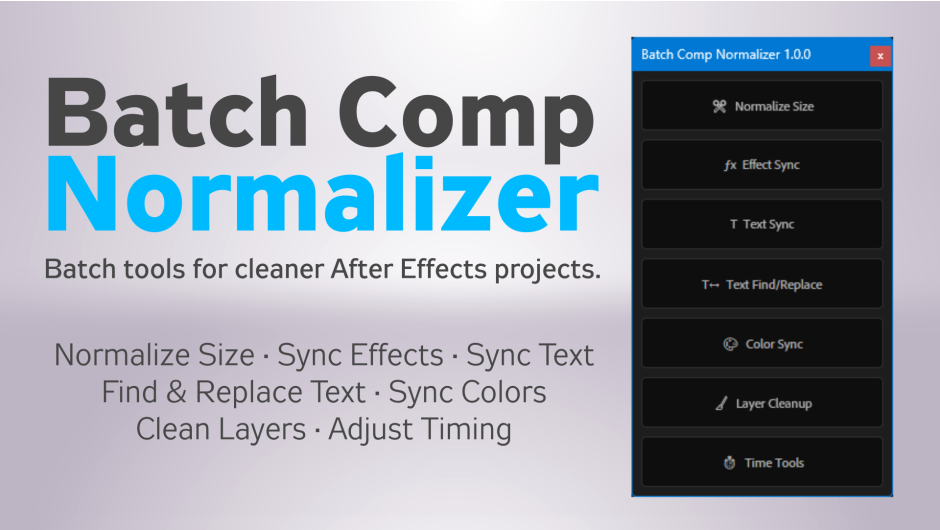
Batch Comp Normalizer is a dockable panel for After Effects projects with many similar compositions. It applies sizing, styling, text, cleanup, and timing edits across selected comps or folders, for motion designers and template makers maintaining libraries and delivery variants.
Resize comps and sync styles
Normalize Size scans for visible content, adds padding, and can create normalized copies at a fixed size. Its work-area scan accounts for animated content, and background exclusion keeps full-frame backgrounds from controlling the crop. It can help with template previews, icon sets, social formats, or project libraries with inconsistent comp dimensions.
Effect Sync applies chosen effect values from a template layer. Text Sync copies selected type settings, including font, size, fill, stroke, paragraph settings, spacing, and faux styles. Color Sync transfers selected text, shape, and effect colors. You choose which properties to sync, and can skip keyframed or expression-driven properties.
Replace text and prepare delivery
Text Find/Replace searches literal text across comps and folders. You can target text layers or match layer names, use case-sensitive or whole-word matching, and optionally auto-fit replacements while preserving alignment. These controls suit repeated label updates, title variants, date changes, placeholders, and language versions.
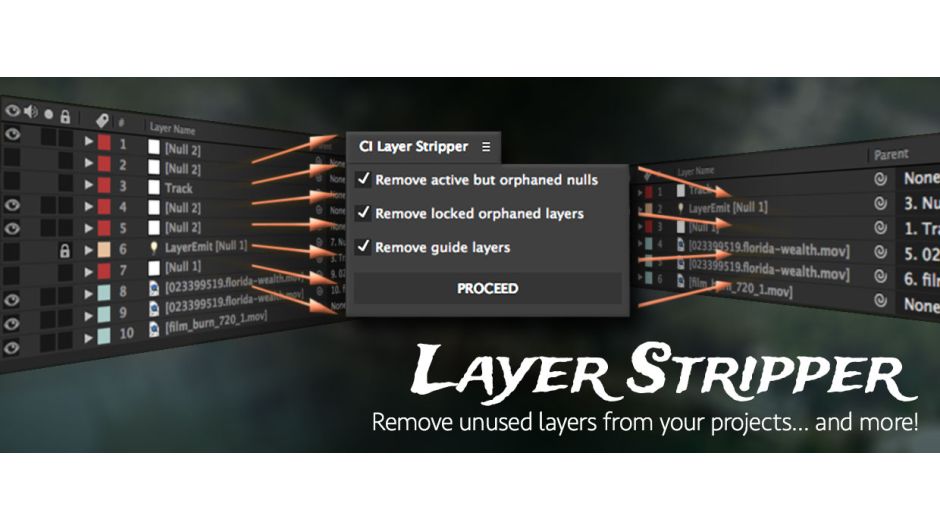
Layer Cleanup removes disabled layers and empty text layers, disabled effects, guide layers, and orphan nulls. Time Tools batch-edit comp duration, frame rate, work area, and layer shifts, trims, and extensions.
Review changes before applying them
Major tools include Analyze mode, progress feedback, and detailed reports so you can review a batch before committing edits. Work on selected comps or folders, create duplicate comps with suffixes for non-destructive tests, or modify originals. The reports show what changed and what was skipped; locked layers can be skipped as well.
Compatibility and licensing
Compatibility is listed for After Effects 2024, 2025, and 2026. The product uses aescripts licensing integration. Its listing displays a Floating License Server requirement, while aescripts' license-type guide says a Single User License does not need the server and a floating license does. Floating licenses allow one user per license at a time on the same network; remote work requires VPN access to that network. Check the license type shown at checkout. See the Floating License Server details for its setup requirements.