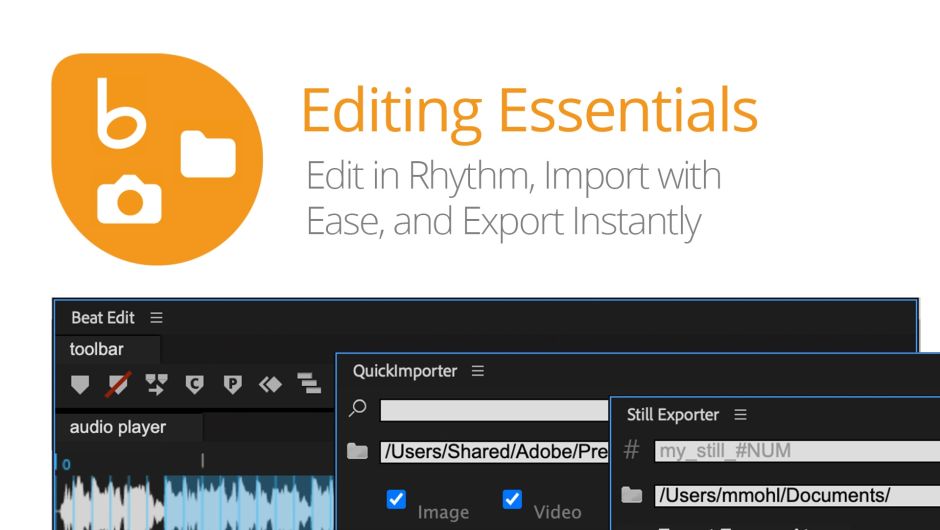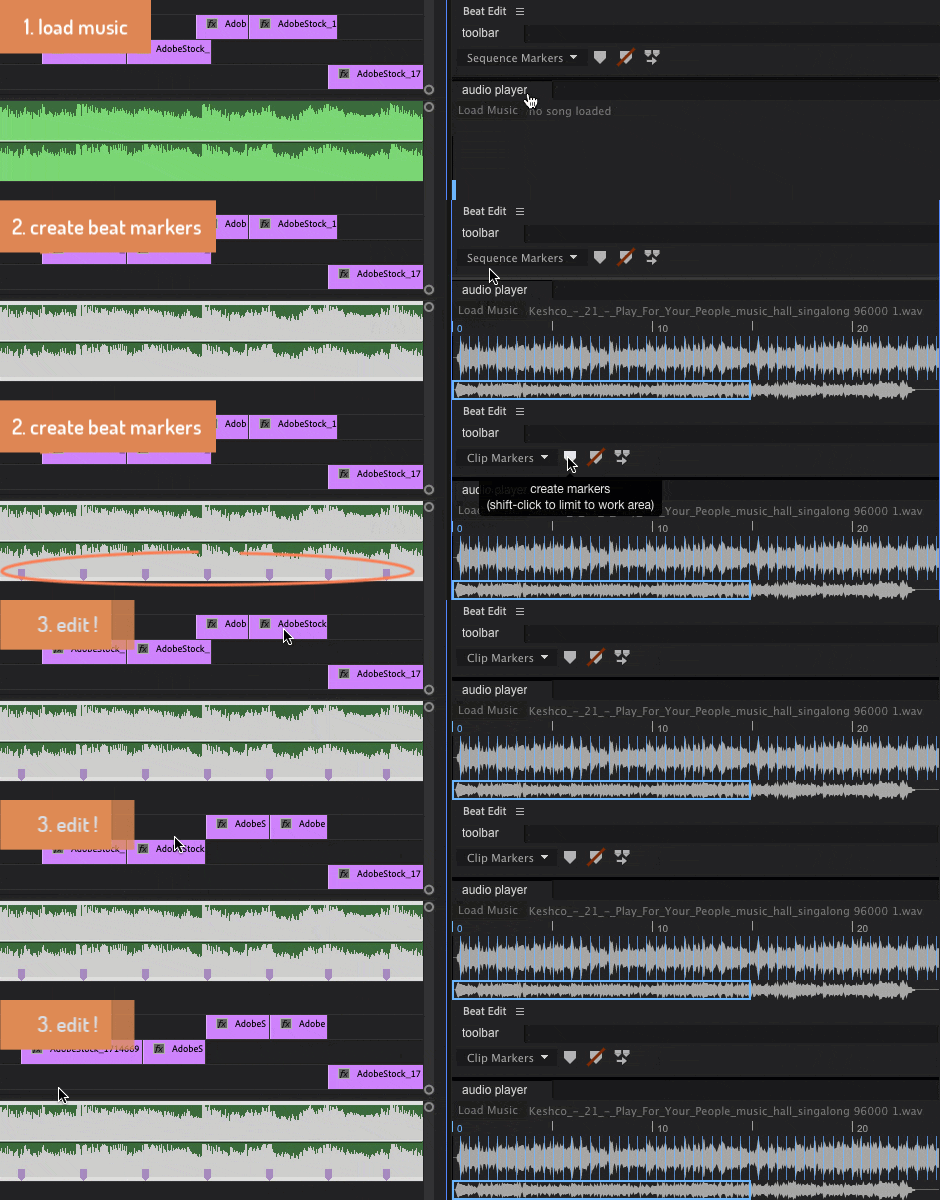
BeatEdit 2 analyzes music and creates beat markers in a Premiere Pro timeline. Editors can use the markers to guide manual cuts or build automatic edits, slideshows, and rough cuts in time with a track.
Shape the beat map
You can create sequence markers or clip markers, and use them with Premiere Pro’s Automate to Sequence function. BeatEdit can mark the beats alone or add other rhythmically relevant peaks for more variation. Subdivision lets you create faster patterns, while the beat info panel reports BPM and the number of selected beats.
For cleanup, the move markers tool and batch controls let you create, move, or delete markers. Work area support can limit those changes to the sequence’s work area. You can also load music directly from a Premiere Pro sequence.
Check the audio limits
BeatEdit does not load audio directly from video clips or account for effects and rate stretching applied in the timeline. Export the affected audio to a WAV file before analyzing it. Detection also loads the full audio file into memory, so tracks lasting for hours must be split into smaller files; the practical maximum depends on your computer.
Check version support
The developer’s compatibility list names Premiere Pro releases from 2026 back through CC 2015.3. Its version notes also say BeatEdit 2 supports Premiere Pro 13.1.5 (CC 2019) and newer, and that BeatEdit 1 is incompatible with 13.1.5 and later. If you use an older Premiere release, confirm the supported BeatEdit version with the developer before installing. The version history lists 2.2.006, dated May 19, 2026, with a fix for audio file selection.
The developer’s product listing includes a free trial and tutorials covering manual editing, automatic rough cuts, beat selection, and marker manipulation. Check it for current compatibility and licensing details.