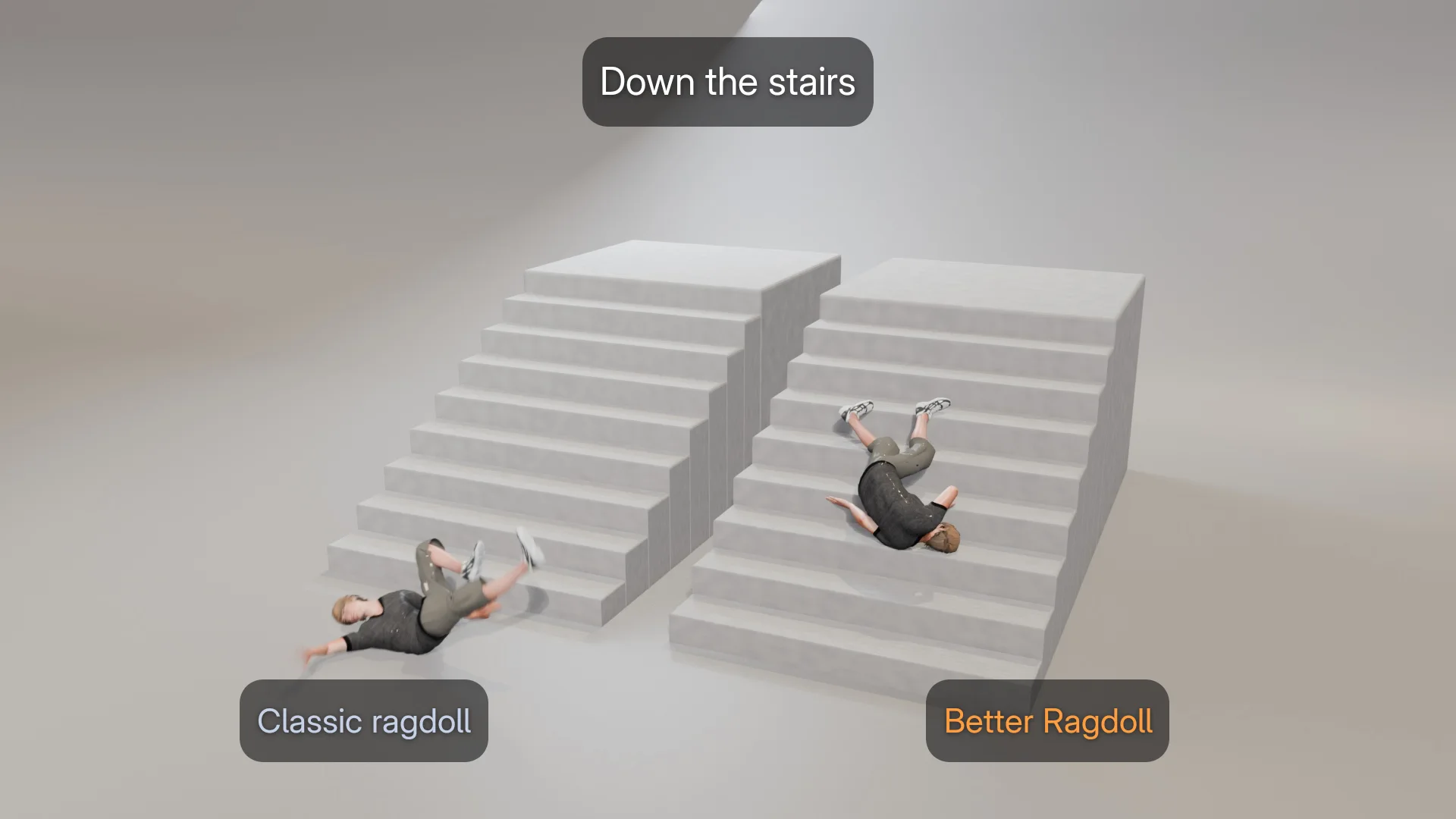
Better Ragdoll is a Blender add-on for creating character ragdoll simulations with soft joint limits and neutral body posture tension. It can transition a rig from animation into simulation, respond to impacts, handle collisions and bake the result to a new action. The extension is version 1.0.0 and supports Blender 4.2 and newer.
What Better Ragdoll changes
A hard joint limit stops a joint abruptly at the end of its range. Better Ragdoll adds a progressive spring and extra damping near that limit, slowing the joint as it approaches the boundary. This can reduce the sharp stop that makes a simulated character’s limbs bounce or flail against their limits. A classic mode retains hard limits only for side-by-side comparison.
Neutral posture tension gently pulls joints toward a relaxed pose. The add-on describes this pose as loosely based on NASA’s microgravity Neutral Body Posture, with hips and knees bent, shoulders rolled forward, elbows bent, feet relaxed and the head tilted forward. With gravity set to zero, the character drifts toward the pose; with gravity on, the tension helps the body settle into resting poses.
Set up and bake a simulation
- Select the character’s armature and open the Ragdoll tab in the 3D View sidebar.
- Choose Detect Bones, then Preview Neutral Pose to check the setup.
- Set a release frame and, if needed, an impact and a collider collection.
- Choose Simulate & Bake to bake the result.
For installation, Blender’s manual documents the Install from Disk option. See the Better Ragdoll extension page for the published release and compatibility details.
Rig detection, impacts and collisions
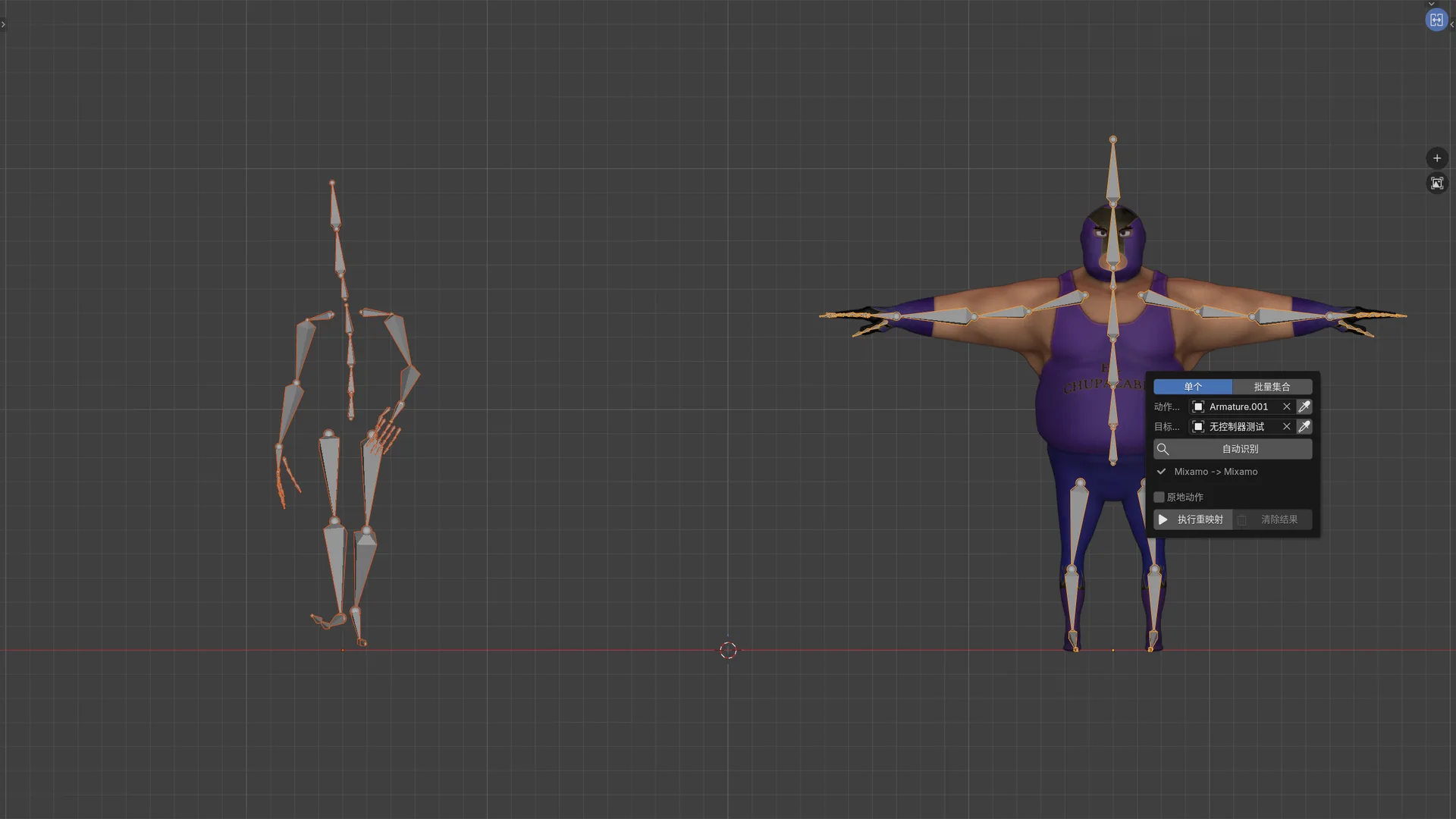
Bone roles are detected from names and hierarchy. The extension lists Mixamo, Rigify metarig and deform bones, Unreal-style rigs and generic names as supported detection patterns. It loads anatomical joint limits and neutral angles automatically, and the values can be edited per bone. Joint angles are measured in the character’s own frame, so the presets work with T-poses, A-poses and different bone rolls.
An impact can add rotational kicks to the shoulders and hips, with adjustable randomness. The active-ragdoll blend fades from animation into simulation, starting with the upper body and bringing in the legs after a delay while retaining momentum.
Collision options include a ground plane, meshes in a collection (static or animated) and self-collision with friction. Body masses follow human body-segment proportions, and capsule sizes are measured from the skinned mesh.
Version and baked animation
Better Ragdoll bakes the simulation to a new action. The add-on’s clean-bake workflow also lets you restore the original animation and bone constraints with one click. The extension is developed by Volko and is licensed under GNU GPL version 3.0 or later; its Blender Extensions listing includes the release information and issue link.