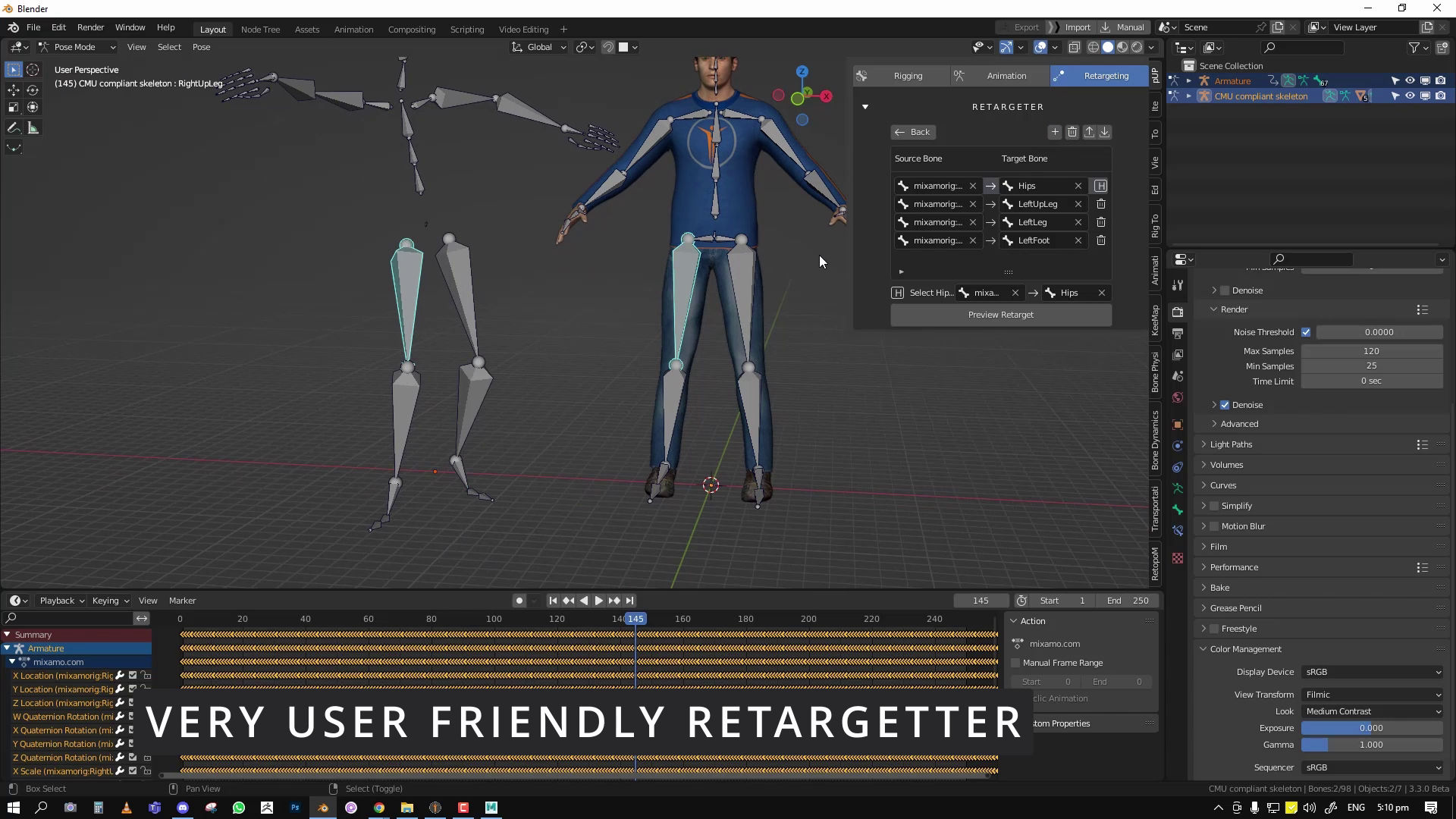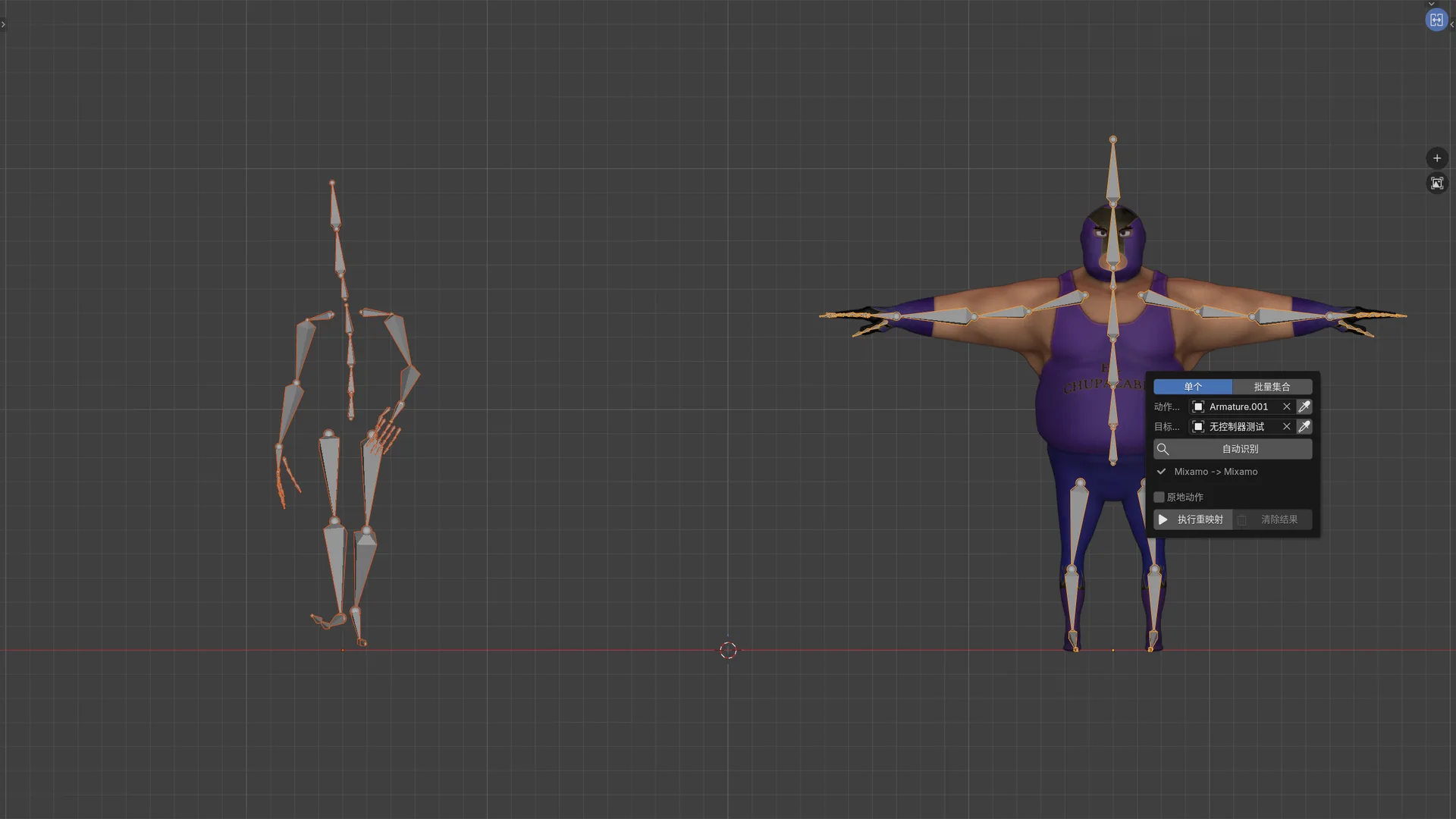
Rig Bridge is a Blender extension for moving animation between humanoid rigs. Select an animated armature or a collection, choose a target humanoid armature, then run Auto Detect and Retarget.
How Rig Bridge identifies rigs
The extension checks known rig presets first. If none match, it falls back to semantic bone names, hierarchy, body geometry, left and right structure, rest-pose checks, and forward-axis analysis.
Retarget one armature or a collection
Rig Bridge can process a single animated armature or a collection of armatures. Output can use root motion or stay in place. A one-click cleanup option removes generated results. The retargeting workflow is self-contained and does not depend on operators from other add-ons.
Compatibility and requirements
Version 0.1.66 has conflicting compatibility details in its listing. The Requirements section says Blender 5.1 or newer. Its release notes say the declared and tested range was expanded to Blender 4.2 through 5.2, and the catalog metadata lists Blender 4.2.0 up to, but not including, 5.3.0. The release notes name tests on Blender 4.2.9, 4.3.2, 4.4.3, 4.5.12, 5.0.1, 5.1.2, and 5.2.0. If you plan to use Blender 4.2 through 5.0, check the current extension listing before installing.
Rig Bridge requires two valid humanoid armatures. It rejects severely incomplete rigs instead of guessing. Unusual rest poses or ambiguous forward axes may need cleanup before retargeting. Version 0.1.66 is licensed under GPL-3.0-or-later. The project repository and its issue tracker provide project details and a place to report problems.