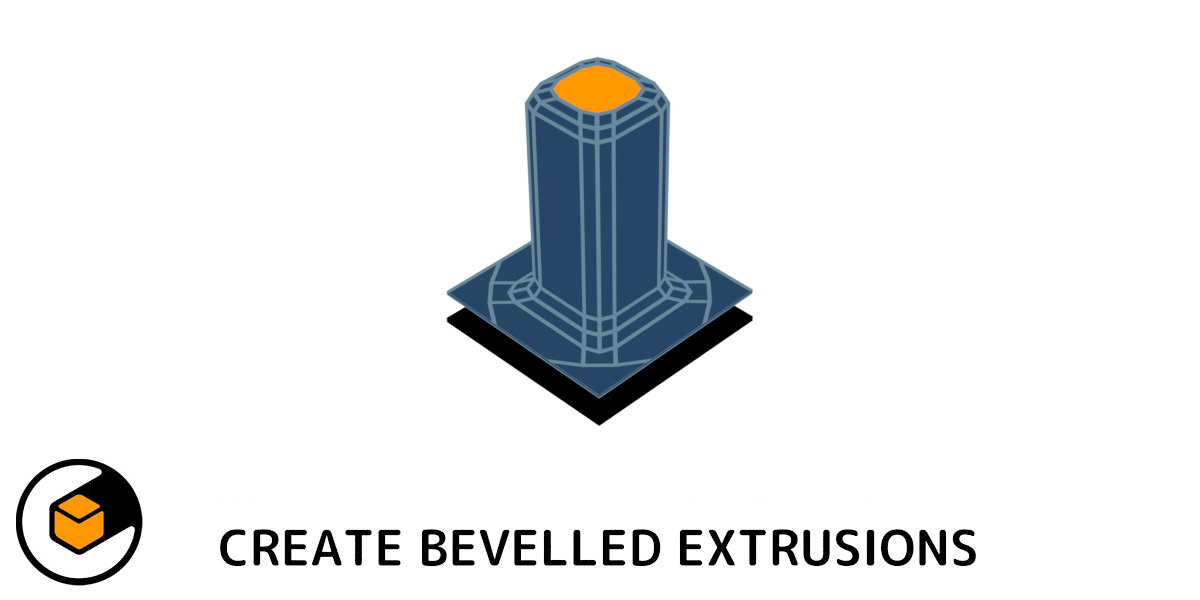
Bevelled Extrude is a Blender add-on by Mark Kingsnorth for extruding selected faces with configurable bevels at the base, corners and top. These separate controls help shape smooth recesses and protrusions. The Superhive product listing describes the add-on, and its documentation explains the controls.
Adjust the base, corners and top separately
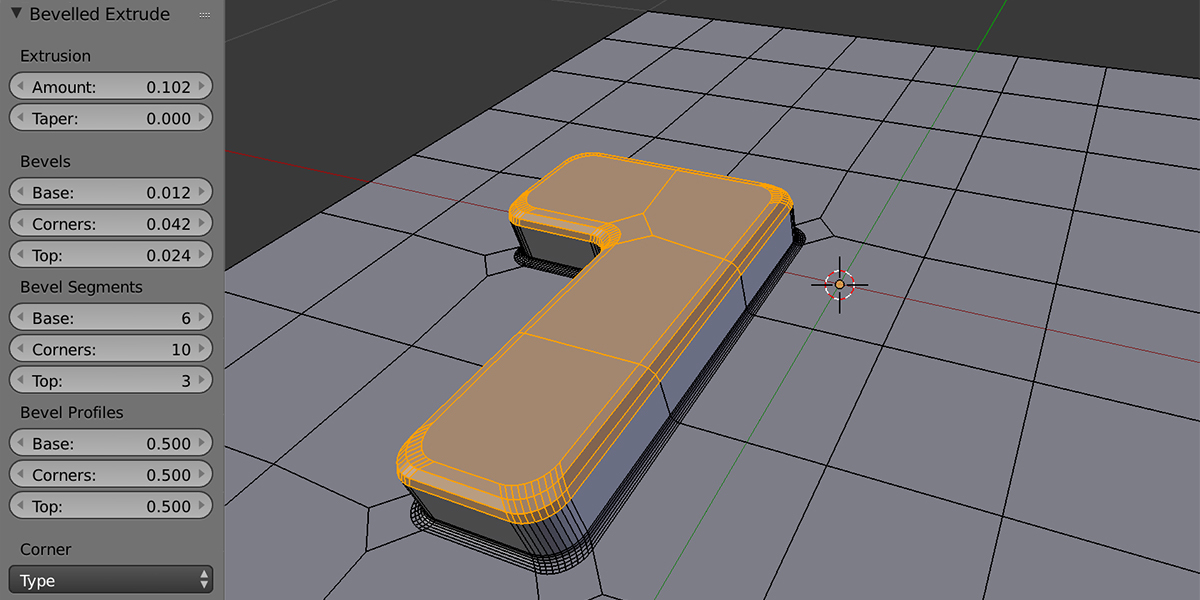
The base bevel affects the edges where the extrusion meets the original surface. Corner bevels affect each corner of the selected faces, where two edges share a face, while the top bevel affects the outer edges at the end of the extrusion. You can set the amount and segment count for each area independently. The profile setting changes the bevel cross-section: 0.5 gives a circular arc when faces meet at right angles; lower values give a flatter profile, with 0.25 exactly flat and values below 0.25 concave, while values above 0.5 give a more convex profile.
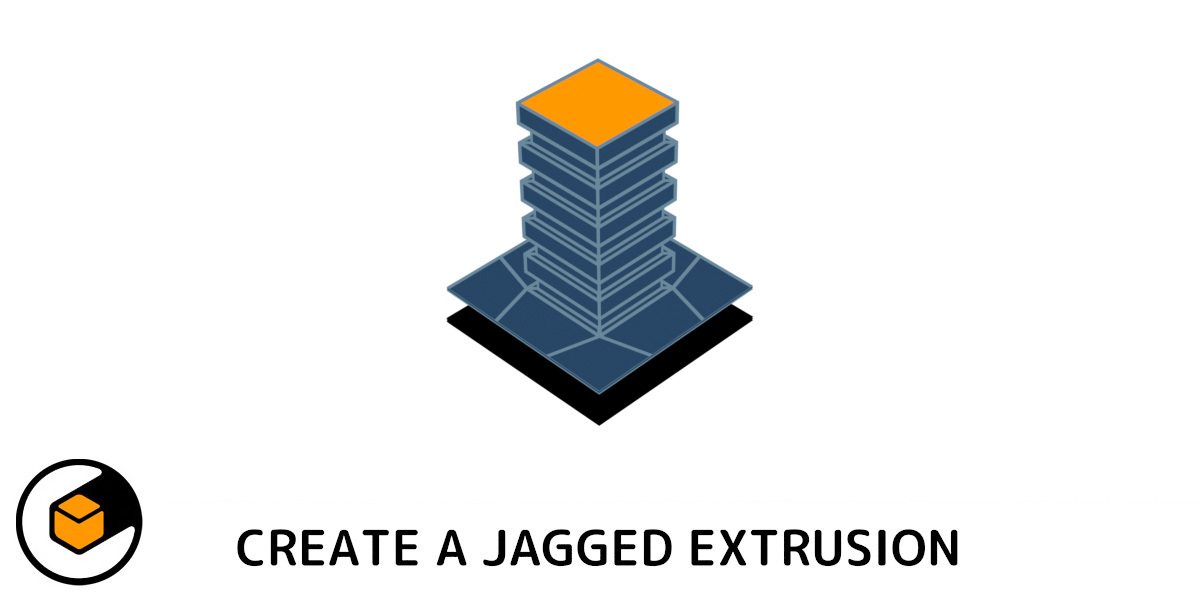
Amount mode changes the mesh directly. Weight mode assigns bevel weights to the extrusion edges so Blender's Bevel Modifier can control the bevel effect in Weight mode. The add-on also has a taper setting, side segments, smooth shading and an option to extrude individual faces along their own paths.
Use interactive controls while modeling
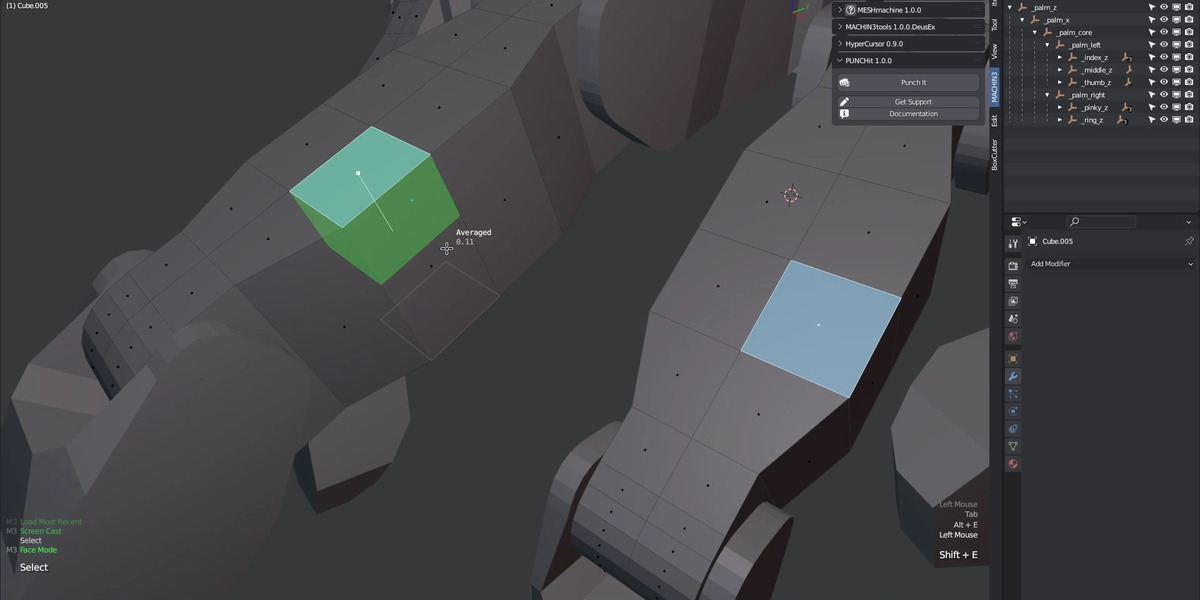
Work in Face Edit Mode and select the faces to extrude. The product documentation describes starting the operation from the context menu or Face menu. Interactive mode is available from the comma shortcut and the Mesh > Extrusion submenu opened with Alt-E.
During interactive editing, move the mouse to change extrusion depth. The mouse wheel adjusts the overall number of segments for the extrusion or, in Weight mode, the overall bevel weights on its edges and corners. Keyboard controls adjust individual settings:
- Q increases and A decreases the top bevel amount or weight.
- W increases and S decreases the corner bevel amount or weight.
- E increases and D decreases the base bevel amount or weight.
- R increases and F decreases bevel taper.
- T switches between Amount and Weight mode; G toggles smoothing.
Check version support and installation
Superhive lists Blender 3.0 through 5.2 as the supported range. Its version 1.53 release note says the add-on was updated for Blender 3.0 and later. Check the product listing for the current compatibility details before installing.
For Blender 4.2 and above, the documentation says to drag the installation ZIP into Blender. For earlier versions, use Edit > Preferences > Add-ons > Install and select the ZIP without unpacking it. Then search for Mesh: Bevelled Extrude and enable it.