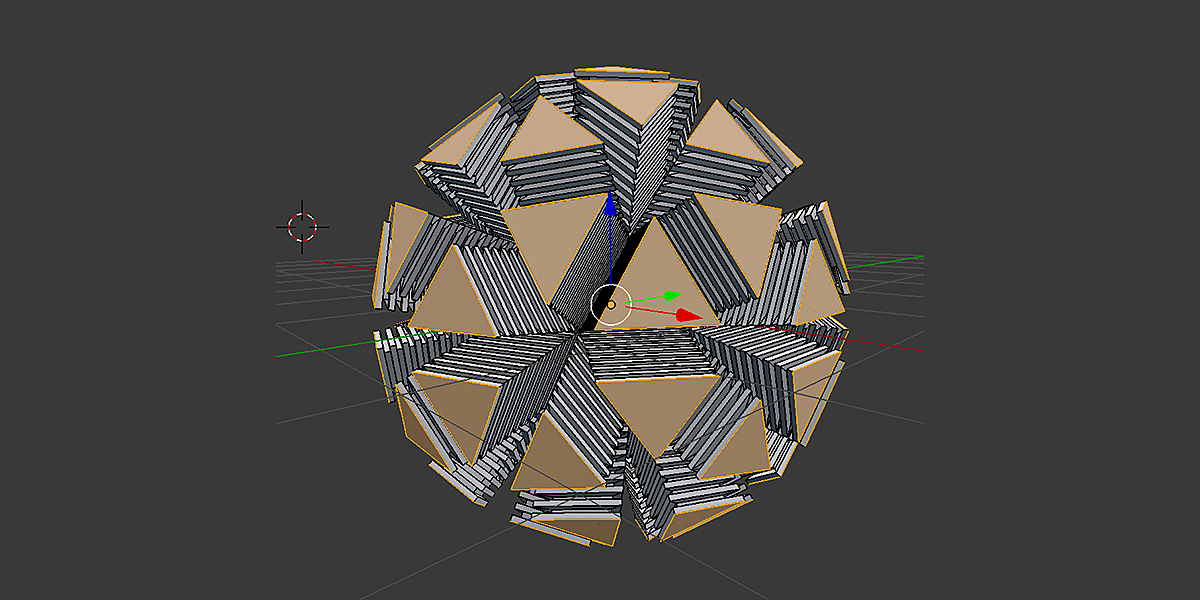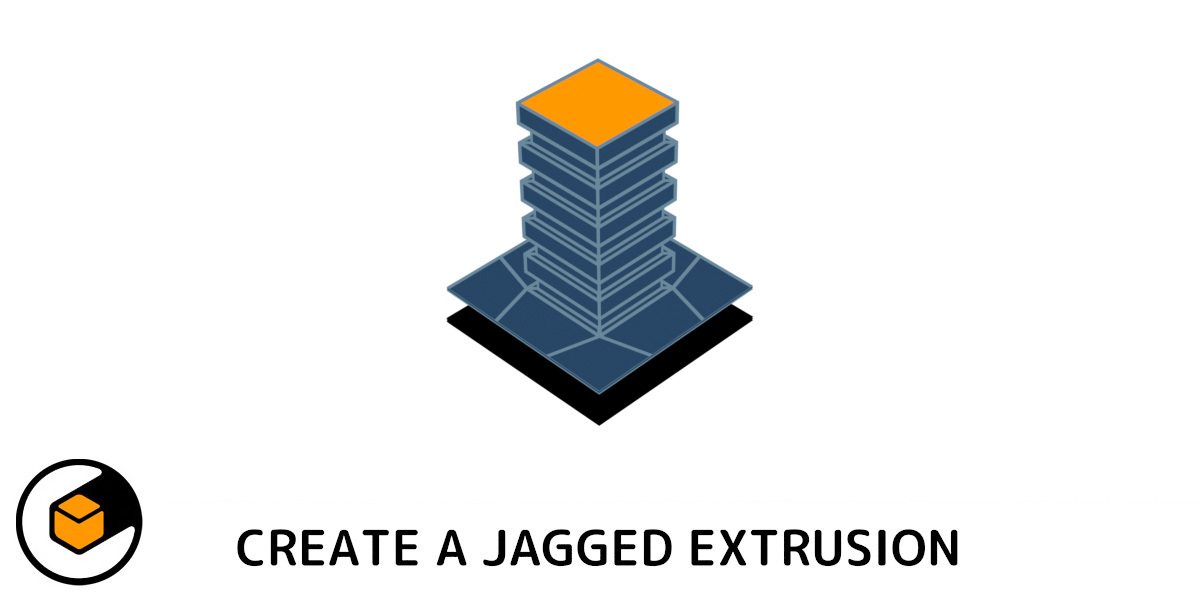
Zigzag Extrude by Mark Kingsnorth is a Blender add-on that creates jagged extrusions from selected mesh faces. Use it for stepped forms, ribbed patterns, piping or more abstract geometry. It works with triangles, quads and n-gons, and can extrude selected faces together as a region or one at a time.
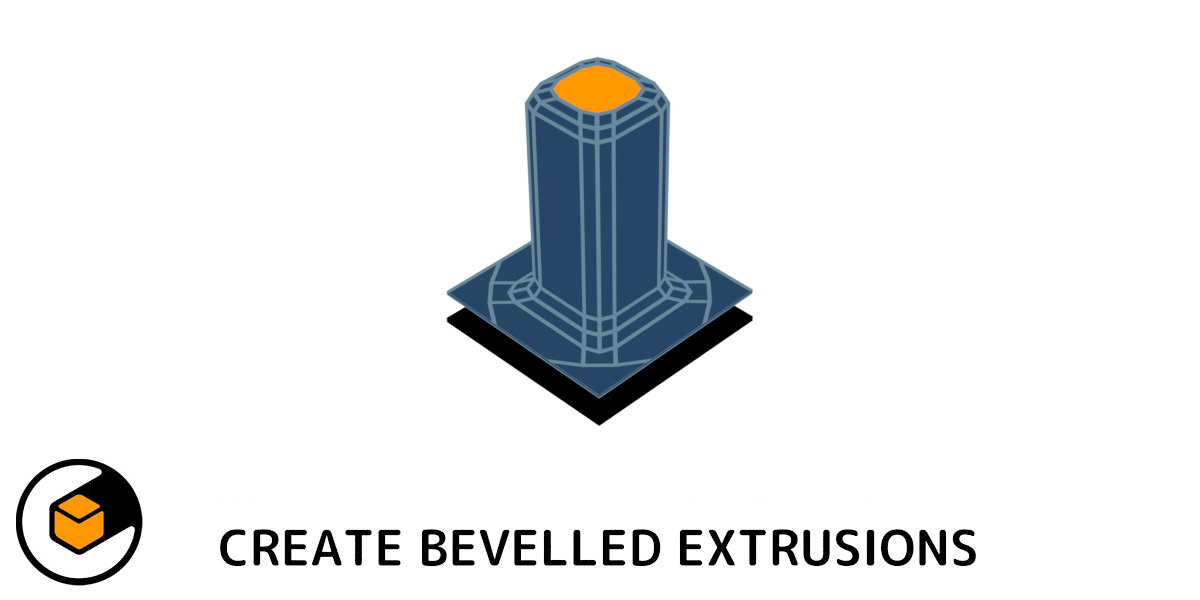
For pipe-like forms, the add-on can work with shapes such as circular edges. You can bevel the extrusion’s inside and corners, then combine it with Blender’s Path Deform modifier for more intricate piping.
Controls for shaping the extrusion
- Set the number of steps, inner depth and increment ratio. The documentation describes a ratio of 1.0 as a total outer extrusion and 0.0 as a total inner extrusion.
- Add jitter to vary the increment ratios, then change the random seed to get a different variation.
- Adjust transform amount, orientation, taper and rotation. Orientation options include the average normal of the selected faces, the object’s local axis and global orientation.
- Choose bevels for the inside, corners and outside. Amount mode changes the mesh directly. Weight mode assigns edge weights that can be used with Blender’s Bevel Modifier in Weight mode.
How to use Zigzag Extrude
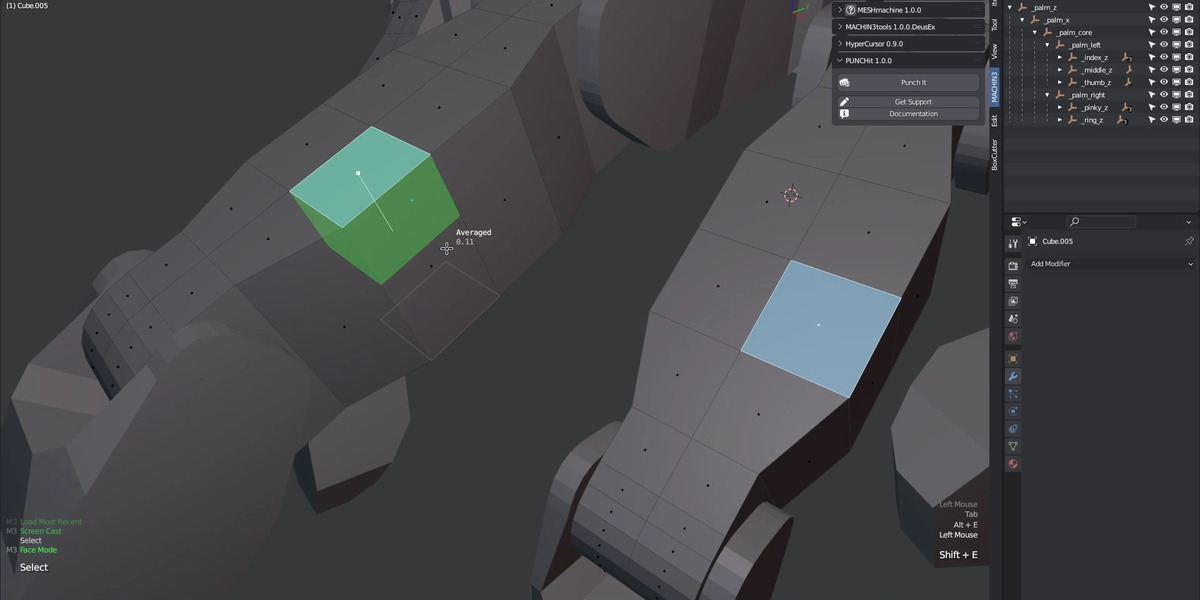
- Select a mesh and enter Face Edit Mode, then select one or more faces.
- Choose Zigzag Extrude from the right-click face context menu or press F3 and search for the command.
- Move the mouse to set the initial extrusion amount. Expand the panels in the Toolbar to adjust the shape and bevel settings.
During the operation, X and Z change the step count; R and F change taper. Q/A, W/S and E/D adjust the outer, corner and inner bevel amounts, and T changes the bevel type.
Installation and geometry checks
The Superhive listing marks the add-on as Blender Extension Compatible and reports Blender versions 2.83 to 5.3. Its documentation says Blender 4.2 and newer can install it by dragging the zip file into Blender. For earlier Blender versions, open Edit > Preferences > Add-ons, choose Install, and select the downloaded ZigZag Extrude zip without unzipping it.
The product FAQ warns that very high Inner Depth or Taper settings can produce malformed or non-manifold geometry and strange effects. If that happens, reduce the inner depth, taper, bevel or outer depth settings and inspect the result.