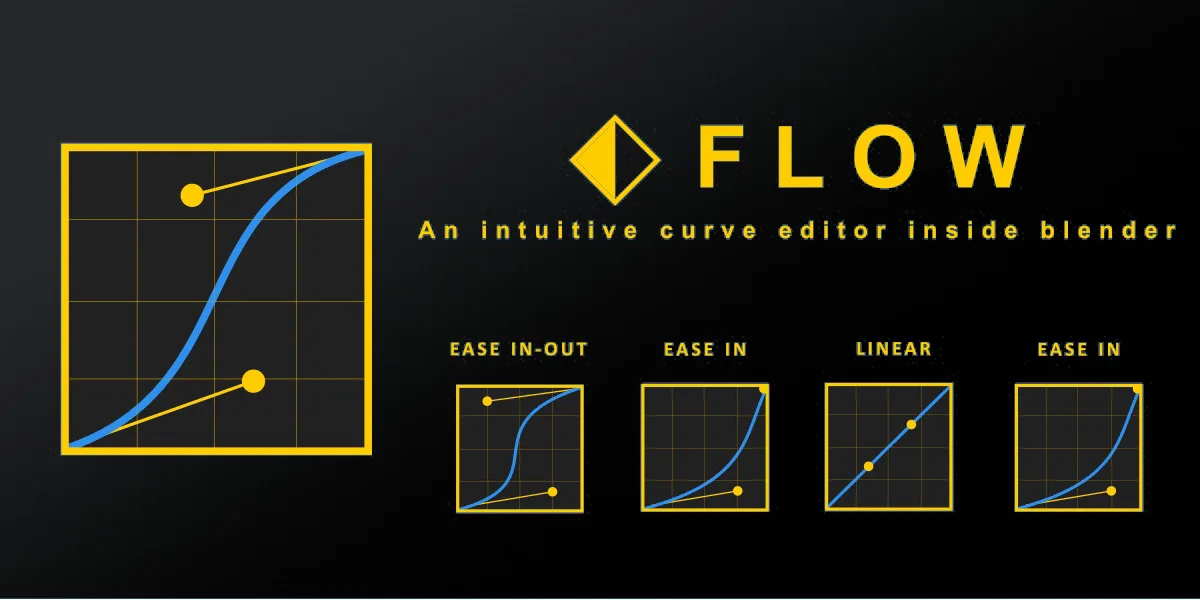
Bezier Curve Editor is a Blender add-on for editing and applying easing curves to keyframes. Open its graph from the Timeline or Info panel, drag the control points to shape a curve, then apply it to selected keyframes.
Edit and preview easing curves
Use Auto Apply to preview curve adjustments in real time. The add-on also supports elastic curves and lets you save frequently used curves as presets. Shift-click a preset to delete it, and use the interface tooltips for guidance on its buttons.
Navigate the curve graph
- Hold Shift while dragging a control point to snap it to the edge.
- Hold Ctrl while dragging to snap to the grid.
- Use the middle mouse button to pan the view and the scroll wheel to zoom.
Version and compatibility
The Blender Extensions listing identifies IcedDog as the maintainer and lists version 1.0.9, Blender 4.2.0 as the minimum version, and the GNU GPL v3.0 or later license. Version 1.0.9 fixed an issue with applying easing when multiple keyframes were selected. Check the version history for release details and the official extension listing for current compatibility information.
To install the downloaded extension, follow Blender's Install from Disk instructions.