What Flow does
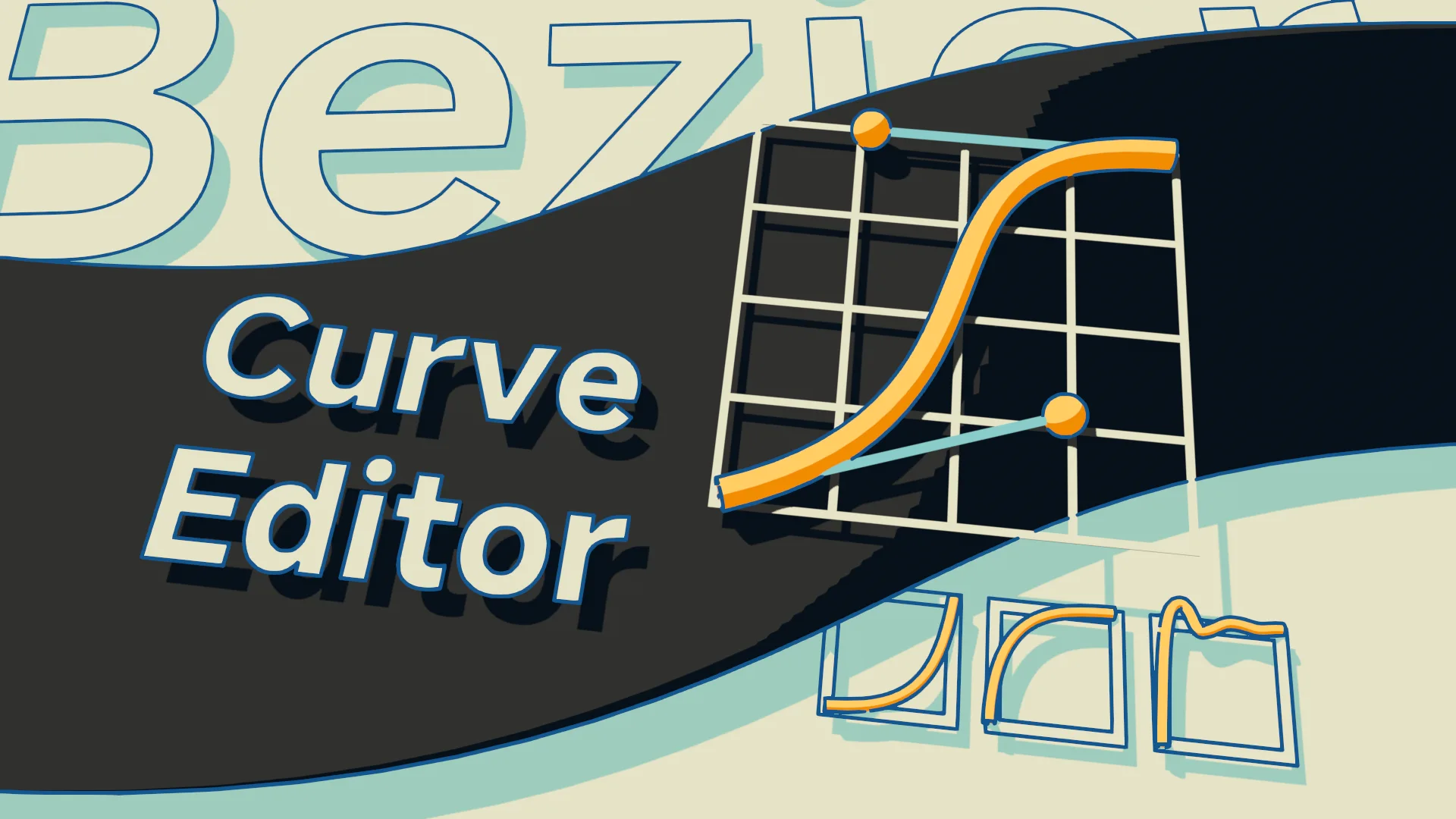
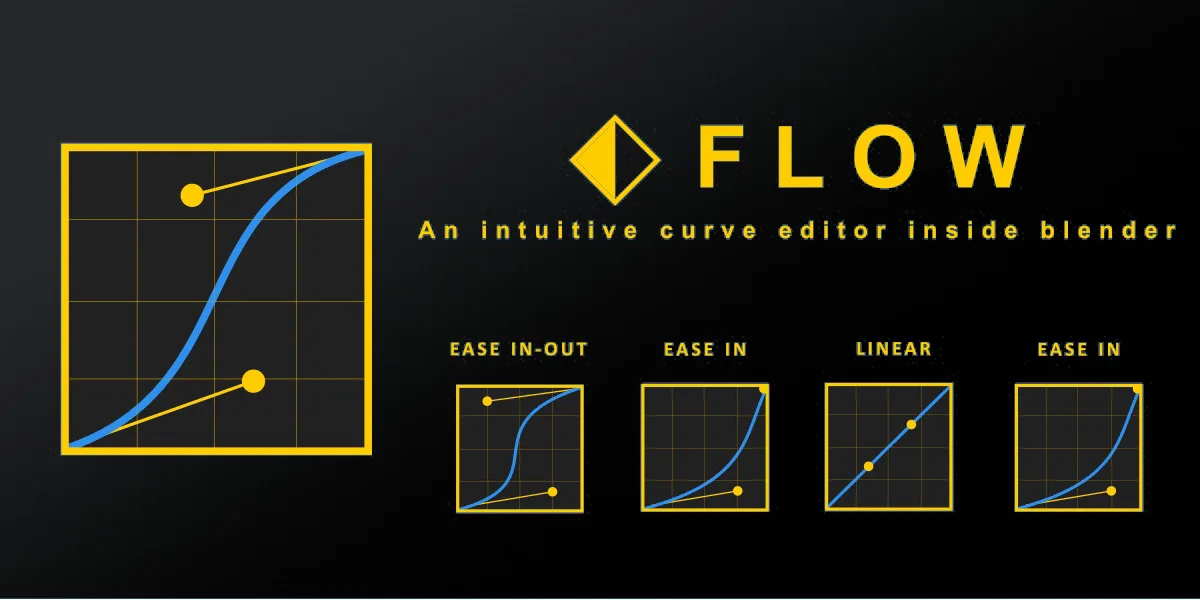
Flow is a visual Bezier curve editor for Blender. Its GPU-accelerated modal interface opens a 2D graph with draggable yellow control points, so animators can shape keyframe easing visually. Auto Apply shows the effect of handle adjustments immediately in Blender's Graph Editor. The workflow brings After Effects-style easing to Blender.
Shape easing and reuse presets
Flow includes quick presets for Ease In-Out, Ease In, Linear, and Ease Out. It also applies Elastic, Bounce, and Back interpolations with a single click. For timing patterns you use repeatedly, create and save custom easing presets, then scroll through your library to apply them across projects.
This suits Blender animators who regularly refine keyframe timing or want to reuse their own easing choices.
Controls and compatibility
- Left-mouse drag: adjust Bezier handles.
- Enter: apply changes and close the editor.
- Esc: cancel changes.
- Ctrl+drag: resize the UI window.
Superhive lists Blender 4.0 to 5.1 in its version details and says 5.0+ in the product description. See its product listing ; ask Fine studio which range applies to your Blender release. The listing identifies Fine studio as the creator and GPL as the license.