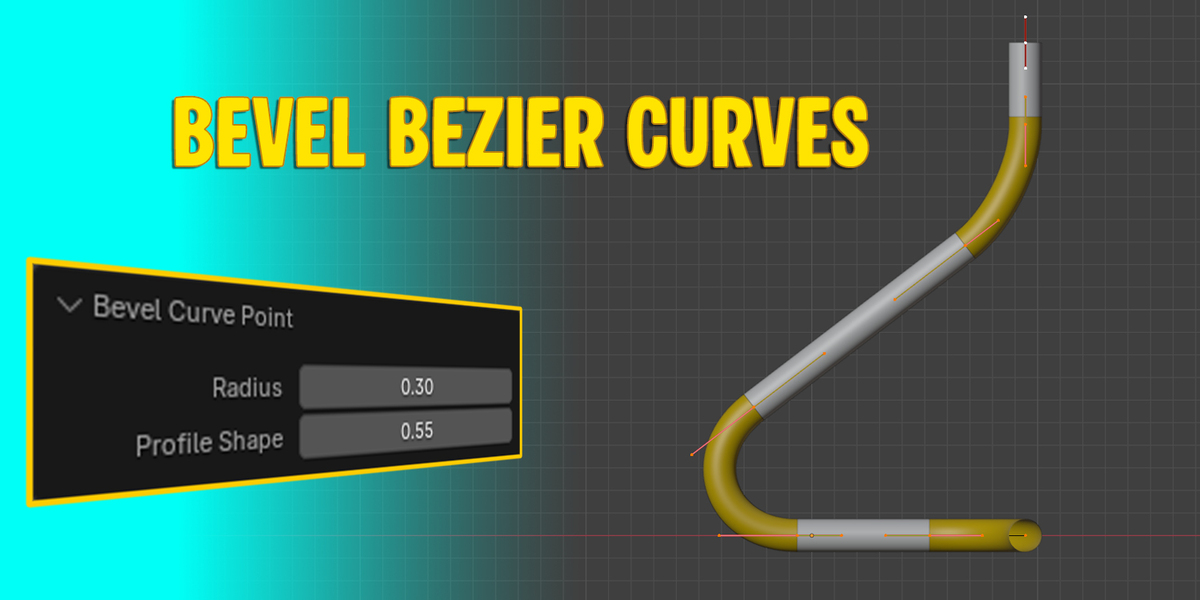
Bezier Curve Fillet Tool is a Blender add-on from Luxuy Store for rounding selected sharp corners on Bezier curves. It helps when a curve needs both smooth sections and defined corners, without adjusting spline handles by hand. The product listing identifies Blender 2.7x and a GPL license.
Adjust the radius and fillet shape
In Blender 2.7x Curve Edit Mode, select the corners to round, then press W and choose Bezier Curve Fillet, or use Ctrl+F. The modal operator previews the result as you move the mouse. Mouse movement adjusts the radius; hold Ctrl while moving to change the curve handle ratio. The value is based on the mouse's distance from its starting position.
The listing's update dated June 4, 2015, says a ratio of 1 makes a perfect circular fillet, while 0.5 makes a flat, chamfer-like fillet.
Install the add-on in Blender 2.7x
- Place the add-on's Python file in Blender's
scripts/addons/directory. - Press F8 to refresh Blender.
- Open User Preferences, go to the Add-ons tab, and enable Bezier Curve Fillet Tool in the Add Curve category.
- In Curve Edit Mode, select corners and run the fillet operator from the W menu or with Ctrl+F.
Compatibility and license
The product listing specifies Blender 2.7x and the GPL license. It does not state support for later Blender releases, so check the product listing before using it with another version. The documentation has the installation and use instructions.