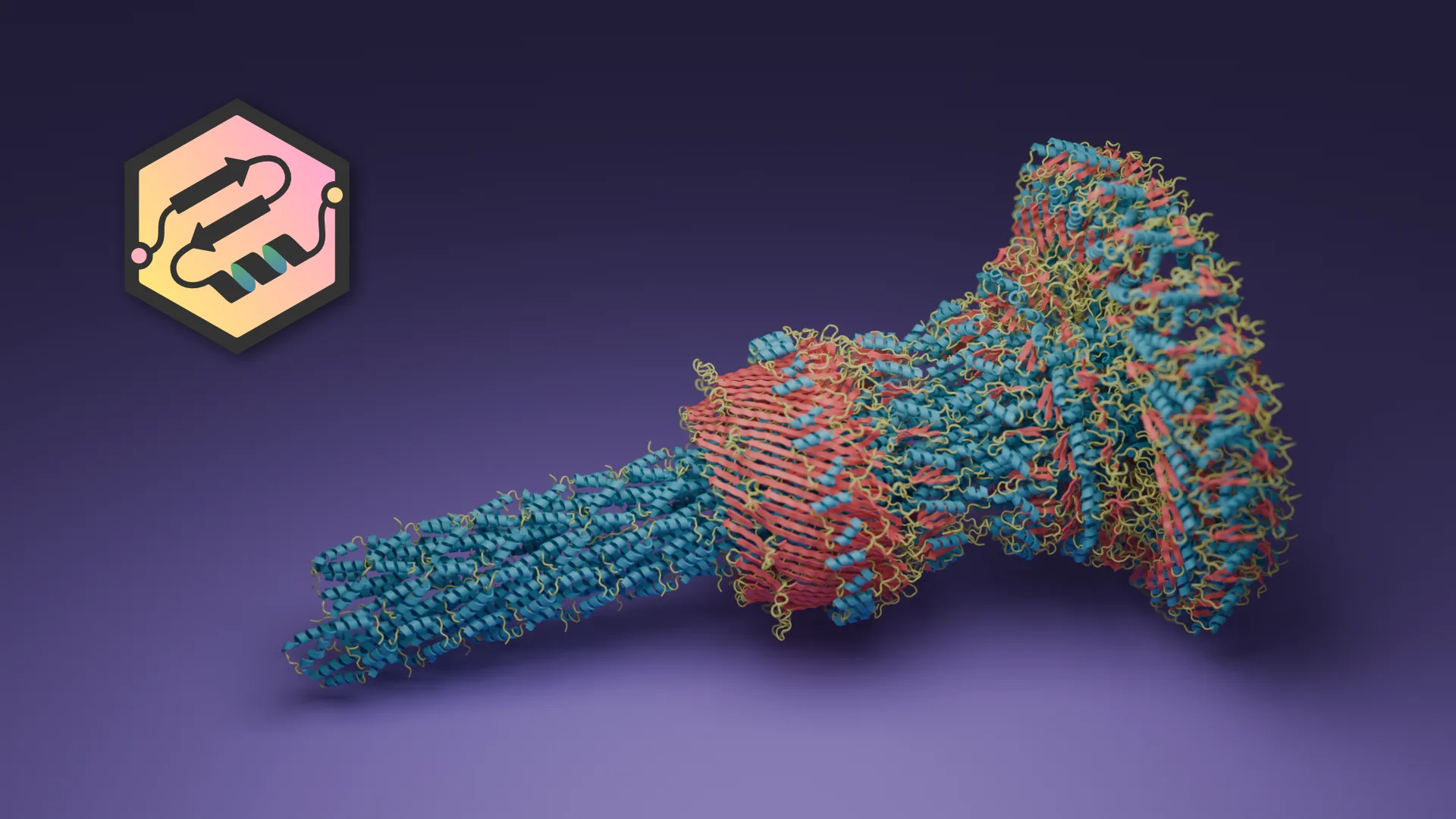
Bio-Art Blender is a Blender add-on by Julian Melendez for building molecular and cellular visualizations. Its importer accepts multiple comma-separated Protein Data Bank (PDB) IDs for proteins, DNA, RNA, and ligands. It cleans imported meshes and can prepare them for 3D-printing workflows. Other tools generate membranes and virus capsids, model DNA and RNA, scatter selected proteins, simulate ligand diffusion with boids, and apply PBR materials. The add-on also includes Eevee-only line art. Full importer functionality requires open-source PyMOL and MeshLab. The product listing describes five visualization presets, including surface, cartoon, and balls-and-sticks views.
Build scenes with molecular structures
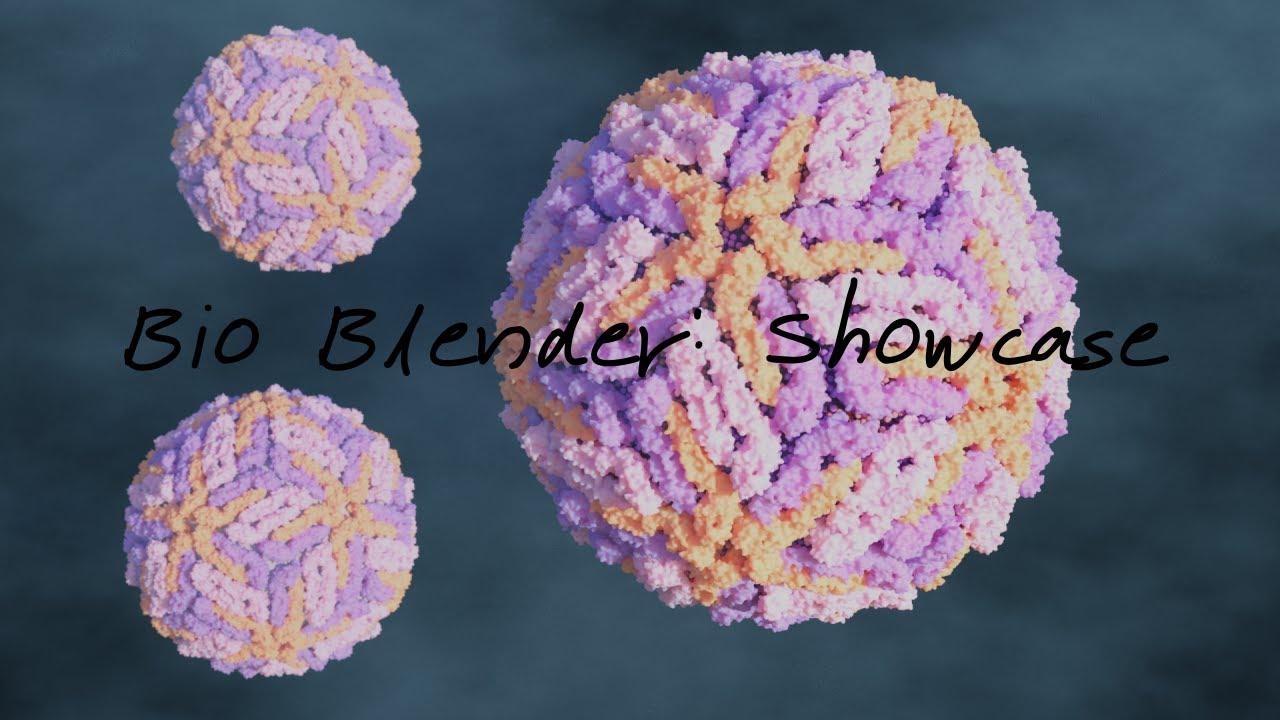
You can import molecules and polymers from the same PDB file and choose different visualization types for them. For DNA and RNA, the add-on includes surface and cartoon models. Its documentation describes six preset paths for quickly shaping nucleic acid models, and says the cartoon model is designed to work with subdivision and the array modifier. The virus operator can build icosahedral or spiral capsids from a symmetric unit cell without creating additional polygons.
Generate and animate membranes
Geometry Nodes generates one- or two-component membranes in planar or spherical forms. Procedural controls adjust size, scale, and cross-section; lipid distributions can use spinodal decomposition or a pattern resembling domain formation. You can animate the membrane and scatter selected proteins across it, with controls for distribution, density, and scale. The product page marks automatic membrane holes based on scattered proteins as experimental with Blender 2.93 geometry nodes and warns that they may fail in some cases.
Style scenes and simulate motion
Bio-Art Blender includes 14 PBR materials that can be applied to selected objects together. Its line-art controls work only in Eevee and let you adjust thickness procedurally. A boids system can simulate diffusion for selected ligands. Some operators also work on non-biological meshes for tasks such as scattering objects, applying materials, or adding line art. The product FAQ cautions that features may fail outside the biological work they were designed for.
Check setup and compatibility
The product documentation describes compatibility with Blender versions in the 2.9 series and recommends Blender 2.93 LTS; the product FAQ specifies compatibility with any 2.93.x release and says full importer functionality requires open-source PyMOL and MeshLab. It says any MeshLab version earlier than 2020.02 works and includes platform-specific setup instructions. The setup documentation does not confirm compatibility with later Blender releases. The product FAQ says buyers would receive a compatible 3.0 version once Blender and the add-on were updated, but it does not establish whether that update is available now; check current product information before installing a later release. The product listing says the commercial PyMOL version needs a special license for production use and recommends the open-source version; the FAQ says its commercial distribution is limited to non-commercial use. The sources do not clarify whether those labels refer to the same distribution, so check the license for the version you install before production use. The marketplace listing identifies the add-on license as GPL.
The documentation gives a model scale of 1 centimeter to 2 angstroms, with default membrane thickness around 4.9 nanometers and a default cell diameter around 76 nanometers. Those figures can help when planning a scene that combines imported structures with generated membranes.