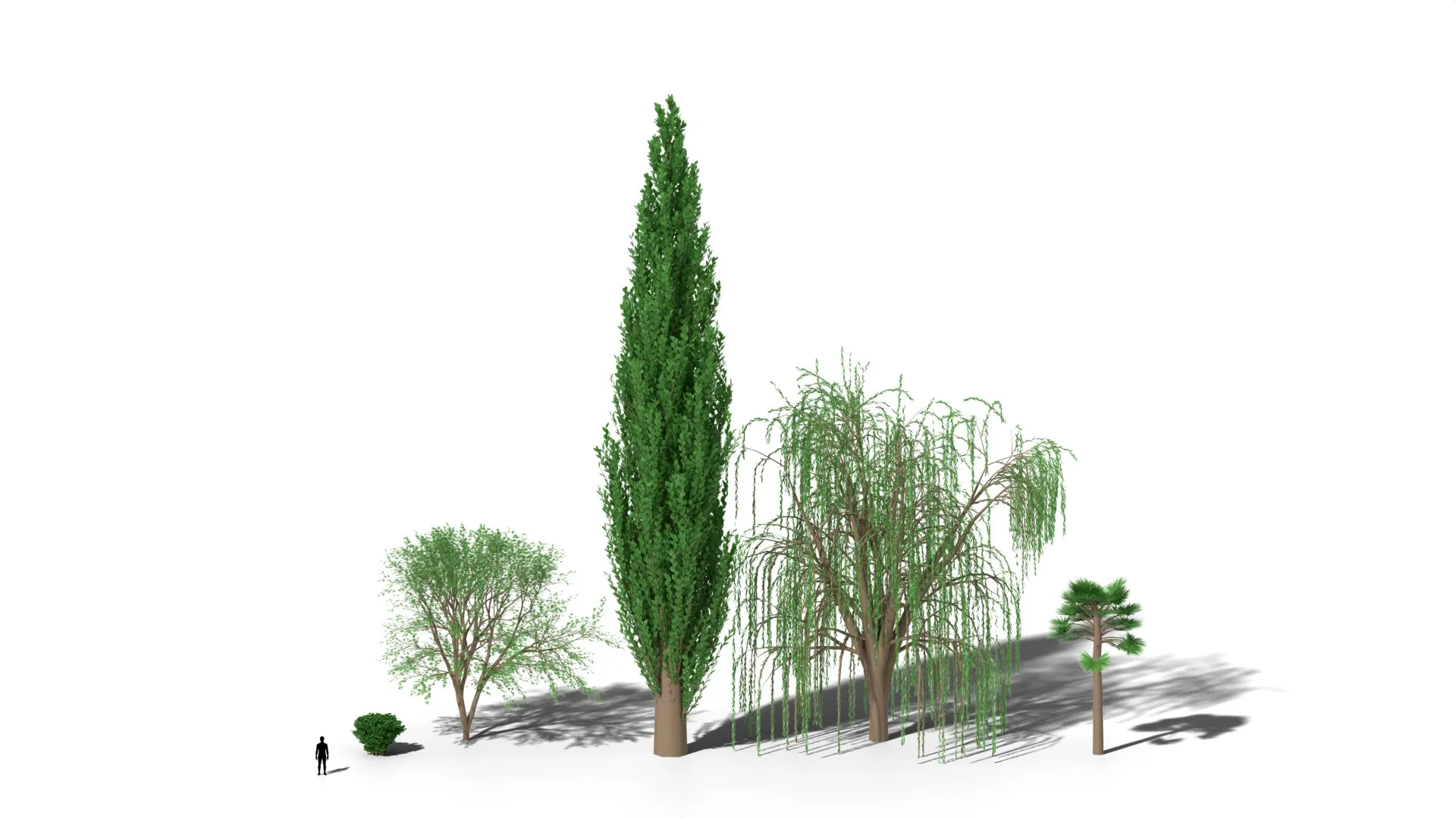
Treeshaper is a Blender add-on by Stelzer Technologies for generating trees from grow zones. It builds trunks, roots and branches, then lets you adjust the zones and regrow the result. The product is aimed at artists, game developers and environment designers who want to shape trees inside Blender.
Shape growth with zones and parameters
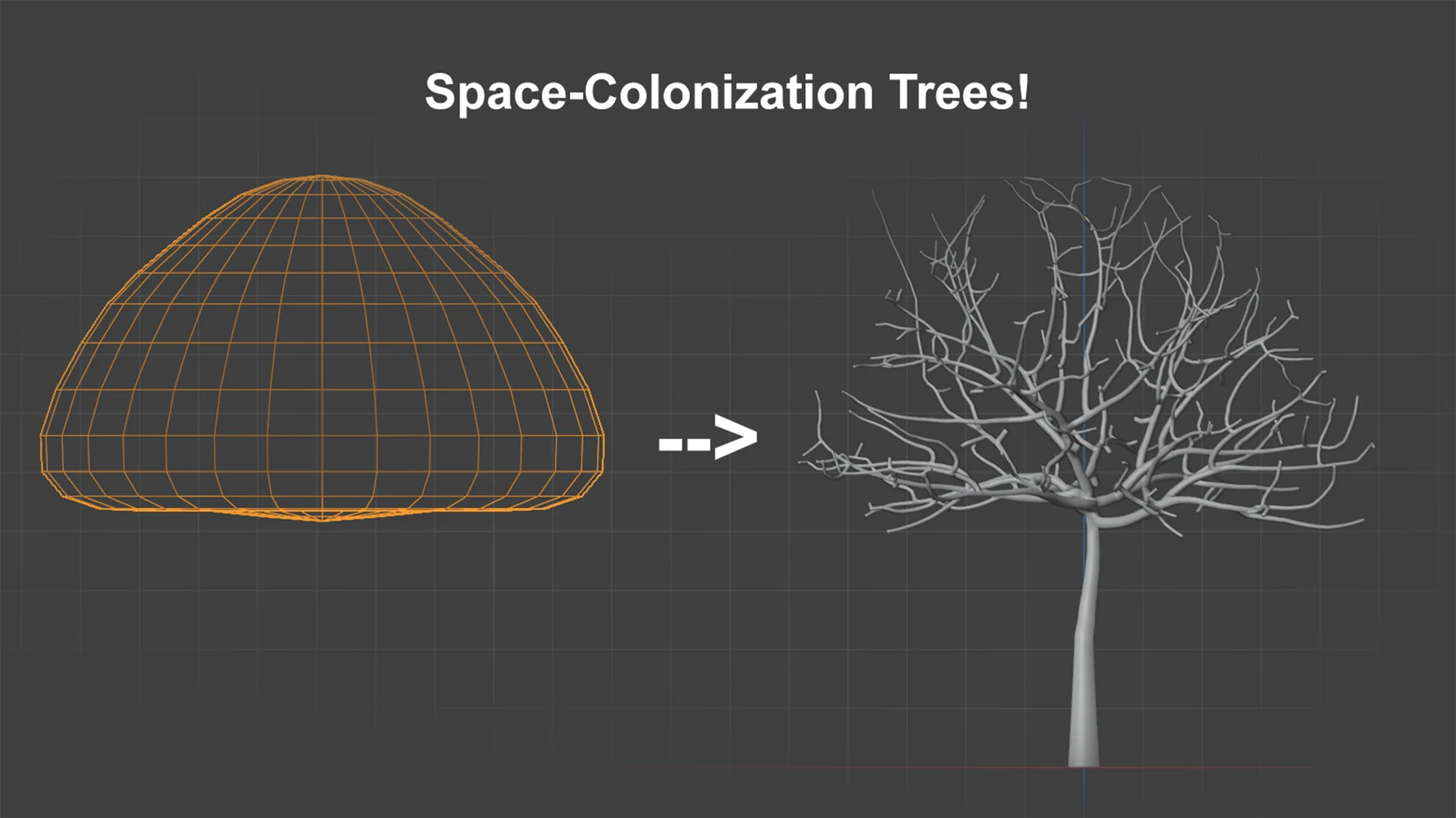
Set grow zones for branches and roots, then use no-grow zones to keep growth out of selected areas. Change those zones and regrow the tree as the scene develops. Treeshaper also provides controls for density, trunk width, twist, gnarliness, tropism and growth decay. Tropism adjusts the influence of gravity or wind. The new Twist Parameter provides spiral control per unit or per segment.
What changed in version 2.0
Version 2.0 replaces Blender's skin modifier with a custom quad meshing system. The product listing describes the resulting topology as cleaner for sculpting and subdivision, with natural branch attachments and better compatibility with game engines and modifiers. Each generated tree includes unwrapped UVs for materials, texturing and baking. The update also improves branch connections and cleans up the interface.
Geometry Nodes and tree presets
Treeshaper includes preconfigured Geometry Nodes for twig distribution and a library of preset trees with bark textures, twig and leaf models. The Basic version includes a realistic oak tree with bark and leaf materials. The listing describes birch and pine presets as in development for an upcoming Premium version, so they should not be assumed to be included in Basic.
Install and create a tree
The product documentation says to install the ZIP through Blender's User Preferences under Add-ons, using Install. Leave the ZIP packed. In the viewport, use Shift+A, then choose Mesh and Grow Tree. Press N to open the properties panel, where you can change parameters and regrow the tree after adjusting settings or zones.
Compatibility and license
Superhive lists Blender 4.1 through 5.2, along with Cycles and Eevee support, and marks the add-on as Blender Extension compatible. The retrieved AnyPlugins summary lists Blender 4.1 through 4.5, so the compatibility ranges conflict. Check the current seller listing for your Blender version before installing. Superhive lists the license as GPL.