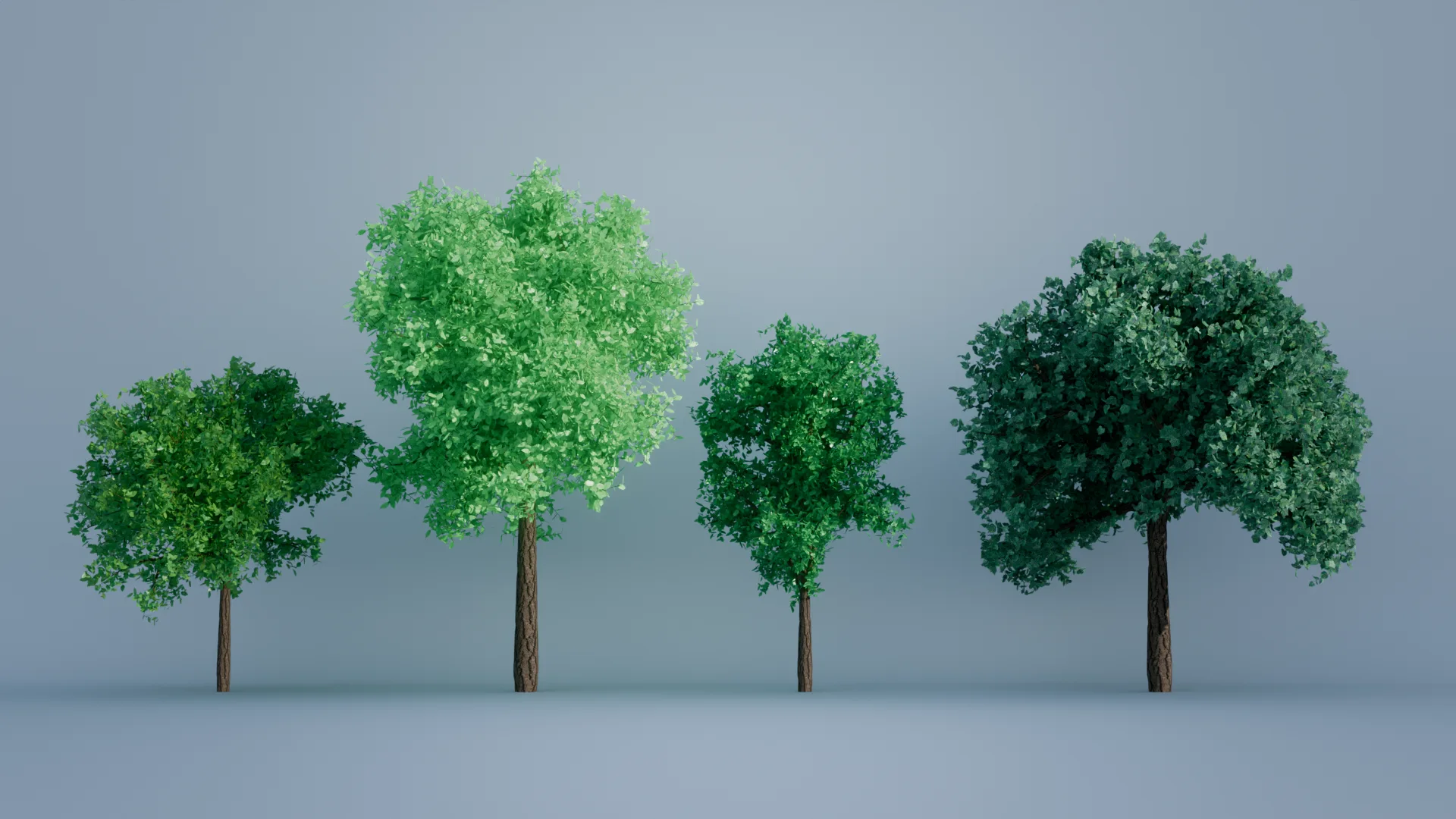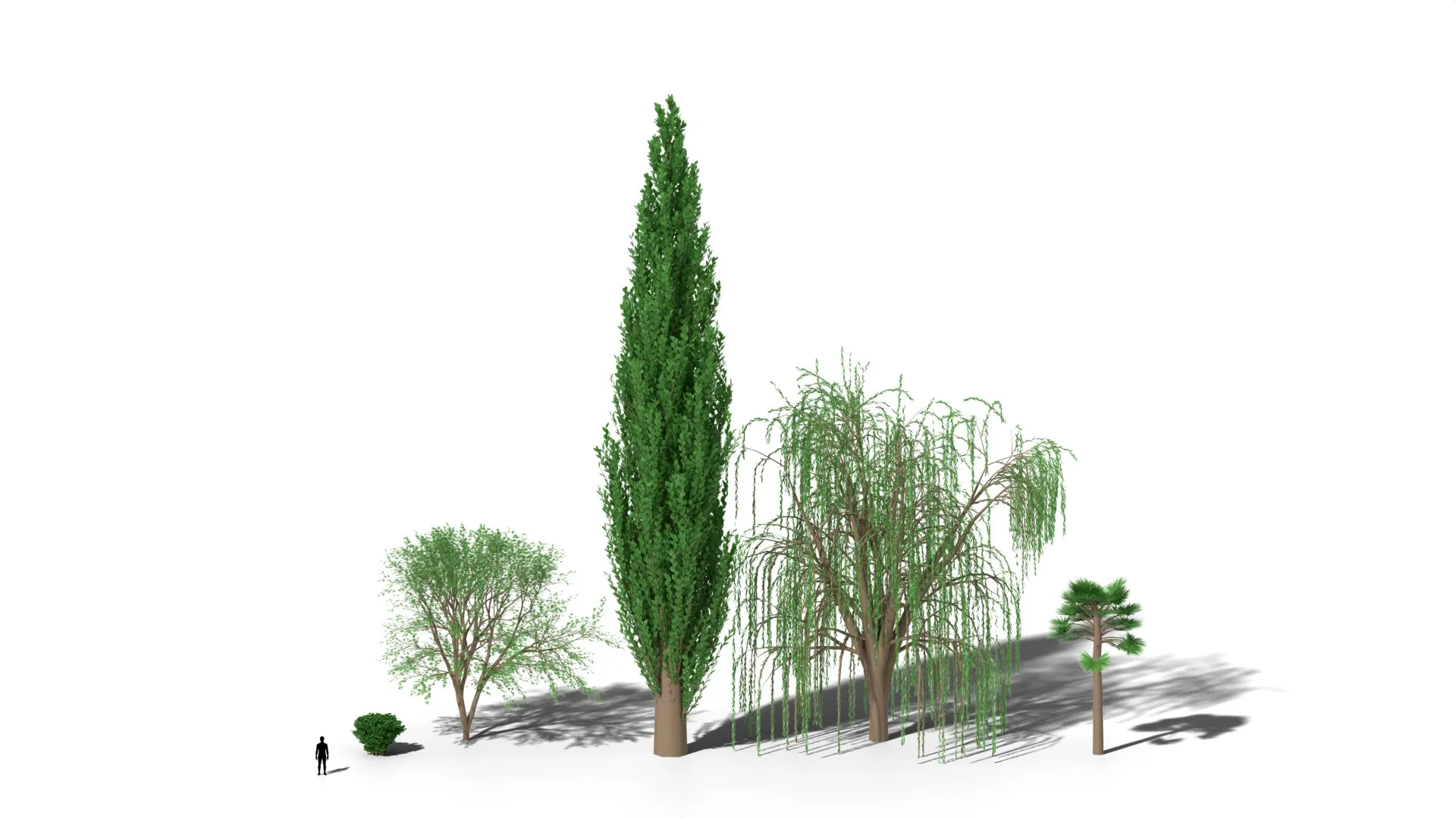
Tree It is a Blender add-on for creating adjustable tree rigs with Geometry Nodes. Its controls let you change branch and trunk details inside Blender. Superhive lists support for Blender 4.0 to 5.2 and the Cycles and Eevee render engines.
Adding a tree in Blender
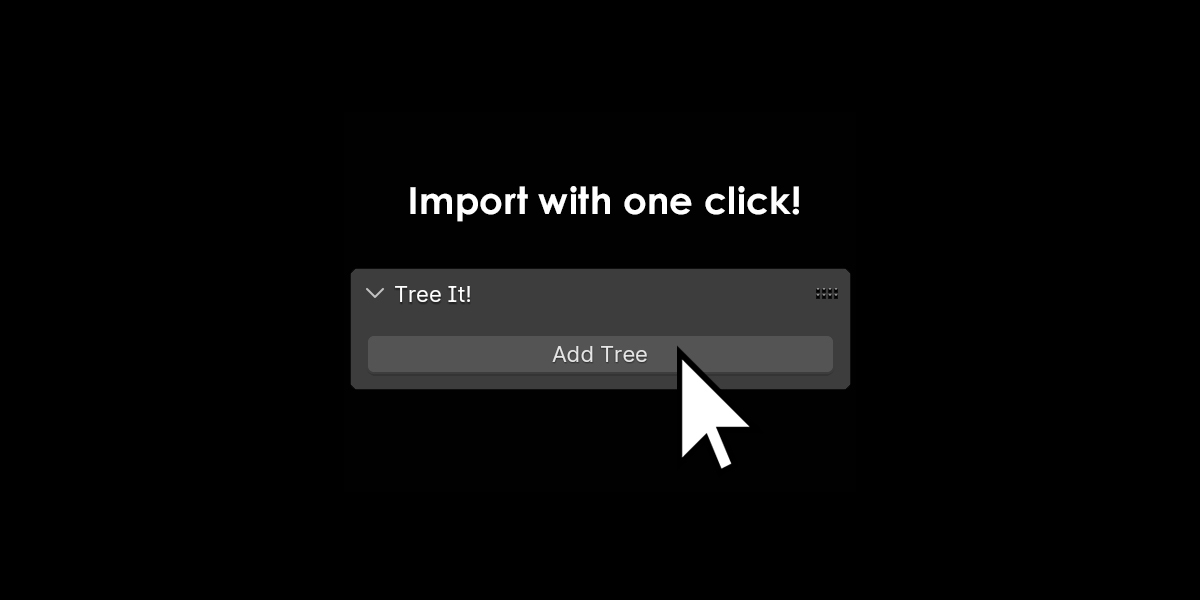
In the 3D Viewport, press N to open the sidebar, find the add-on and choose Add Tree. The Tree It documentation recommends using Add Tree each time you need a new tree rig. It notes that the rig is difficult to duplicate, though you can duplicate the tree without its rig.
Adjusting branches and the trunk
The documentation describes controls that respond to moving, scaling and rotating parts of a tree. Moving a branch changes its length and density. Scaling changes its thickness, while rotation also increases its bend. Other controls affect branch and trunk size, noise, and where branches appear along the trunk.
Texture edits, the seed control and options for hiding tree sections are in the Geo Nodes menu. The controls let you adjust generated trees within a Blender scene.
Compatibility and license
The Superhive listing identifies Tree It as an add-on that is Blender Extension compatible. It lists Blender versions 4.0 to 5.2, Cycles and Eevee, and a GPL license. Check the listing for current compatibility details before installing.