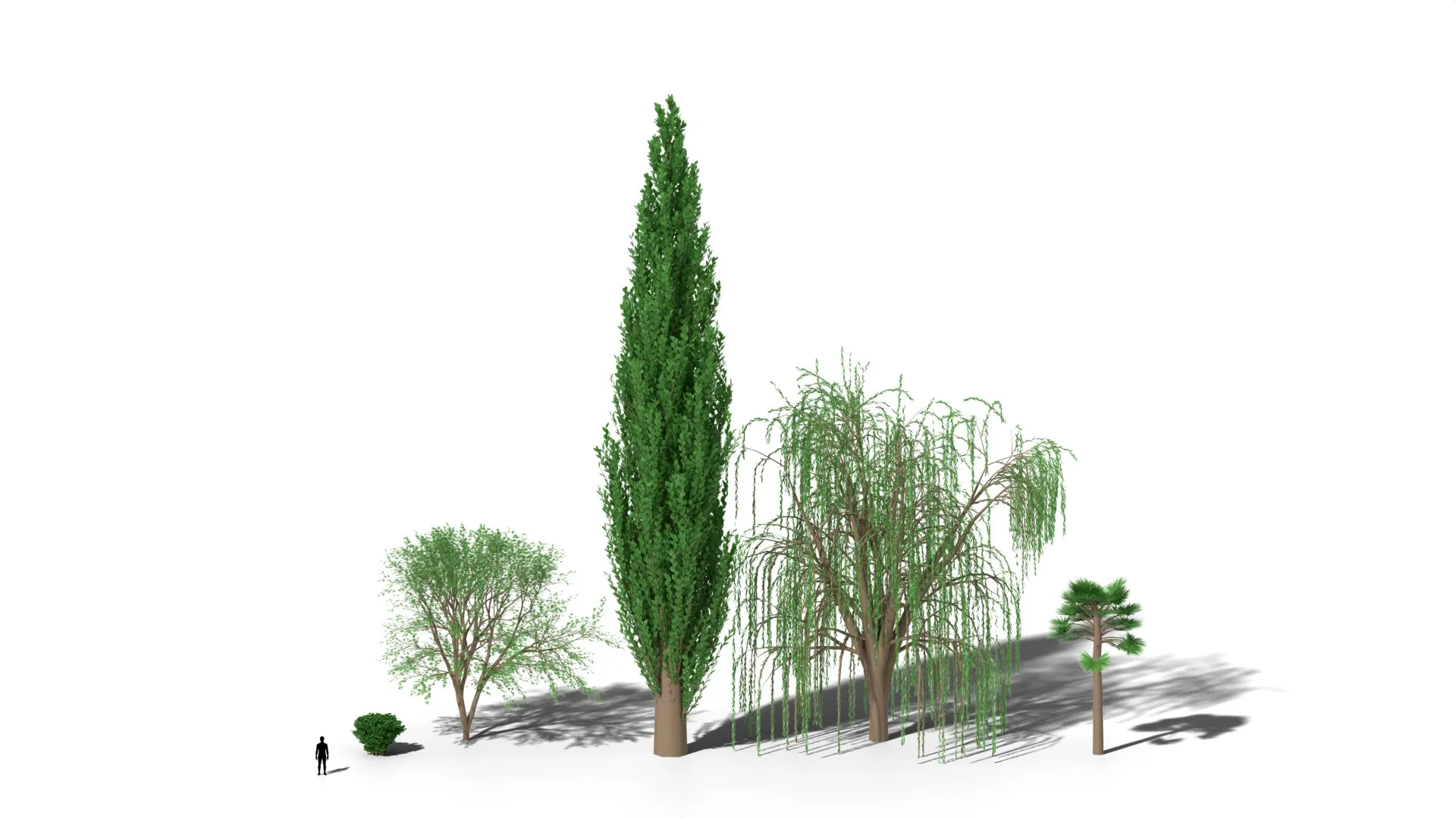
Easy Tree is a Blender add-on for making procedural trees with Geometry Nodes. Choose a preset and click Add Tree to create an object with the Simple Tree Generator node group applied. The add-on also imports the helper node groups used by the generator, so you can start with a working setup and adjust it in Blender.
Generate a tree from a preset
Open the Easy Tree tab in the 3D Viewport sidebar, choose a preset, and add the tree. This gives you a starting point without having to build the generator node tree by hand. You can then change the node group parameters or edit the groups themselves to adapt the result.
Adjust branches, leaves, and motion
Easy Tree includes modular Geometry Node components for different parts of a tree. Branch Generators create branching structures, and Simple Wind Effects add swaying motion. Custom Leaf Support lets you use any mesh object as a leaf, including a mesh already in your scene.
The node groups are appended to your Blender file rather than linked from an external library. You can open and edit them directly.
Set up bark materials
Generated trees include UV coordinates for bark texturing. Easy Tree also includes CC0 bark textures from ambientCG. You can replace them with your own textures, materials, or shaders to match the rest of a scene.
Compatibility and installation
The Blender Extensions manifest lists version 1.0.1, Blender 4.5.0 as the minimum, Jacob-Johnston as maintainer, and GPL-3.0-or-later as the license. Check the Easy Tree project on GitHub for its source, and follow Blender's Install from Disk instructions for installation.