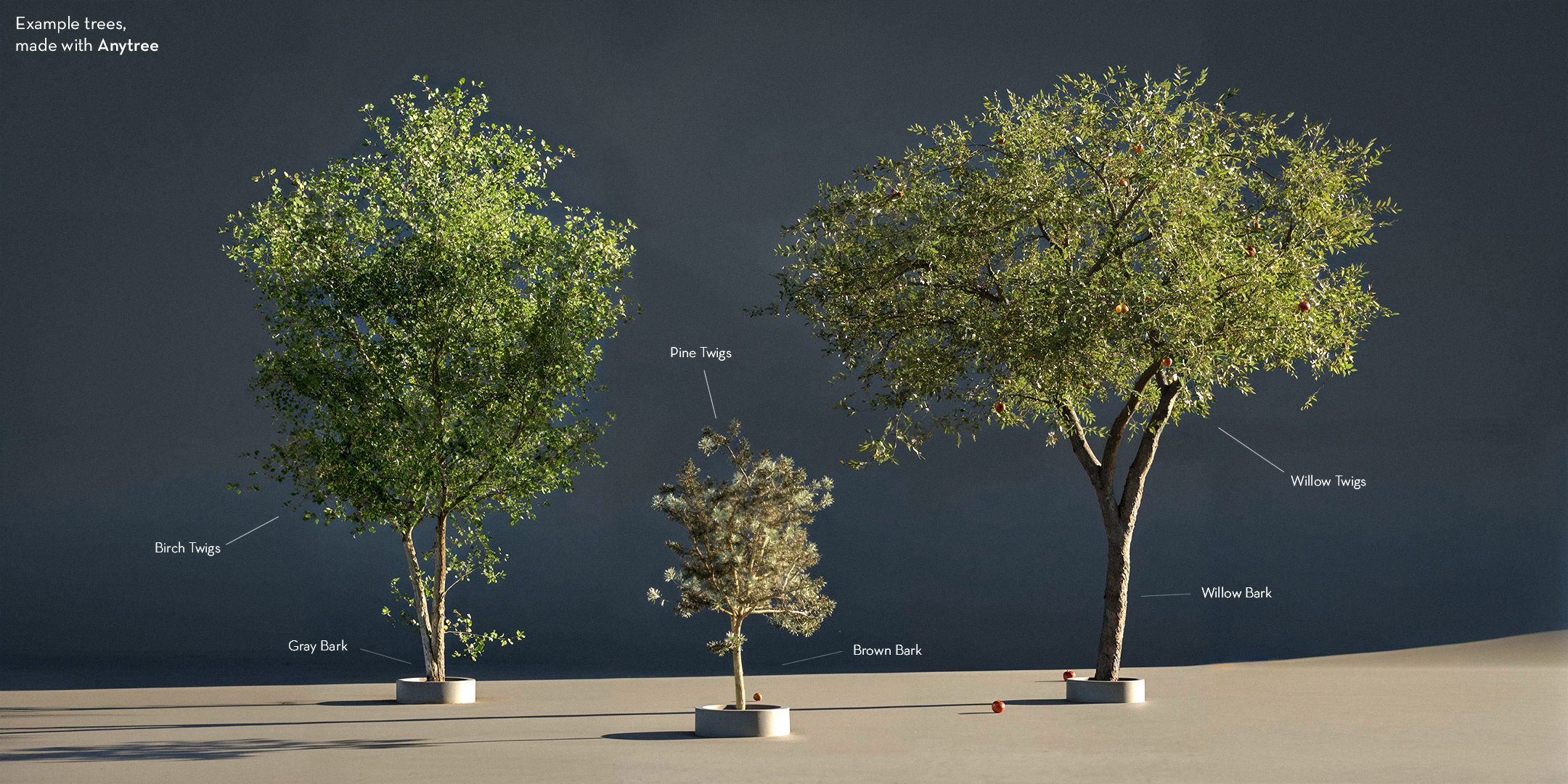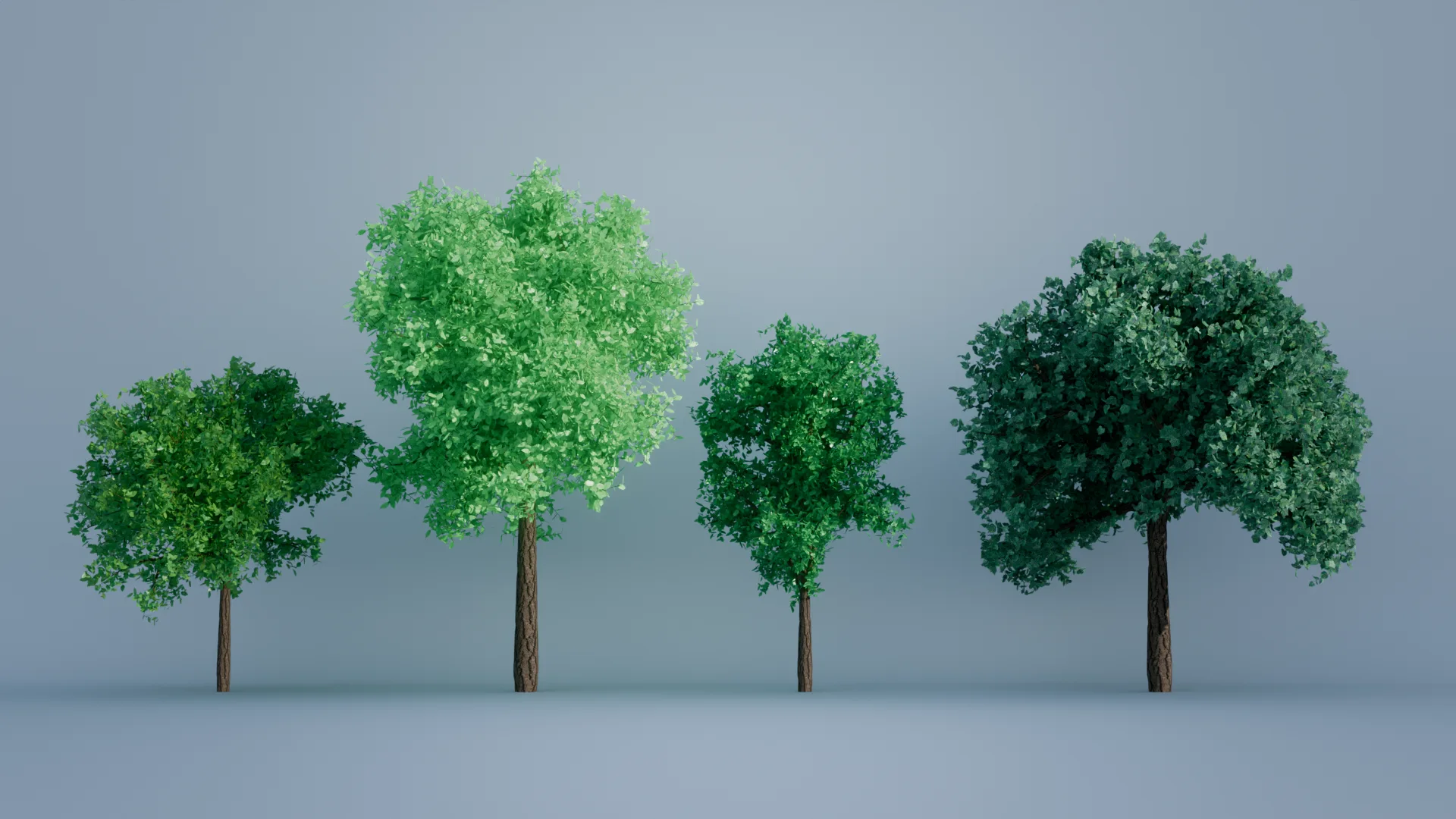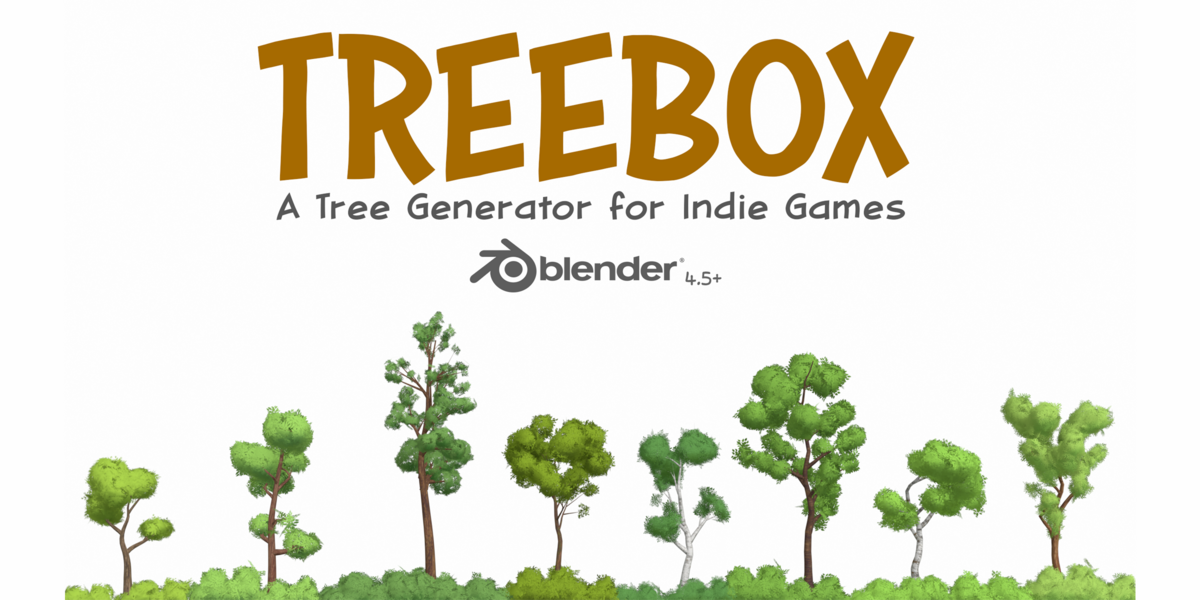
Treebox for Blender is a procedural tree and bush generator for artists building natural assets for games and other projects. Its Geometry Nodes controls cover branch splitting, leaf scattering, normal smoothing and volume generation. The product listing also describes anime-inspired trees, preset materials and one-click conversion to meshes.
Shape stylized trees and bushes
The creator’s FAQ says the generators have controls for both radius and curve resolutions, so you can make higher- or lower-poly trees.
Prepare foliage for a game pipeline
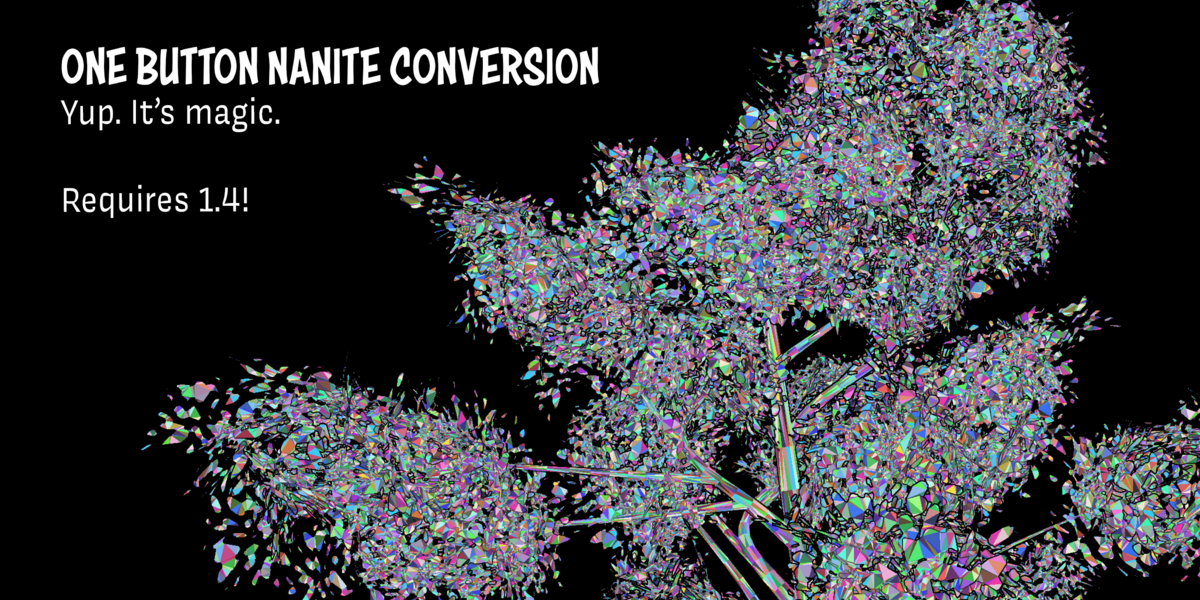
The creator’s FAQ says the Tree to Mesh command converts the generated result into geometry. It describes the leaf canopies as flat alpha-card planes that may not be Nanite-compatible, and says you can substitute a custom 2D or 3D leaf object. The FAQ says UVs are generated and that included textures can be imported into Unreal or Unity. The FAQ reports that converted trees are compatible with Unity and UE5 and says radius and curve resolution controls let users create higher- or lower-poly trees. Inspect the converted asset in your target engine; the FAQ gives no numeric polygon targets, LODs or collision setup.
Check Blender compatibility and documentation
The listing’s general Blender version field says 4.2–5.0, while its product description says Treebox v1.5 requires Blender 5.0.1 or newer. Check the version-specific requirements before installing. The listing’s “Render Engine Used” field names Cycles and Eevee. Its documentation page says a PDF is included in all editions and points to the creator’s video tutorials.
Who should consider Treebox?
Treebox may suit indie game developers and Blender artists who need to make stylized trees or bushes and want procedural controls before converting them to meshes. Review the generated foliage and materials against your project’s visual and performance requirements. Check the current product listing for its Blender version range and license field.