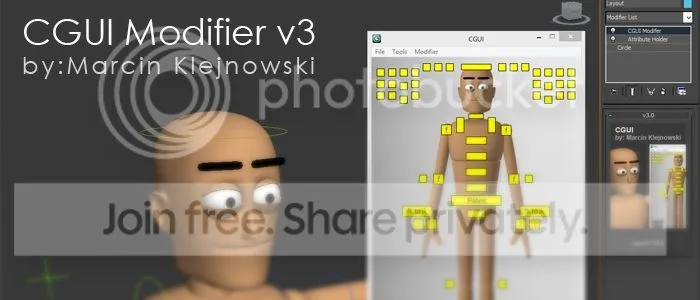
Biped Manipulator is a 3ds Max MAXScript for selecting rig parts and scene objects by name. Its controls can select individual bones or broader groups used in character rigs.
Selection across rigs
The script selects by object name, so it can work with Character Studio, CAT, and custom rigs. It can also select groups such as arms, legs, and the spine. The compact manipulator gives access to these selections without taking much screen space.
Controls and version notes
The manipulator parts are configurable. Version 2.1.0 added default support for Biped Knuckles bones and included an Unhide Selection macro script.
ScriptSpot lists version 2.1.1, updated June 19, 2023, with a 3ds Max version requirement of 2024. Its release notes say this version fixed the manipulator color and installation paths for 3ds Max 2024 and later. See the ScriptSpot listing and release notes.
Install and open
ScriptSpot's installation note says to copy the .ms file into 3ds Max's maxroot/plugins/ folder and restart the application. Then create the manipulator from the Create panel and activate Select and Manipulate mode. ScriptSpot's listing also points to the 3ds Max Help chapter on Manipulator Helper Objects.