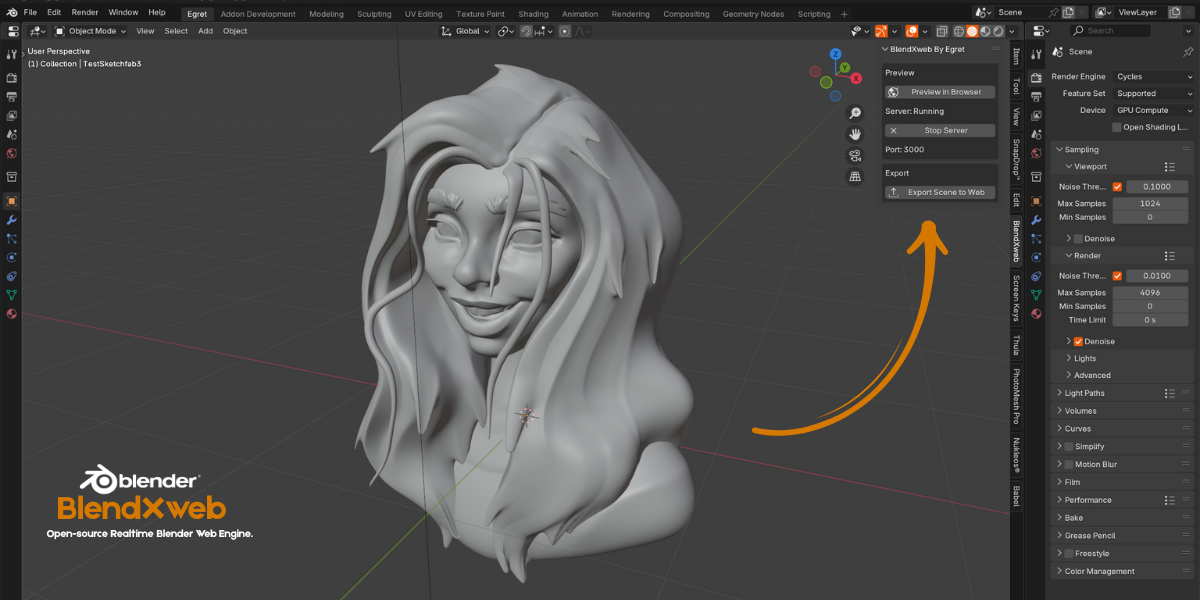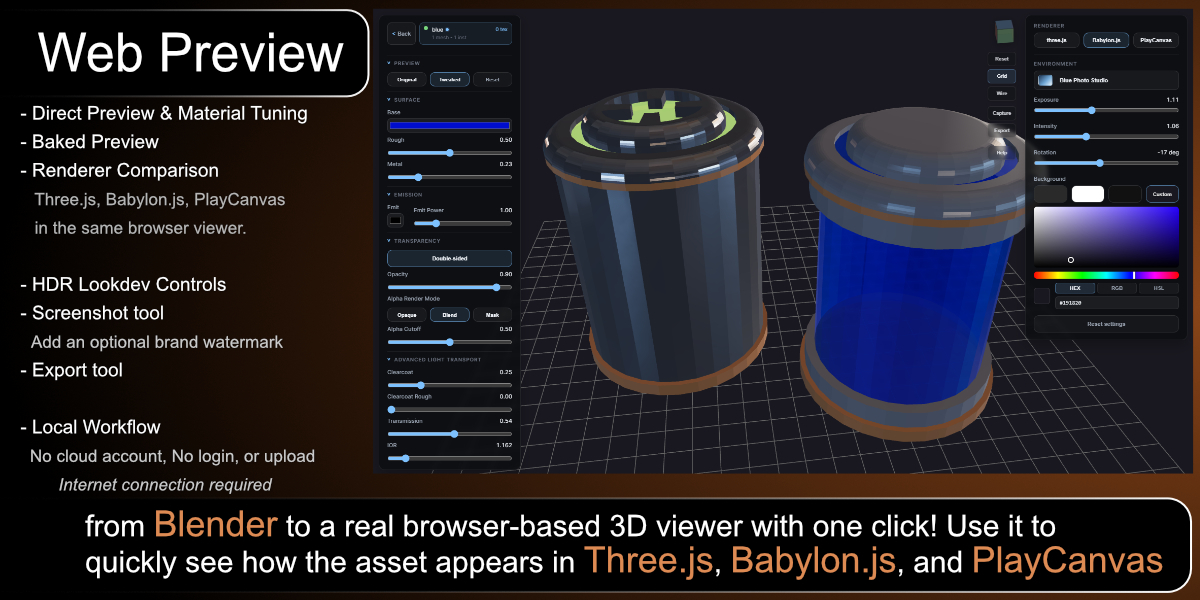
Blend-X-Web is an open-source Blender add-on for previewing 3D scenes in a browser and exporting projects as standalone web packages. The product listing describes one-click preview and web-project packaging.
Preview a scene, then package it
The project README lists Blender 4.0 or newer, Python 3.7 or newer (typically included with Blender), and a WebGL-capable browser as prerequisites. After installing the add-on, run its file-structure setup script once. To preview a scene, set it up in Blender and open the browser preview; the add-on starts a local server and opens the scene in your default browser. To export for the web, choose a destination folder and filename; Blend-X-Web creates a ZIP containing the files needed for web viewing. The viewer lets you rotate, zoom and pan the camera, switch to top, front and side views, toggle wireframe, grid and scene lights (ambient light is excluded), and play, pause, stop or scrub animations.
The developer describes Blend-X-Web as lightweight and optimized for smooth performance. The listing provides no benchmark results, so treat that as a product description rather than a measured performance claim.
Requirements and license
The marketplace listing marks Blend-X-Web as Blender Extension compatible and lists Blender 4.0 through 4.4. The project README lists Blender 4.0 or newer as a prerequisite. The developer says the add-on was built and tested with Blender 4.1x. The project is open source under the MIT license, and the listing links to a public GitHub repository where contributions are welcome.
Check export details for your project
Neither the product listing nor the repository README describes a hosting or embedding service for the exported package or specifies which Blender materials and scene features it preserves. Test the ZIP in your target environment if those details matter to your project.