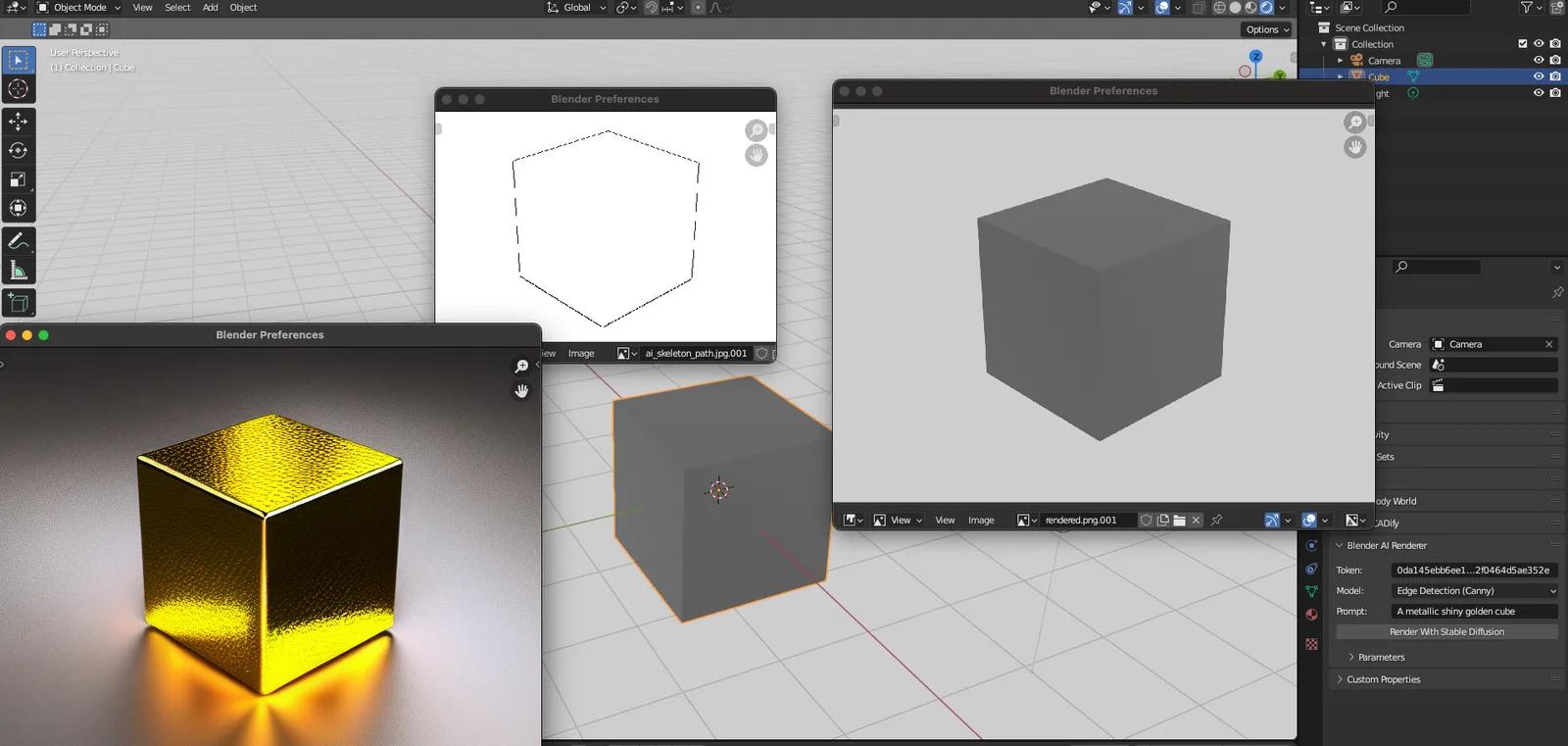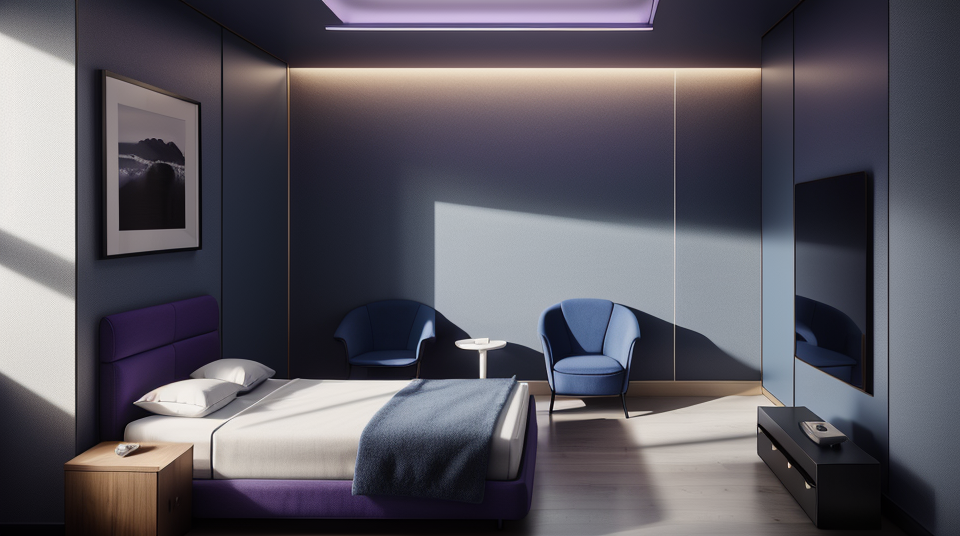
Blender AI Render is a Blender add-on that uses a rendered image and a text prompt to generate an image through Replicate. The workflow uses Stable Diffusion and ControlNet, with the original render as its base. Generation runs through the API, so you do not need to download large AI models or install them locally.
How to set up a render
- Install the add-on with
Blender_AI_Render.py. The documentation listsBlender_AI_Render_Win.pyas a Windows alternative if the standard file does not work, possibly because antivirus software is active. - Enable the add-on in Blender, then open it under
Rendering > Blender AI Render. - Enter a token from your Replicate account. The add-on sends generation requests through that account.
- Prepare a Blender render with enough contrast for the model to detect its edges. The documentation uses a purple basic cube as an example.
- Choose a model, enter a prompt, adjust parameters if needed, then select
Render With Stable Diffusion. The documentation recommends Canny as an all-purpose model and givesA cube made of shiny goldas a sample prompt.
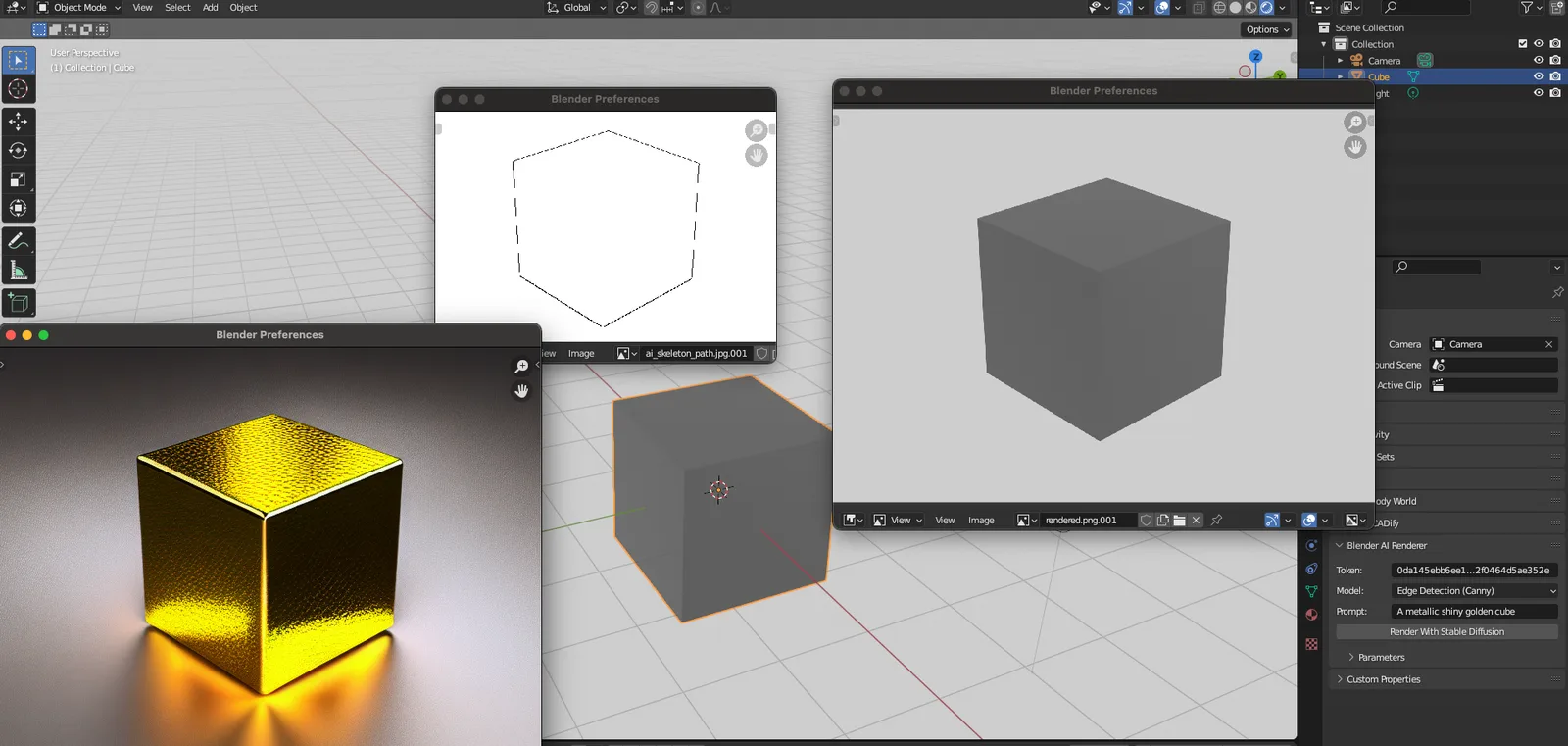
The documented workflow opens three windows: the original Blender render, an edge-detection image, and the generated image. If the edge result is poor, adjust the render's contrast or try another edge-detection model. A first request can take a couple of minutes when the service's servers are cold.
Cost and compatibility
The add-on is free to download. The Superhive product listing estimates Replicate usage at about US$0.03 per render; check current pricing at Replicate before budgeting. The listing names the MIT license and credits Alejandro Tulio Camus Hernandez as the developer.
The listed Blender versions are 2.8, 2.81, 2.82, 2.83, 2.9, 2.91, 2.92, 2.93, and 3.0 through 3.5. The listing does not establish compatibility with later versions, so check the add-on documentation or developer page for your Blender release.
Who it suits
Blender artists who want to explore prompt-based image treatments from a 3D render may find this workflow useful, especially if they prefer an API over installing local AI models. It requires a Replicate account and token, and each generation has a separate service cost.