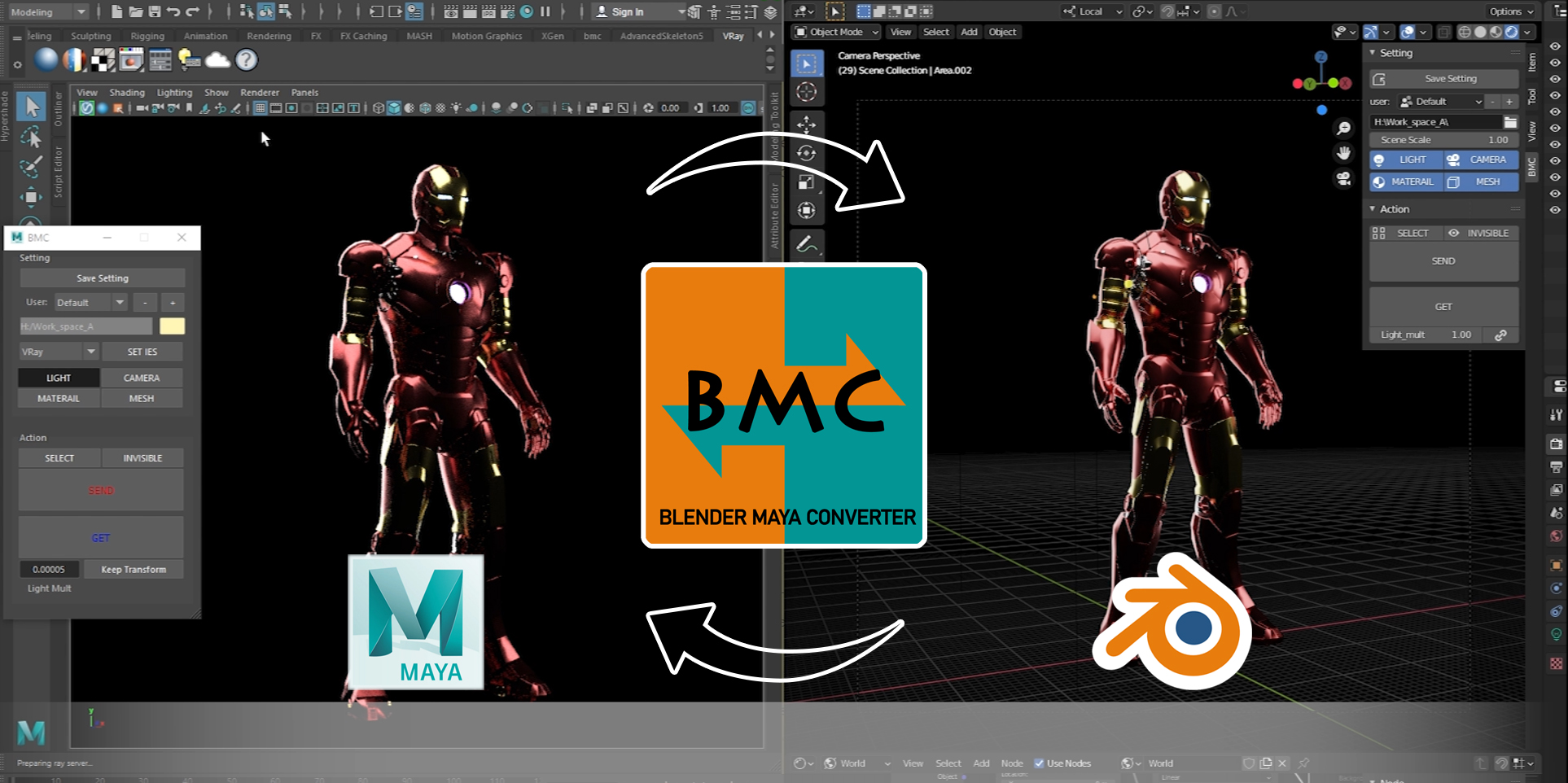
Blender Maya Converter (Bmc) by Nava Lab transfers scene data between Blender and Maya. Its SEND and GET controls cover meshes, lights, cameras, and materials, with automatic shading and lighting conversion. For example, a Maya scene set up for V-Ray can be sent to Blender for Eevee or Cycles rendering; a Blender scene can also be sent to Maya for V-Ray. See the Superhive product listing for the published feature and compatibility details.
Choose what to transfer
Separate SEND and GET options let you include meshes, lights, cameras, and materials as needed. On SEND, the Select option limits a transfer to selected objects, while Invisible includes objects marked invisible.
Keep settings and object transforms
Save Setting stores user settings and folder paths for transferring assets between artists working in different applications. The + and - controls add or remove saved user settings. When retrieving an object again after adjusting its position, rotation, or scale, GET Keep Transformation preserves those transforms; with the option off, the object returns to its original file transform. GET Light Mult multiplies light intensity by a chosen value. IES settings are listed for Maya, and scene scale settings for Blender.
Check material support and compatibility
Supported material mappings pair BSDF_PRINCIPLED with VRayMtl, TEX_IMAGE with file, TEX_NOISE with noise, INVERT with reverse, and MIX_SHADER with VRayBlendMtl. NORMAL_MAP and BUMP are handled through VRayMtl's built-in setup. The listed mappings are not exhaustive; check the product documentation if a scene depends on a specific node.
The compatibility note says Blender 2.80 or above, while the named Blender releases run through 2.93; it also lists Maya 2017 and V-Ray 4.0 (V-Ray Next) or above. Confirm the exact versions in your setup with Nava Lab before relying on a newer combination. For a production scene, test representative objects and materials on a copy before transferring the full scene.