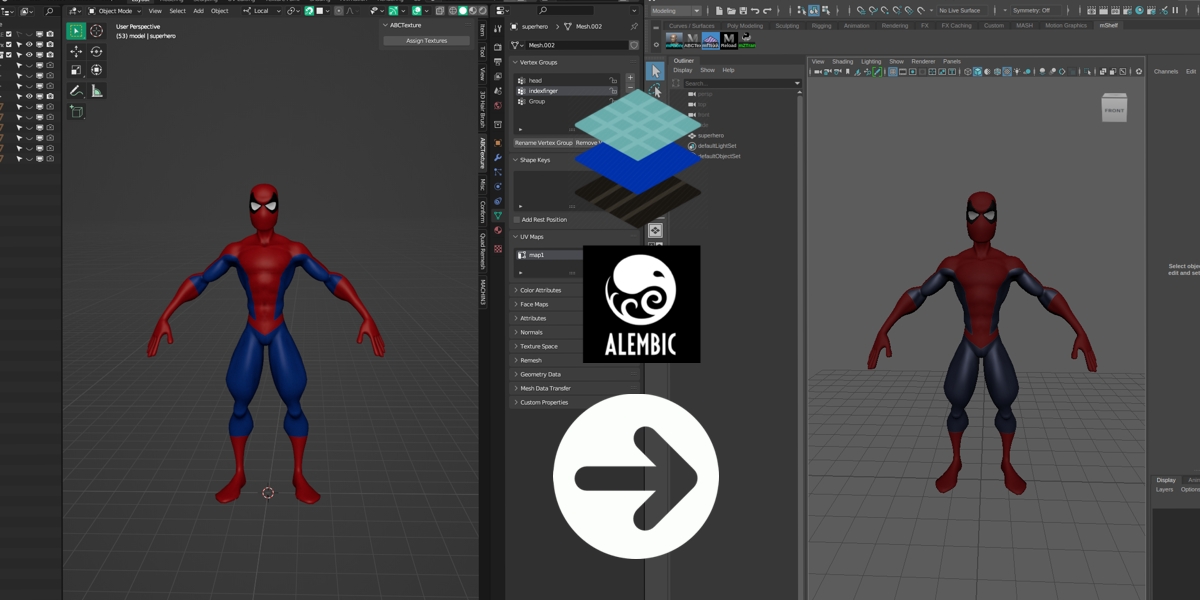
Move texture assignments between Blender and Maya
ABCTexture is a Blender add-on paired with a Maya script. In Blender, one button writes texture assignments from selected objects to attributes. The Maya script reads those attributes and reapplies the assignments to selected objects. This can help when moving models through formats such as Alembic that do not natively carry shader information. The product listing says the extra attributes can also carry the data through other formats.
Texture types and Blender controls
The add-on covers base color, roughness, metallic, normal, opacity, emissive, and bump textures. Its button appears in the sidebar of Blender's 3D View. The product listing names Blender versions 3.0 through 3.6; it does not specify compatibility with later versions.
Check the material setup
ABCTexture supports objects with one shader. Face assignments using multiple shaders on the same object are not supported; the listing recommends one Principled BSDF per object. If the attributes do not appear in Blender right away, deselect and reselect the object. For Alembic exports, name the UV set map1 so Maya picks it up.
Where it fits
ABCTexture is intended for artists who move textured models between Blender and Maya and need assignments to travel with the model. Check the Blender version and shader setup, then confirm that the format in your pipeline carries the extra attributes as expected.