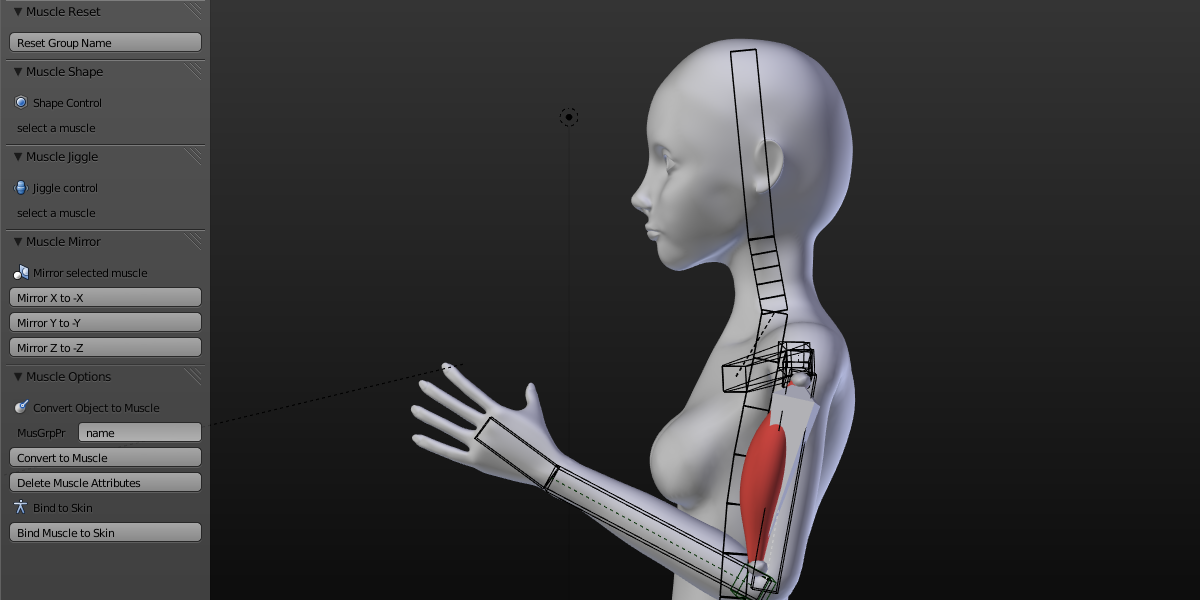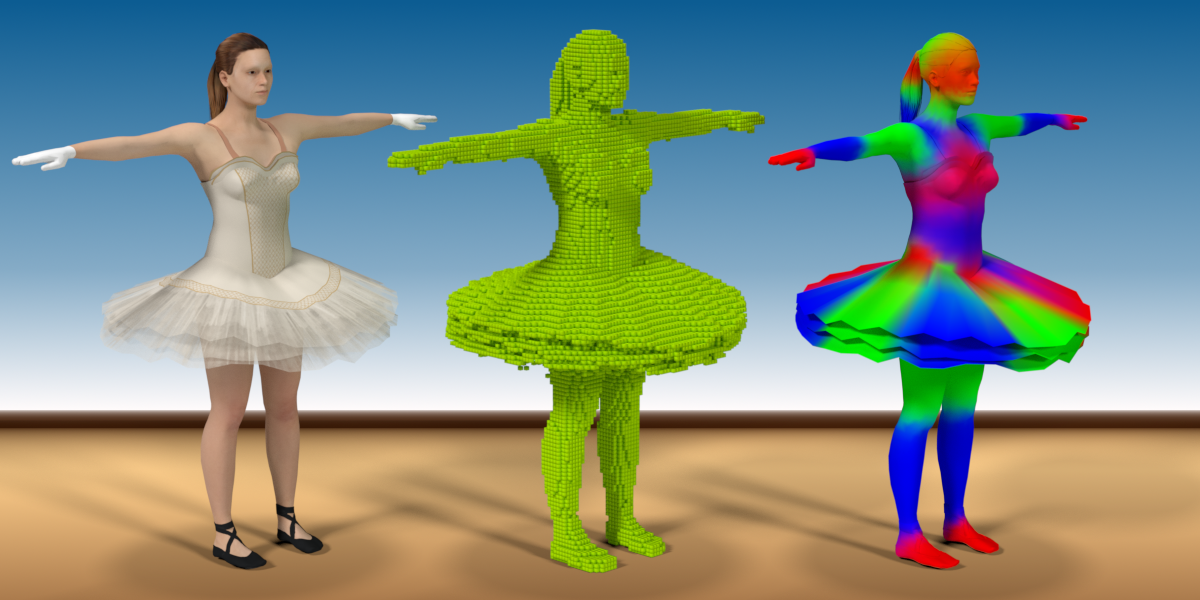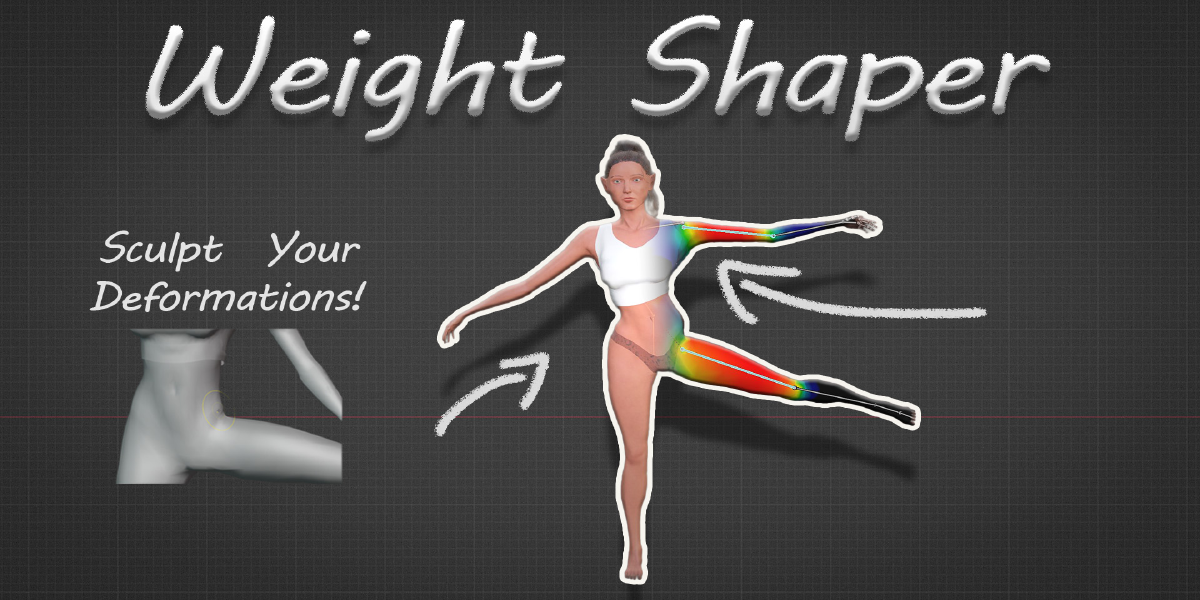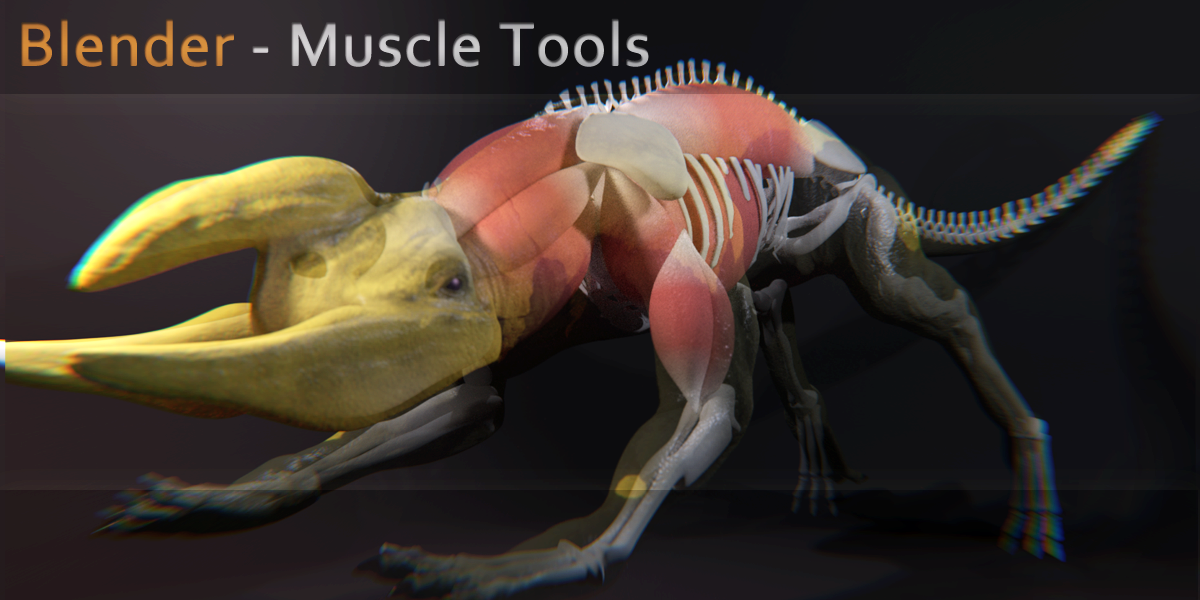
Blender Muscle Tools 1.4 + 1.7 For is an add-on for creating muscle systems on rigged characters in Blender. It converts a mesh into a muscle and binds it to a character, with controls for shape changes and jiggle. The developer describes its purpose as helping artists hold volume in areas such as the arms and simulate muscle bulges during character animation.
Muscle creation and rig controls
The Muscle Creator supports faster muscle creation and lets you set attributes for new muscles. The listed controls also include Update Properties and Update Drivers buttons. Jiggle is visible during timeline playback, so play the animation to preview it. The product description does not explain whether jiggle can be baked or how it behaves in a final render.
These tools suit Blender artists working on character rigs who want to examine volume changes and muscle bulges as a character moves. A useful first check is to try a bent arm pose, then play the timeline to inspect the described volume and jiggle behavior before adding the setup to a larger project.
Version notes and Blender compatibility
The product title identifies it as Blender Muscle Tools 1.4 + 1.7. The update history on the Superhive product page describes changes for versions 1.4 and 1.6, but does not list a separate 1.7 update. Its 1.6 notes say the add-on was rebuilt for Blender 2.8, added Dynamic Skin Bind for more realistic muscle simulation, and updated collection nesting. The 1.4 notes include Update Properties and Update Drivers buttons, bug fixes, and help reports for errors.
The same listing names Blender 2.7x, 2.8, 2.9, 2.91, 2.92 and 2.93 as supported versions. It does not confirm compatibility with later Blender releases. Check the publisher's documentation or ask Coloremblem about the exact 1.7 changes and newer Blender compatibility before relying on them.
Price, license and learning resources
Superhive currently lists the add-on at $19.95 and describes its license as royalty free. Check the product listing for the current price and license terms. The page also links to documentation and a Muscle Tools tutorial. For the 1.4 update, the developer says to close the blend file before updating Muscle Tools and reopen it afterward.