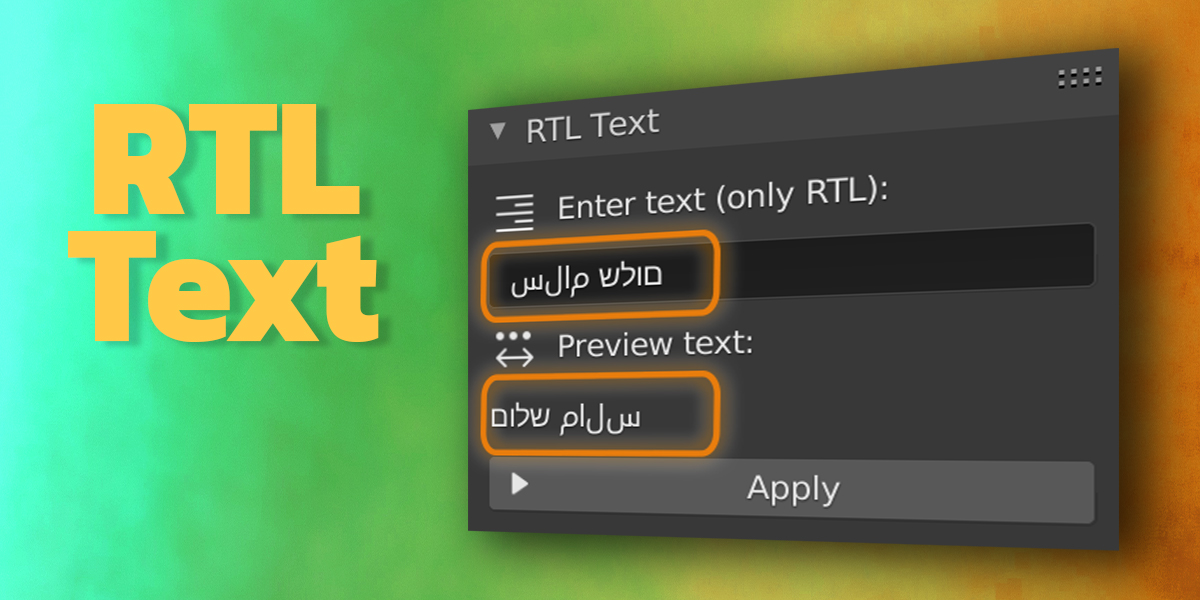
Blender Rtl Text is a Blender add-on by GilaDDD for correcting the direction of right-to-left text. Its product listing describes a one-click correction for text that appears reversed, with support for Arabic, Hebrew, Pashto, Persian, Urdu, and Sindhi.
How to apply right-to-left text
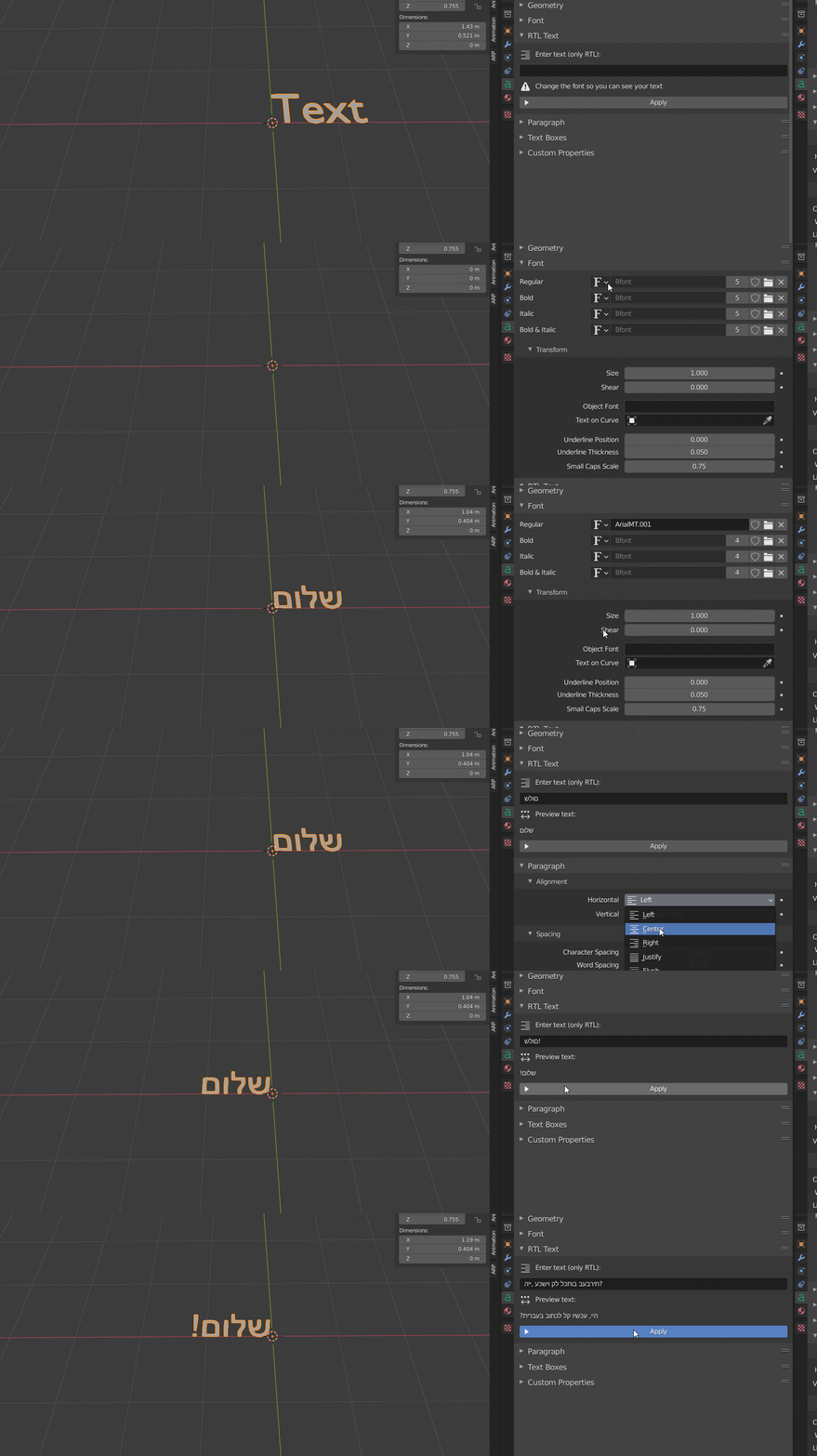
- Add a new text object to your Blender file.
- Choose a font that supports the language you plan to use.
- Open the RTL Text panel in the text data menu.
- Enter your text in the panel's text box and press Apply.
The product documentation says Apply replaces the text in the text object. Keep a copy of the original wording if you need to preserve it.
Language support and limits
The listing names Arabic, Hebrew, Pashto, Persian, Urdu, and Sindhi. The developer's FAQ says the add-on does not currently fix separated Arabic letters. The developer's FAQ says English text and numbers were unsupported, but it does not date that restriction or confirm whether it still applies.
Listed Blender versions
The product page lists Blender 2.8, 2.81, 2.82, 2.83, 2.9, 2.91, 2.92, and 2.93 and dates publication to about five years ago. It does not confirm later compatibility, so check the product listing or ask the developer before using it with a newer Blender version.
The listing identifies the license as GPL. An earlier product listing showed $5; the current price is unconfirmed.