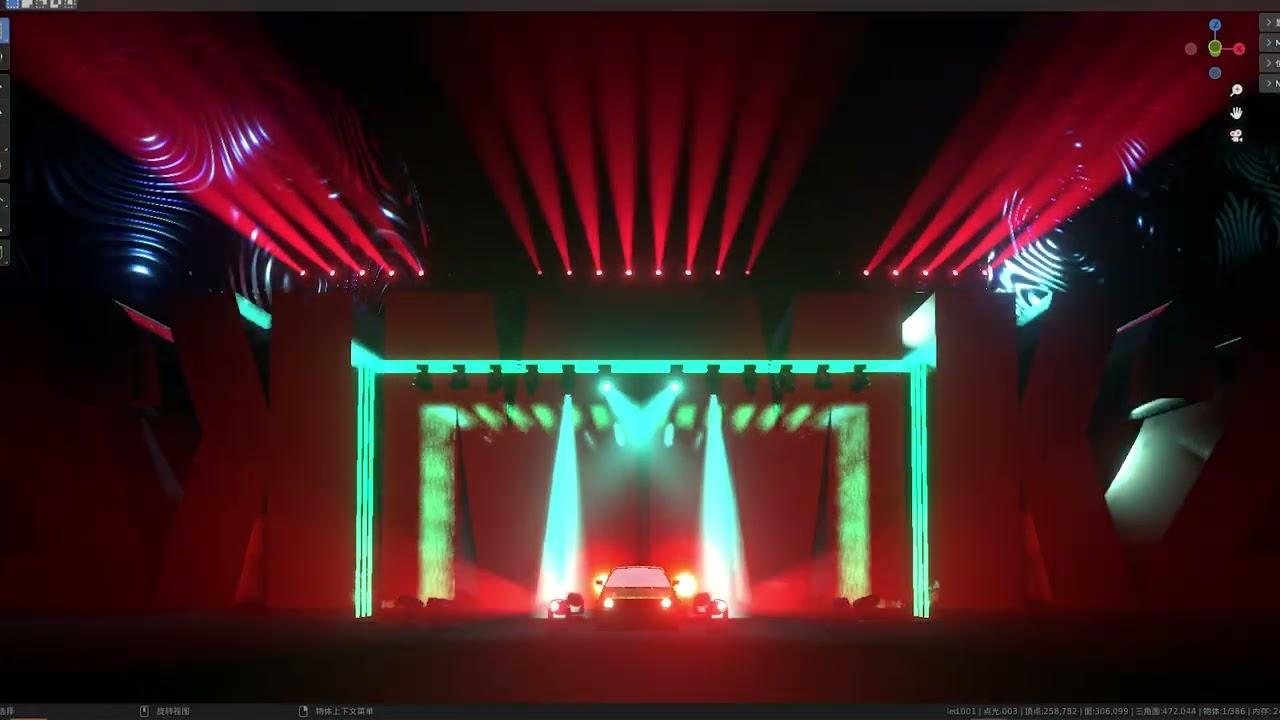
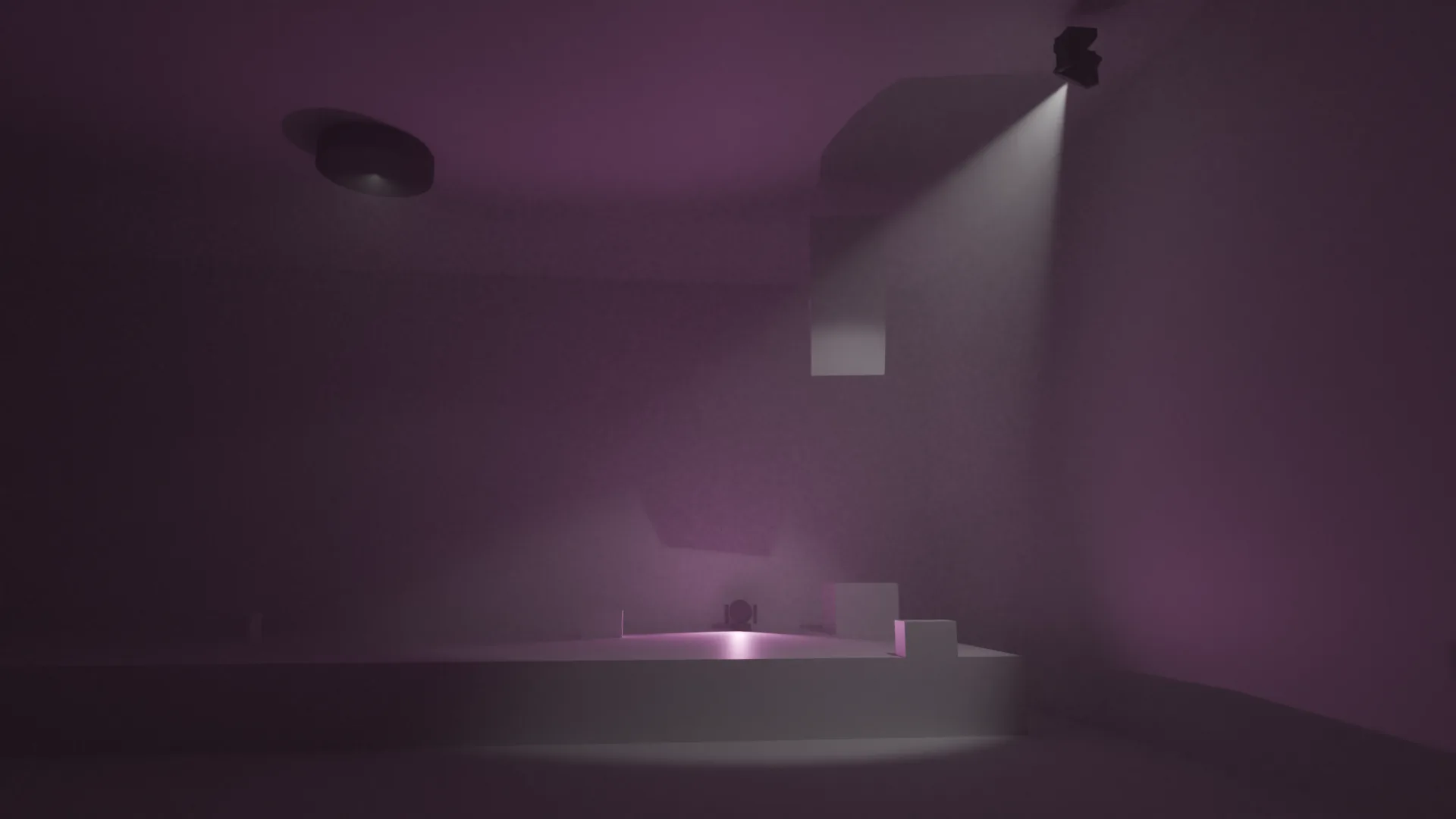
Blender Show Stage Lighting (Console Edition) connects Blender to lighting consoles over an Artnet network connection. It can import GDTF fixtures, control and arrange individual lamps, and save recorded Artnet data in the Blend file for playback and rendering. The add-on is aimed at stage lighting artists building and rendering scenes in Blender.
Connect a lighting console through Artnet
The product listing says the add-on supports lighting consoles that transmit data through DMX signals. Grand MA2, Tiger, and Pearl are named as examples. Incoming Artnet data can be recorded, giving you lighting data in the Blender project for later playback and rendering.
Import GDTF fixtures
GDTF files can contain a fixture's model and position, size data, Gobo pattern, channel information, roulette presets, and macro programming. The listing identifies Gobo and macro programming as exceptions to the imported data. The manufacturer's fixture library must follow the GDTF standard. The listing links to GDTF Share and the GDTF site for information about the format.
Control and arrange fixtures
Fixtures can be controlled and adjusted independently, which the publisher describes as useful when constructing static scenes. For layout, the add-on supports alignment along the XYZ axes, linear matrix distribution, and annular matrix distribution across the three XYZ faces. These controls help organize a stage rig in the scene before rendering.
Compatibility and license
The Superhive product listing shows Blender versions 3.2 and 3.3 and a GPL license. It does not confirm compatibility with newer Blender releases. Check the publisher's current product information before installing if you use a later version.