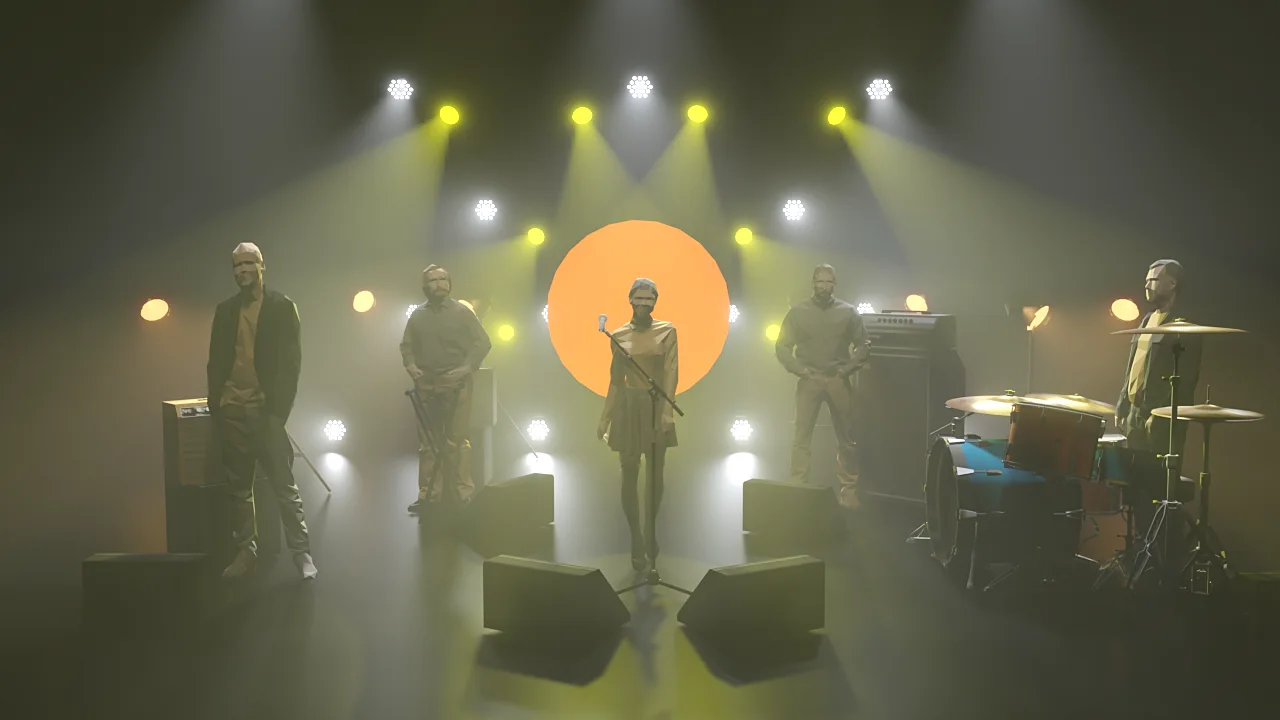
Lighting Visualizer is a Blender extension for building stage-lighting rigs and previewing them with live DMX data from a lighting console or another source. It receives sACN (E1.31) and Art-Net and updates patched fixtures in the scene, including their pan, tilt, beam controls and lens output. The simulation is not validated against measurements, so treat its output as a visual preview rather than photometric data. See the Blender Extensions listing for the published details.
Receive live sACN and Art-Net
The add-on can listen for several universes at once, using multicast, unicast or broadcast. It maps incoming data to patched fixtures and includes sACN priority handling, sequence checks and sync packets. If the signal drops, you can choose to hold the last look or black out. Its receiver uses non-blocking sockets through Blender's timer rather than worker threads.
Fixtures respond to common control channels such as dimmer, RGB, RGBW and CMY color, color wheels, zoom, focus, iris, frost, shutter and strobe. Supported fixture channels can also control gobo selection and rotation, prism effects and framing blades.
Use real and custom fixture profiles
Lighting Visualizer bundles 83 GDTF fixture files, with fixture modes, optics, physical data and 3D models. You can browse them by category or search the library. The add-on also imports your own GDTF files, QLC+ .qxf profiles and MVR files. It can export MVR and includes a Fixture Creator for custom modes, channels, ranges, models and IES photometry.
Generic profiles are available for quick layouts, including PARs, Fresnels, profiles, moving heads and LED fixtures. Their figures are estimates and are marked as such. Data in community-uploaded GDTF files have not been checked by the fixture manufacturer.
Preview beams and fixture movement
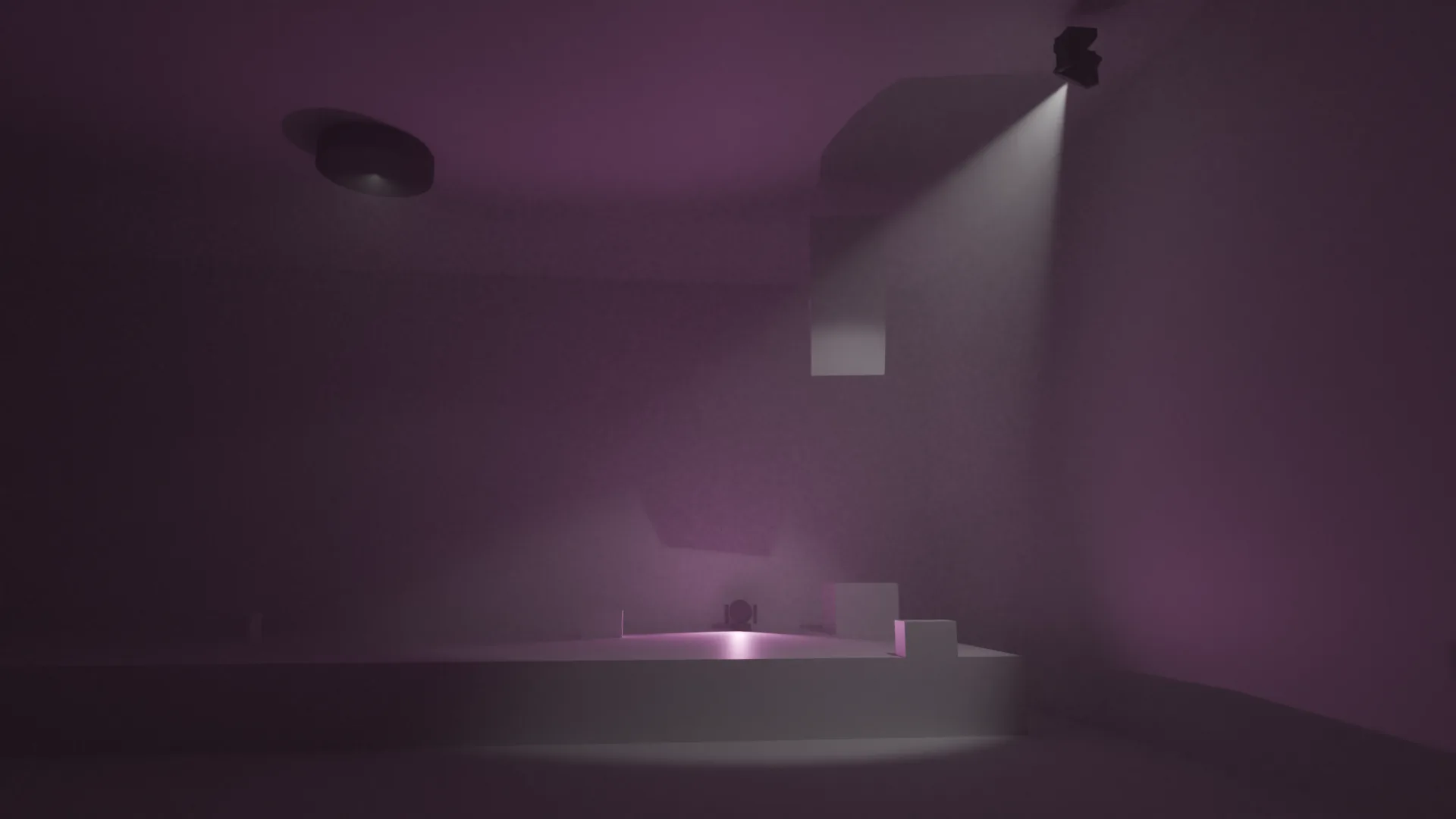
As DMX values change, a moving fixture's base, yoke and head follow its pan and tilt. Beam behavior responds to controls such as zoom, iris, frost, gobos and framing blades. The lens emission follows the lamp output, from dark to full output, in the fixture's color. A fog control creates a fog volume in the scene and ranges from clear air to dense fog.
The add-on has a Real-Time mode using EEVEE and a High Quality mode using Cycles. Gobo projection and framing blades require Cycles, so use High Quality mode when those effects matter to the preview.
Patch a rig and test the input
Choose a fixture category, search for a model, select its mode, then set the universe and address before adding it to the scene. You can patch several fixtures in sequence. Send sACN or Art-Net from a console to the computer's IP address or to multicast; a dedicated wired network is recommended. QLC+ can send either protocol when its output settings use the same fixture, mode and address.
You can check the scene without a console by using Test Mode sliders on a lamp or by running python3 tools/send_test.py sacn --universe 1 from the add-on's tools. When data arrives, the Lighting Rig status changes to Receiving.
Know the simulation limits
The Blender watt conversion and generic fixture values are estimates. Use the Calibration panel to compare the result with a light meter if you need to calibrate it. Prism spacing is estimated, and beam direction is downward (-Z) when pan and tilt are both zero.
Gobo wheel transitions, gobo shake, animation wheel and full GDTF export are not implemented. MVR export has not been tested against other software. Version 0.3.0 is listed for Blender 4.2 and newer; the listing notes development and testing on Blender 5.2 LTS.
Files and network permissions
The extension requests file access to import and export GDTF, MVR and models and to store its fixture library. It requests network access to receive sACN or Art-Net from a lighting console. The Blender Extensions API record lists version 0.3.0 for Windows, macOS Apple Silicon and Linux.