DMX is a Blender add-on maintained by Sunova for visualizing and programming stage and architectural lighting. It connects GDTF fixture data and MVR scene exchange with Blender programming and rendering workflows. The official Blender Extensions record lists version 2.2.5, Blender 4.2.0 as the minimum version, and a GPL-3.0-or-later license. See the DMX extension page for the current release details.
Use fixture data and exchange scenes
DMX uses GDTF fixture definitions and integrates with the GDTF Share library. Downloading profiles through Blender requires a free GDTF Share account. The supported device types include static and moving fixtures, LED bars, lasers, cameras, and trusses. GDTF imports can include 3D objects, 2D symbols, textures, and physical definitions.
For exchanging a lighting project, DMX imports and exports MVR scenes containing fixtures, trusses, 3D scene objects, textures, addressing, fixture IDs, and unit numbers. The extension supports MVR through Blender menus, drag and drop, and the MVR-xchange protocol. This can help when a project needs to move between tools that work with GDTF fixtures or MVR scenes.
Program cues and connect lighting data
An integrated programmer lets you record fixture changes as keyframes, either manually or with auto keyframing. External sACN or Art-Net input can control fixtures. The incoming values can be recorded as keyframes or routed through a #bdmx driver to control Blender objects. DMX also supports remote programming from lighting consoles over DMX over Network.
OpenSoundControl sends fixture selection to external consoles. PosiStageNet receives tracker position data through a PSN server. Check the developer FAQ and setup guide for details about configuring a specific workflow.
Preview or render in Blender
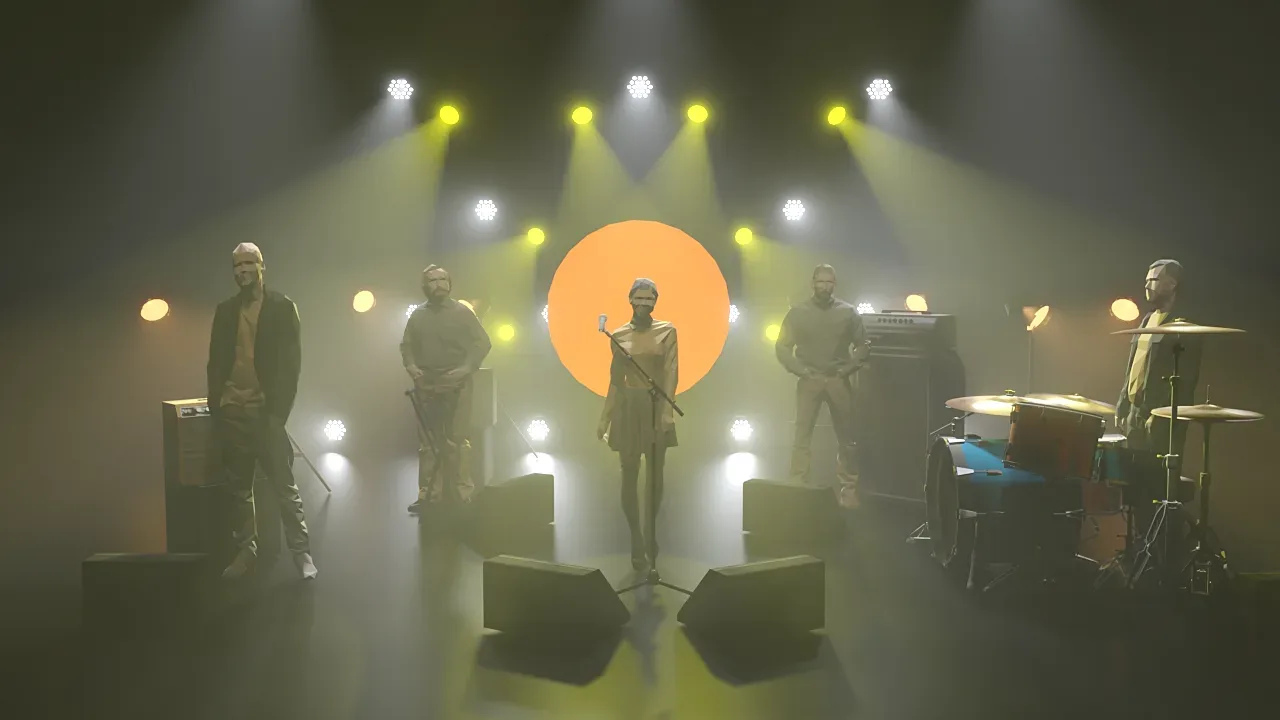
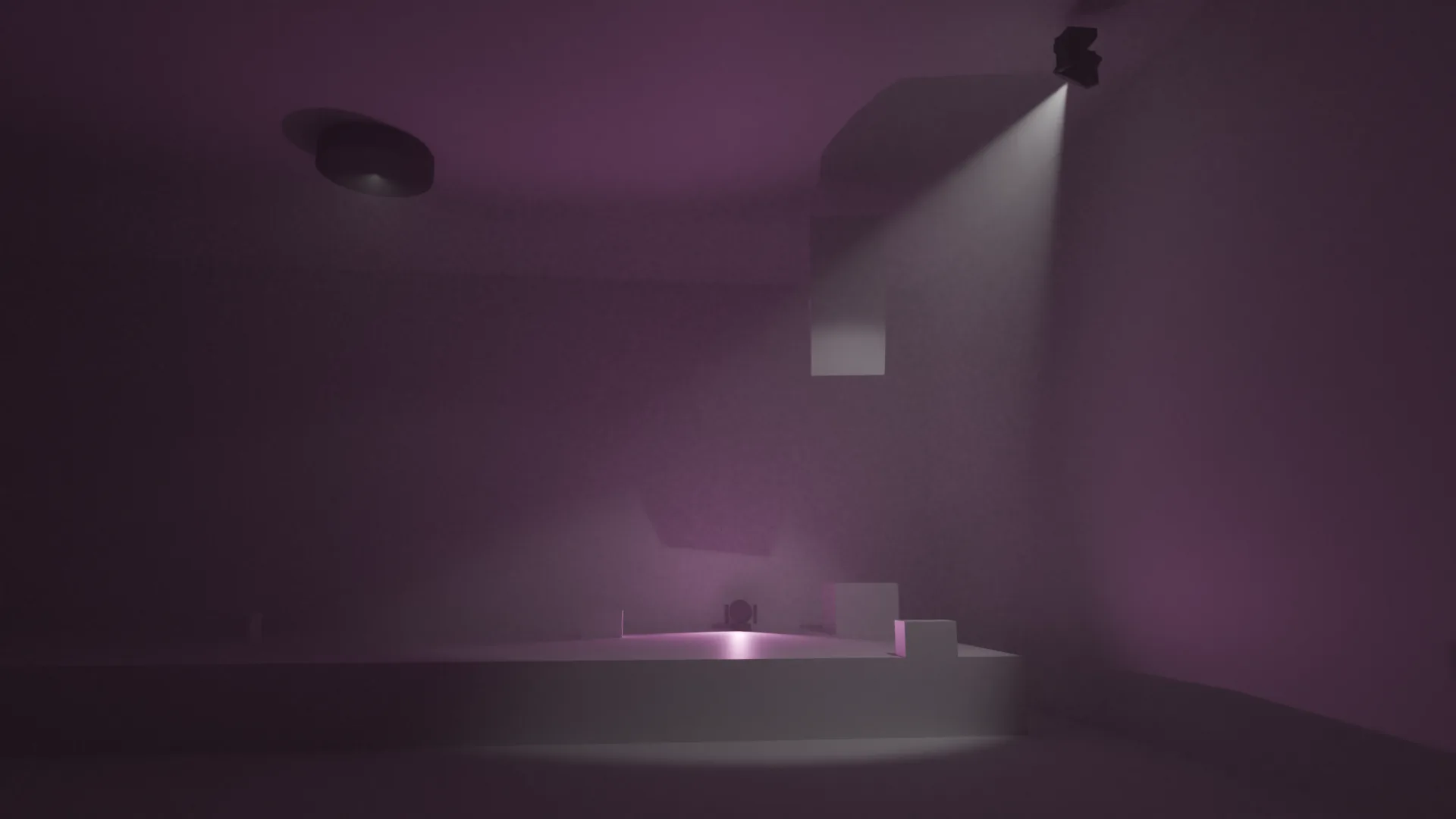
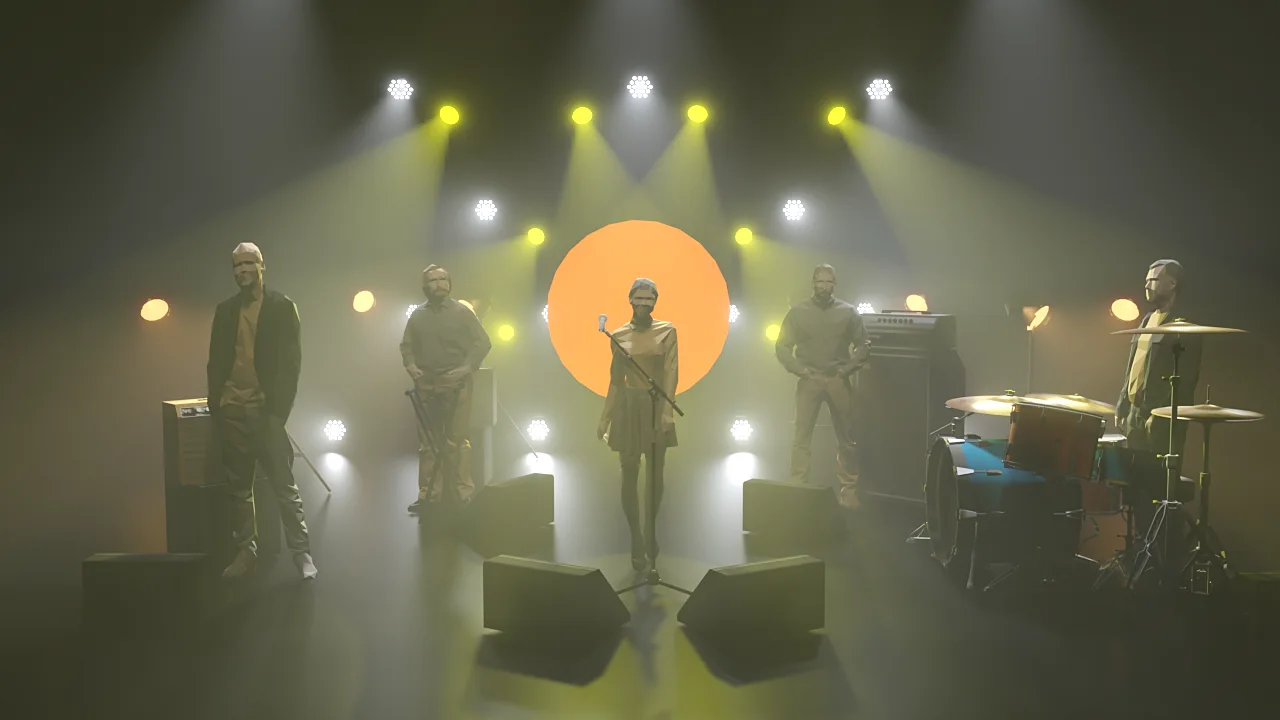
DMX uses Eevee for real-time lighting dynamics and Cycles for ray-traced rendering. Lighting designers can program and preview scenes in Blender, then render them with Eevee or Cycles for the visualization they need. Render behavior depends on the Blender scene and engine settings.
Check compatibility and licensing
Use Blender 4.2.0 or later with the listed version 2.2.5. AnyPlugins lists DMX as free, and the official extension record specifies GPL-3.0-or-later. Before adopting it for a project, confirm that its GDTF fixture data, MVR exchange, and supported control protocols match the equipment and handoff requirements. The Getting Started guide covers the initial workflow, and the project repository provides access to the source code.