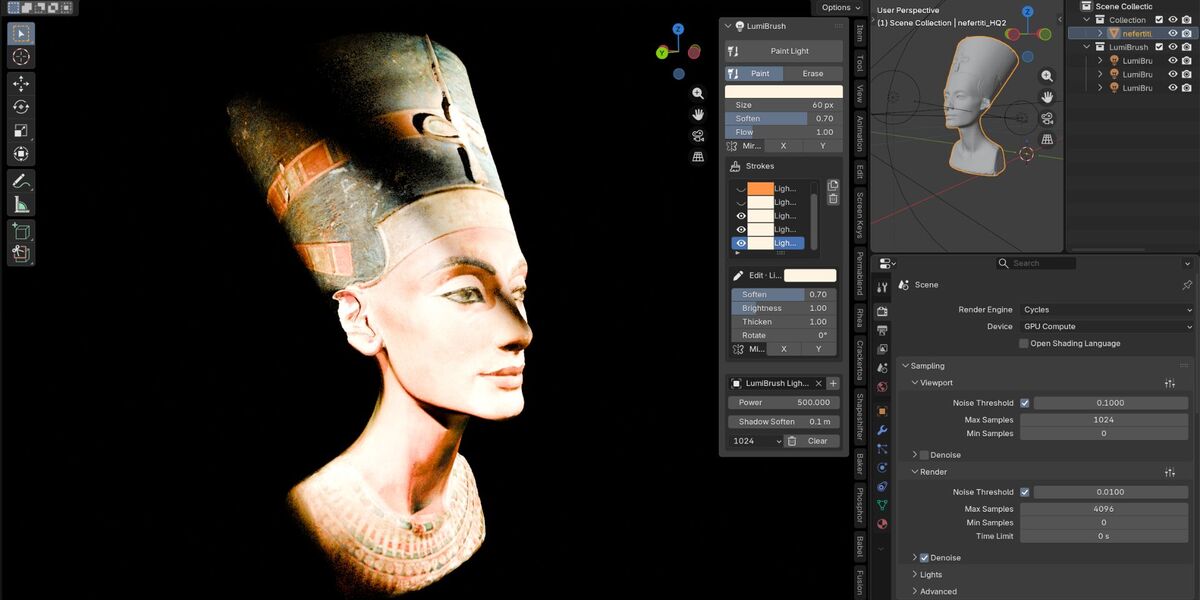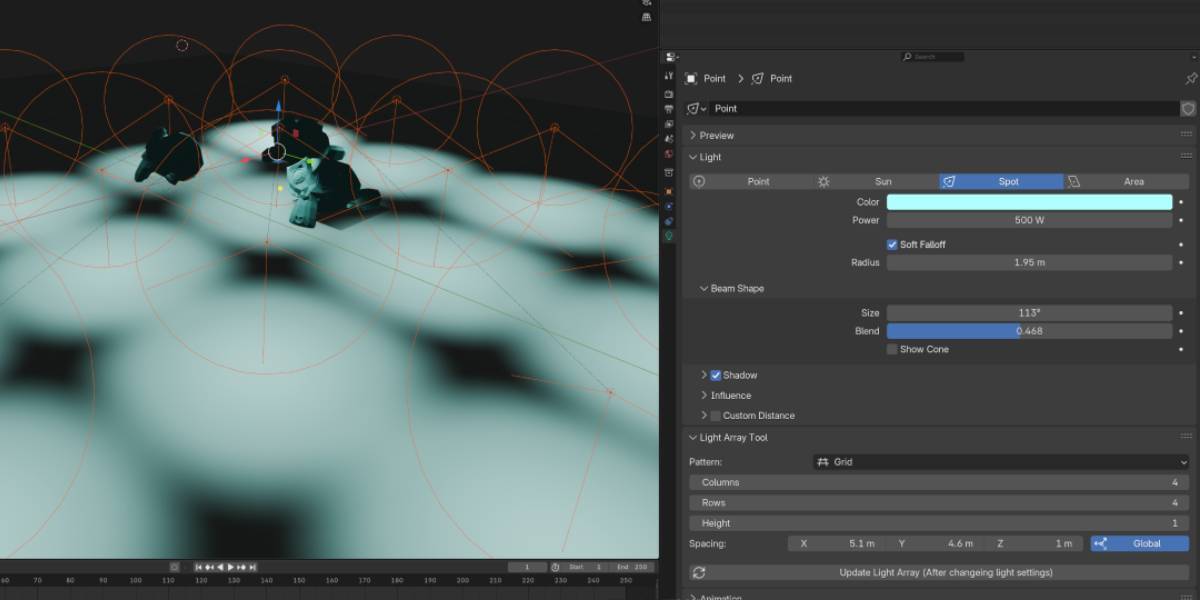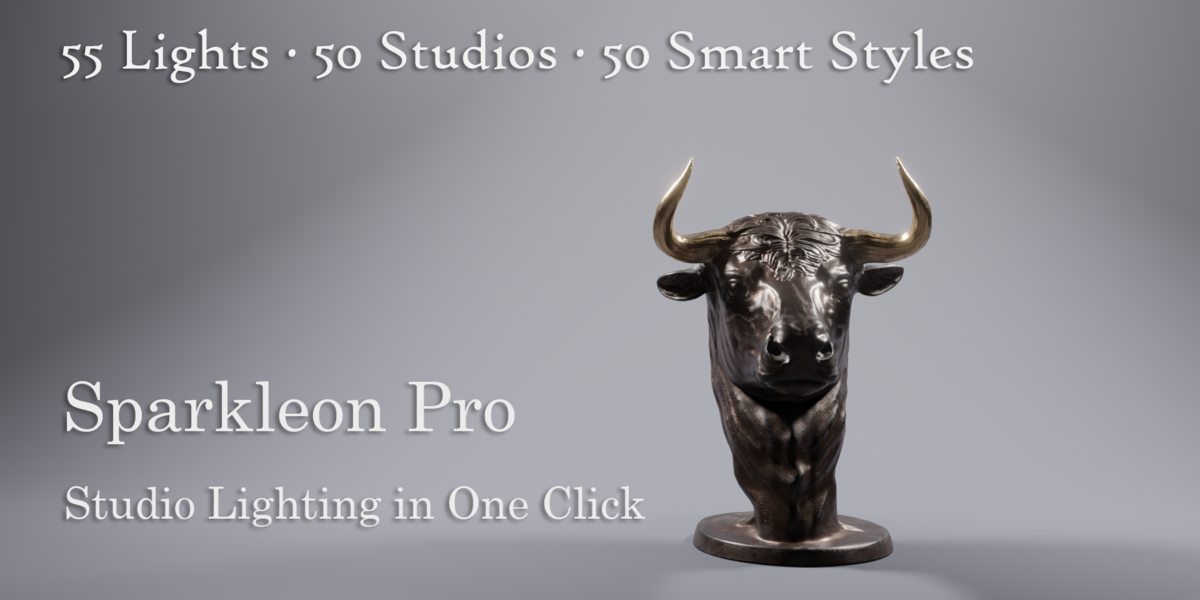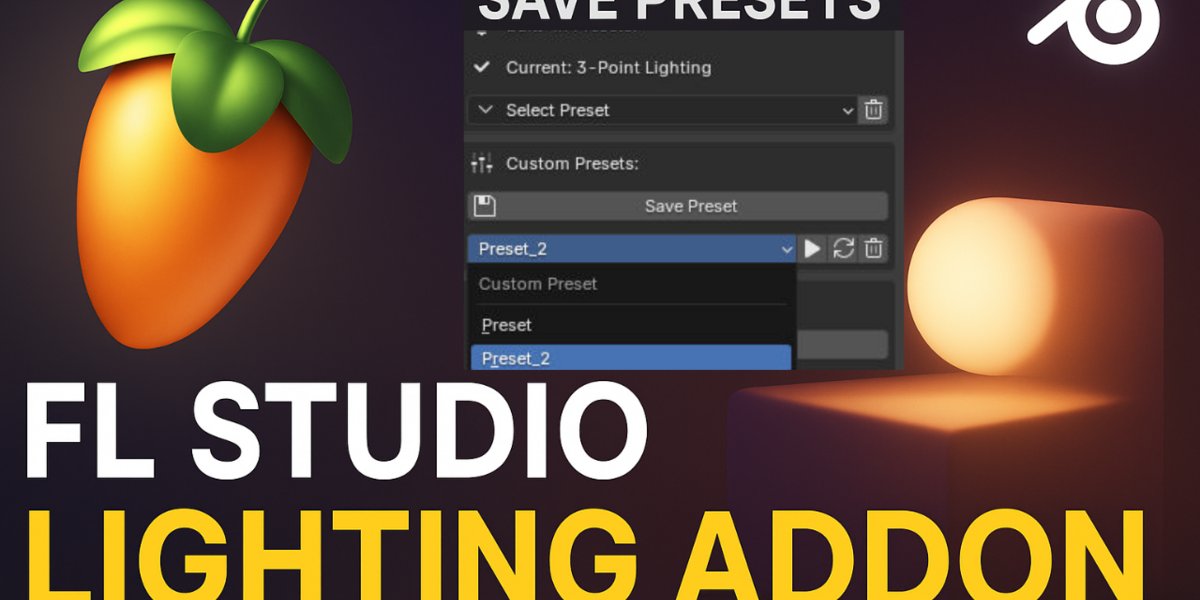
FL Studio "Fast Lights" is a Blender lighting add-on by Mr. Steve 3D. It provides built-in lighting setups and sidebar controls for adjusting lights in a scene. The available presets include cinematic, natural, studio and stylized lighting for renders, animations, thumbnails and product showcases.
Choose and adjust lighting presets
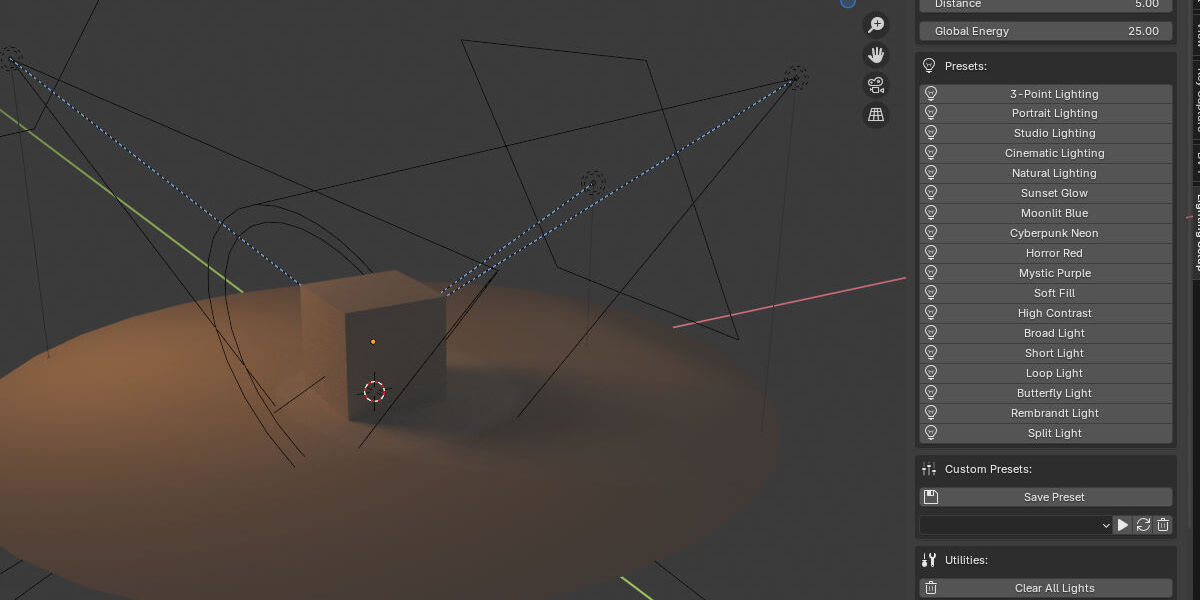
Open the Lighting Setup tab in Blender's 3D View sidebar and choose a preset. The documentation instructs users to click Apply Preset to add a preset's lights to the scene and describes intensity, distance and color controls. You can define up to three color swatches; new lights use a randomly selected palette color or default tones if no swatches are defined.
The product listing's no-Apply note applies to later sidebar adjustments, which it says appear immediately. The documentation's troubleshooting section says to use Update Light if property changes do not apply, or check that the light was selected before editing.
Save setups as JSON
Fast Lights can save and load lighting setups as .json files in a designated folder. This lets you keep a reusable library and bring a saved setup into another Blender project. Set or check the save folder in preferences before moving or backing up presets; the product listing and documentation describe different default paths.
Compatibility, installation and license
The product details list Blender 3.6 through 4.5 and support for both Cycles and Eevee. The documentation gives a broader range of Blender 3.0–4.5+, so confirm compatibility with the creator if you use a version outside the product details. To install, use Blender's Edit > Preferences > Add-ons menu to install the downloaded .zip file, then enable the add-on. The documentation places its panel under View3D > Sidebar (N-Panel) > Lighting Setup.
The listing identifies Fast Lights as GPL licensed and says it can be used in personal or commercial projects. It may suit artists who often set up lights for similar scenes and want presets they can adjust and reuse.