The Scene MVR (.mvr) and GDTF (.gdtf) add-on for Blender works with lighting scenes and fixture data. It imports standalone GDTF files and MVR scenes, and exports Blender scenes to MVR. You can choose whether fixture data travels with an MVR scene and control how objects are placed and transformed.
MVR stands for My Virtual Rig, while GDTF means General Device Type Format. In this add-on, MVR handles scene exchange and GDTF supplies fixture data. The maintainer's usage documentation describes the available import and export options.
Import an MVR scene
Import an MVR file through File > Import/Export > My Virtual Rig (.mvr), or drag the file from a desktop window into Blender. The import can create a new collection for the file. A fixture option controls whether GDTF fixtures are imported; turn it off to bring in only the environment. If a referenced GDTF file is missing from the MVR, set a GDTF directory in the add-on preferences for Blender to search.
Scale applies the selected factor to imported objects. Forward/Up Axis converts rotation axes; Blender uses Y forward and Z up. Apply Transform applies object transformations after import; if disabled, it clears them and leaves the objects at their origins.
Import GDTF fixtures
To import a standalone .gdtf file, use File > Import > General Device Type Format (.gdtf). Choose the fixture mode, starting index and quantity, then set the emitting color. The import options also cover collection placement, scale, starting position, spacing, alignment axis and forward/up axis conversion.
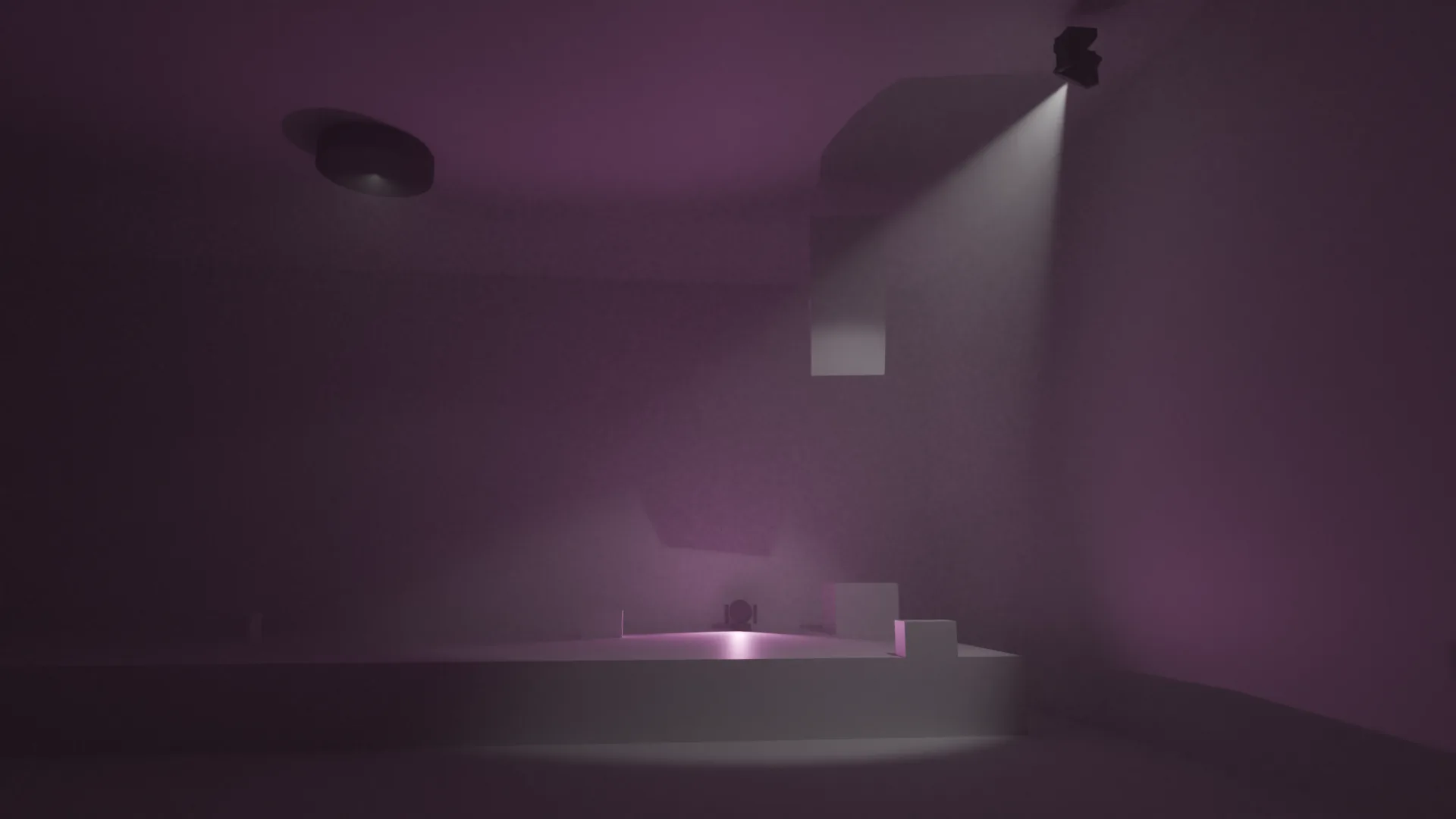
You can create beams for imported fixtures and show their cones in the workspace. If beam creation is off, the fixture's lens surface emits light instead. These options let you choose how much fixture detail appears in the Blender scene.
Export a Blender scene to MVR
The MVR export can include the whole scene, only selected objects or just the active collection. Options let you include texture images and GDTF fixtures, choose a GDTF directory, and export targets and their child objects. Scale and forward/up axis settings control how the scene is written.
The Blender Extensions listing lists add-on version 1.5.4 and Blender 4.2.0 as the minimum Blender version.