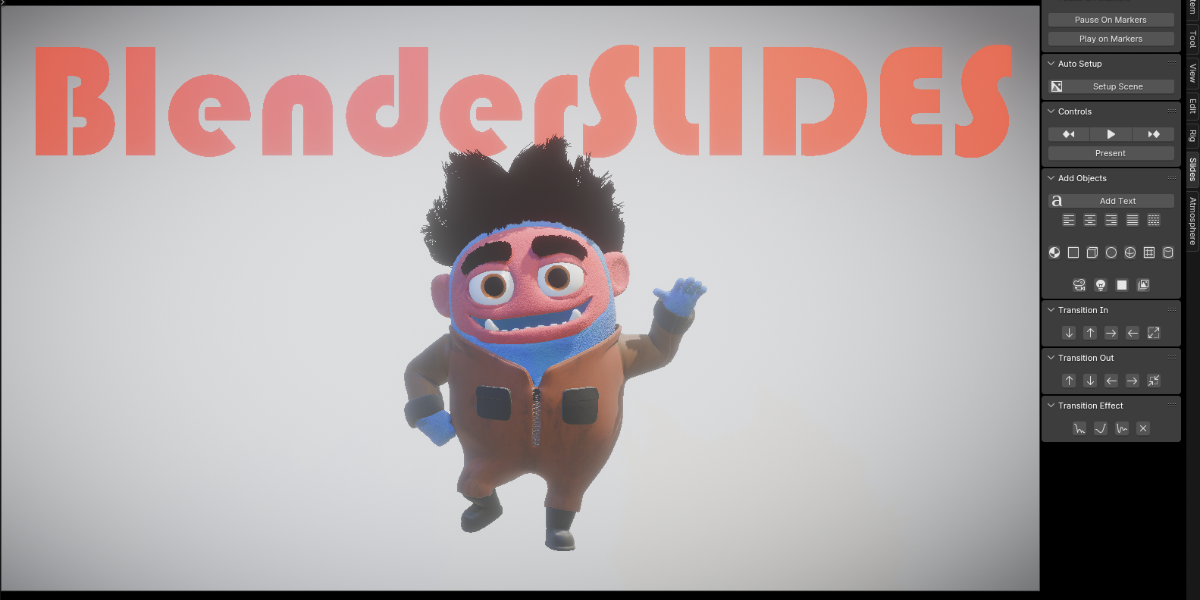
Blender Slides is a presentation add-on for Blender from hoverBOX creative. It uses timeline markers to divide a presentation into slides, so you can combine Blender scenes and 3D elements with slide-style pacing. The add-on also includes tools for placing text, images and objects.
Create slides with timeline markers
Place the cursor over the timeline and press M to add a marker. Each slide can have any length. With playback set to pause on markers, the presentation can stop at slide boundaries. The developer documentation advises setting Blender playback to Every Frame: Skip Frames can cause playback to miss a marker.
Add content and set up the scene
The Setup Scene command adds a backdrop, two lights and a camera. The documented add options include text, images, cameras, lights and backdrops, along with planes, cubes, circles, spheres, grids and cylinders. You can also change text alignment and add materials. This gives you a way to assemble slide content from Blender elements in the same project.
Animate and present
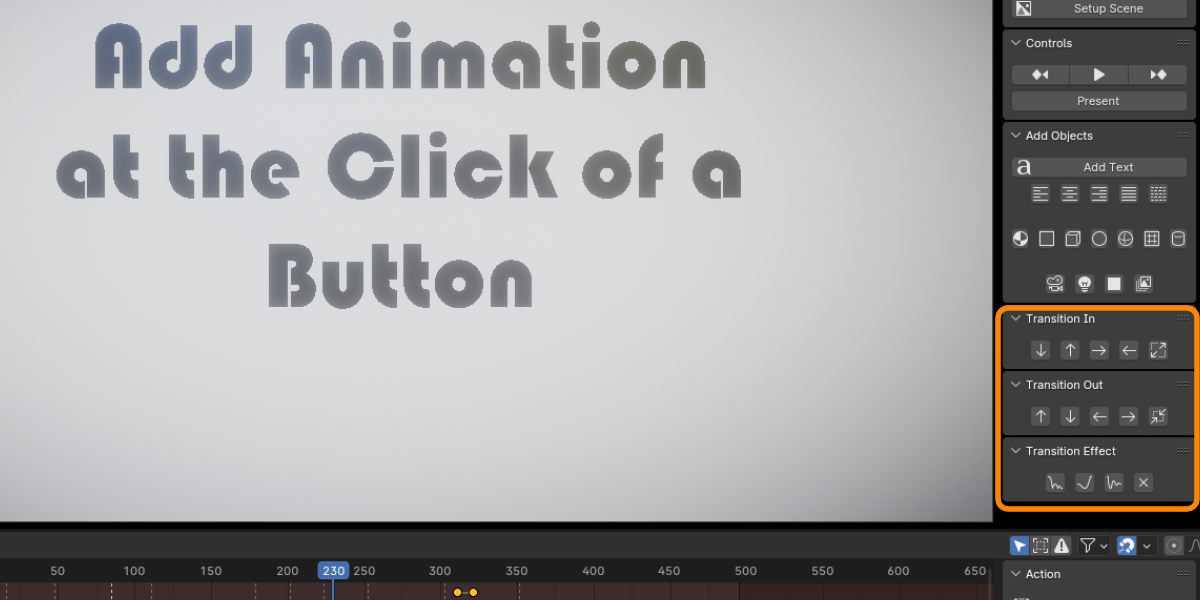
Transition options include moving elements in from above, below, left or right, scaling them in from zero, and moving them out in those directions. The listed transition effects include bounce, back and elastic. These controls let you add motion between the marker-based sections of a presentation.
In Present mode, the controls are Previous Marker, Play and Next Marker. Switch to Camera View before starting Present. The mode maximizes the window and turns gizmos and overlays off, giving the scene a cleaner presentation view.
Compatibility and license
The product listing names Blender 4.0 and 3.6 and gives the license as GPL. The supplied sources do not confirm compatibility with other Blender versions, so check the current product listing before installing on a different release.