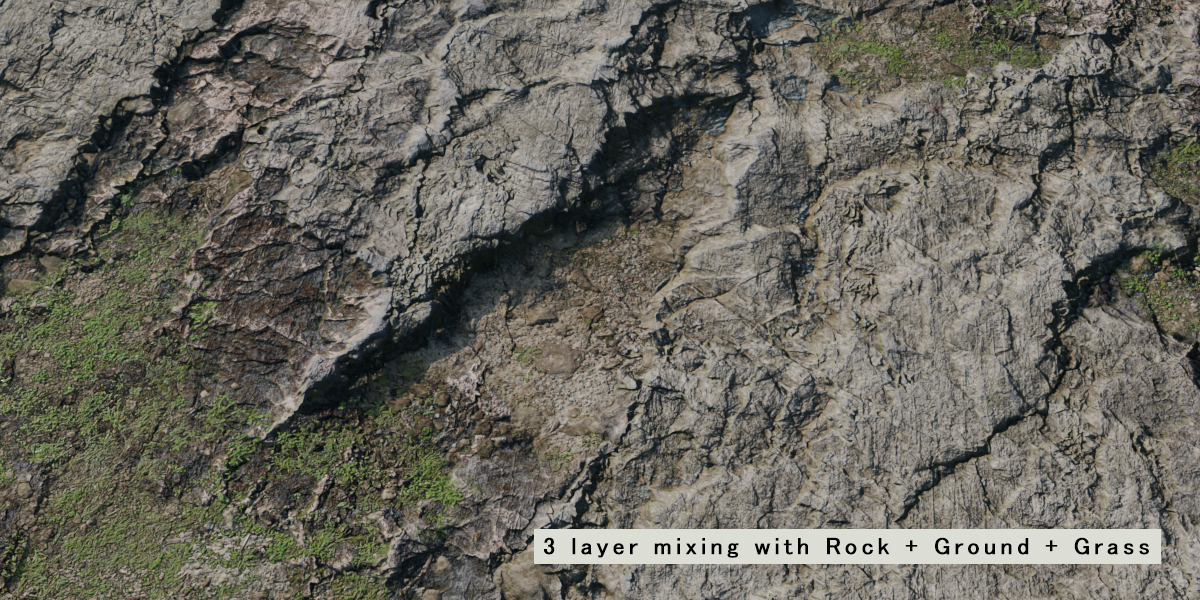
Blender Terrain Engine (BTE) is a Blender add-on for building terrain materials from PBR textures. It automates texture mixing, Anti-Tiling, and mask-based blending through the BTE N-Panel. It also supports Blender's Asset Browser and works with existing libraries such as Megascans or Poly Haven, as well as terrain exported from Gaea and other software.
Terrain material workflow
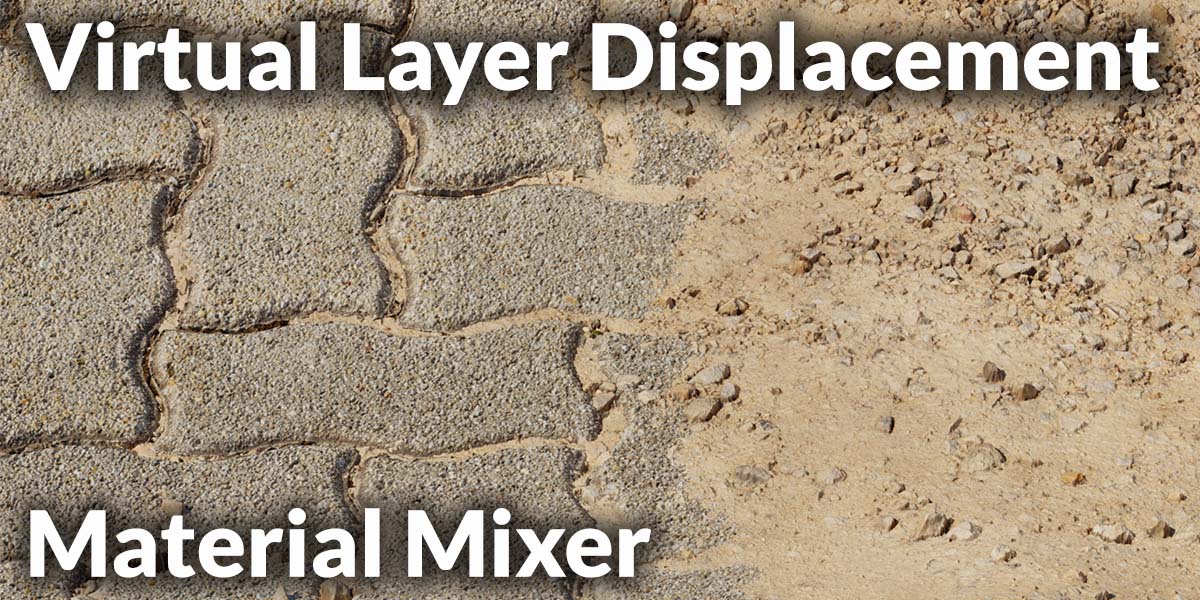
Version 1.3.0 reorganizes the interface around Textures, Blending, and Look & Feel. Layer Visibility controls let you toggle layers to compare material combinations. Batch PBR Import assigns selected textures to slots based on their filenames. Displacement Mode switches between Bump, Displacement, or Both, with a one-click Cycles setup.
Choose Core or Standard
BTE Core is for artists who bring their own texture libraries or terrain exports. BTE Standard includes the Core engine and four basic landscape packs with Gaea 2K to 8K textures. The listed maps include height, color, slope, flow, and snow.
Each pack includes Base assets, which use the Gaea color texture, and Textured assets, which use preset mixes made from CC0 textures. Both asset types can be changed to use your own textures.
Blender and render compatibility
The Superhive product listing names Blender 4.0 to 4.5, Cycles, and the GPL license. The version 1.3.0 update log, dated April 2, 2026, notes full compatibility with the Blender 4.2 to 4.5 Extension system and a fix for texture blending on Blender 4.0 and later.
Cycles is the documented render engine. The developer says Eevee is untested and may cause issues or display only Bump or Normal maps. Use the BTE N-Panel to control materials; manual Shader Editor changes might be overwritten when the add-on updates a material.
Using 4K or 8K textures can require shader compilation time depending on your GPU. A heavy setup might freeze or stop responding during compilation. Version 1.3.0 also improved slider interaction and panel refresh on complex layer stacks.
Who should consider BTE
BTE is aimed at environment artists who blend terrain textures in Blender and already have PBR libraries or terrain exports to work with. If your project depends on Eevee, account for the developer's untested status and possible display issues.