COREnodix - Procedural Tools is C-You FX's tool engine and demo hub for Blender. The Superhive product listing describes one installed copy for the creator's tools. Some tool content is limited or locked until you purchase that tool; C-You FX says installation and updates are then handled through COREnodix.
Material utilities and the Cycles demo
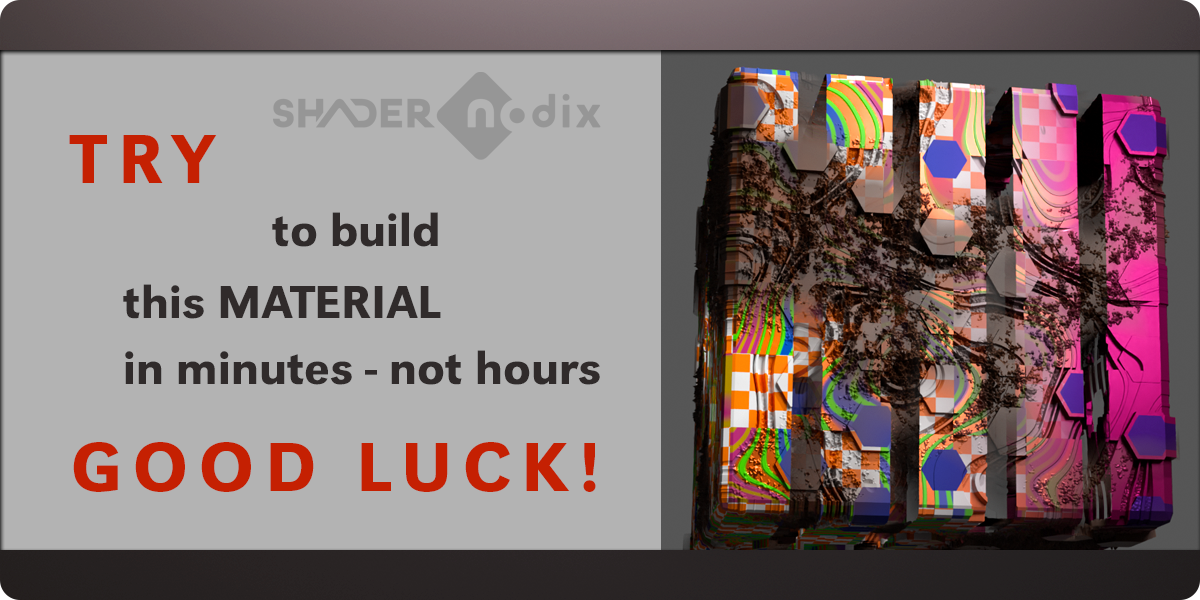
COREnodix includes commands to copy a material from a selected object, paste it onto another selected object, or clone it to a selected object. The included procedural materials tool demo is for Cycles only. It combines premade procedural textures with masks or vertex painting, then lets you add effects such as dirt and edge wear. The listing describes a multilayer workflow with hundreds of parameters, designed for visual adjustments without editing nodes or writing code. It also lists SHADERnodix, a Cycles procedural materials creator, as coming soon with its tool demo available now, and describes LOGOnodix, a logo and shape designer, as being redesigned from scratch.
The listing identifies COREnodix as a Blender extension-compatible add-on for Blender 5.0 and later, and names Cycles as the render engine for the materials demo. It also lists GPL as the product license and says C-You FX tools have commercial licenses, so check the terms for each tool you plan to use.
Install and open COREnodix
The Superhive installation guide gives these steps:
- Download the product ZIP and leave it compressed.
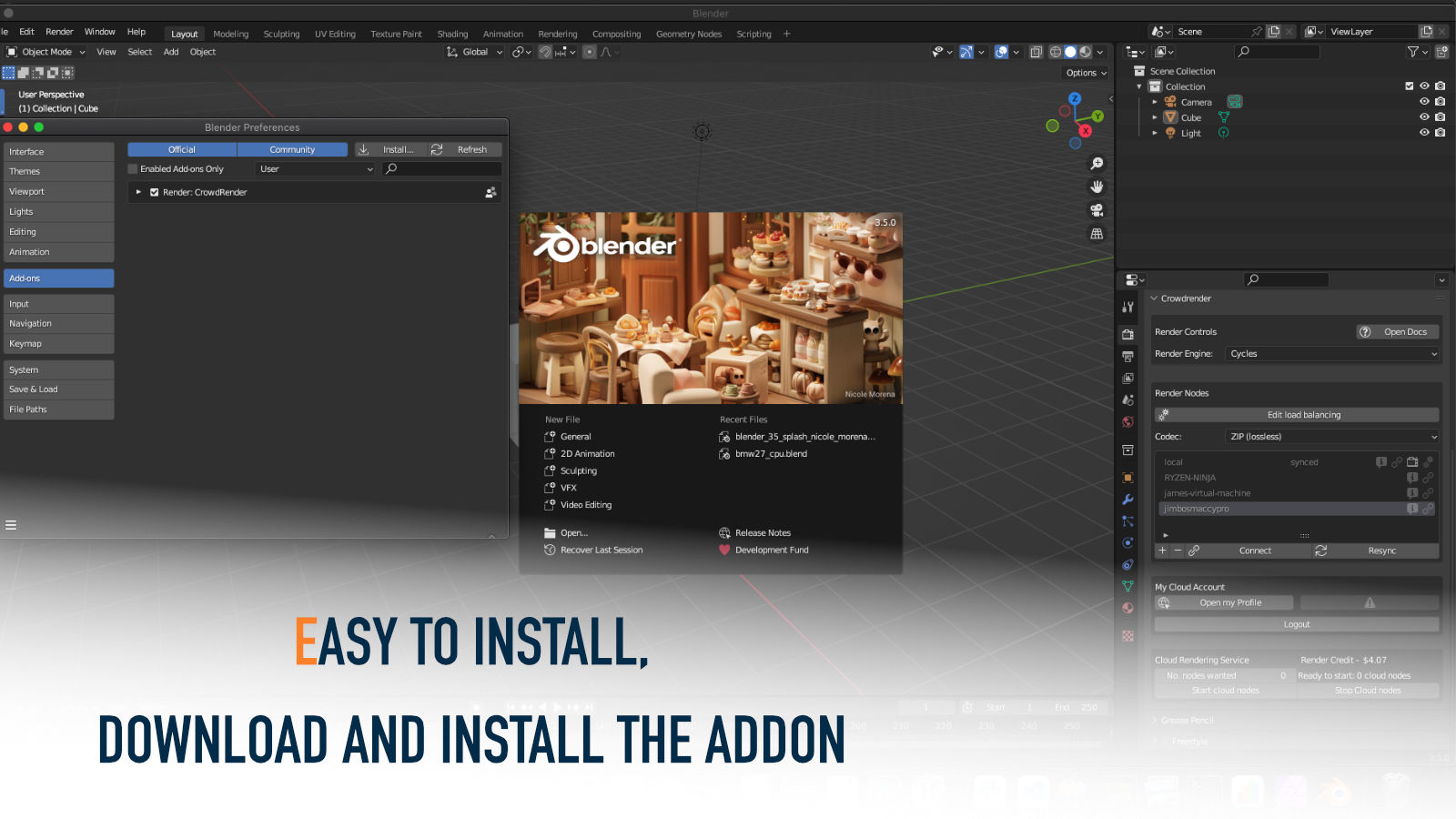
- In Blender, open Edit, then Preferences. Use the menu arrow in the upper-right and choose Install from Disk. Select the ZIP file.
- Open the Add-ons tab, search for COREnodix, and enable it if Blender has not enabled it automatically. Restart Blender.
- Press N to open the side panel, select the C-You FX tab, and click Tool to start COREnodix.
The guide points to the videos linked from the product's About tab for an introduction and tutorial. Check the seller's listing for current compatibility and the terms of any separately purchased tool.