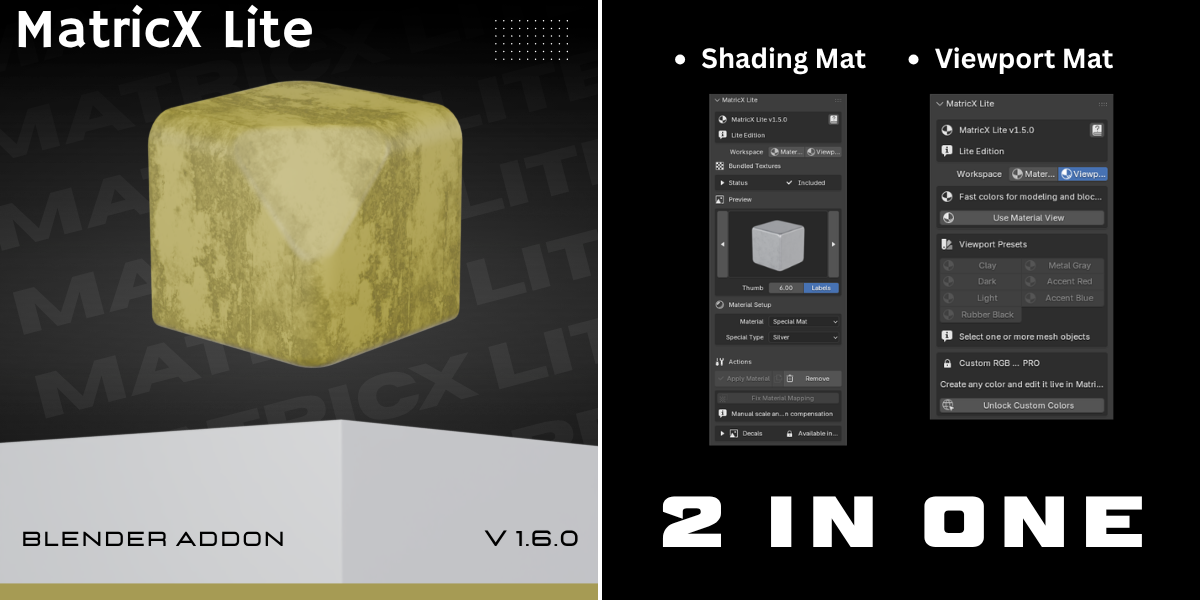
Matricx Lite - Free Edition is a Blender add-on for creating procedural hard-surface materials from the N-Panel. It includes preset browsing, live adjustments, mapping repair and viewport color tools. The documentation confirms that the add-on includes bundled material presets and required textures, with no separate download needed.
Materials and editing tools
The documented library covers metal, plastic, wood, glass, rubber and leather, emission, floor and special materials. The browser includes search, favorites, recent materials and thumbnail previews. Available controls depend on the selected material and can include color, roughness, metallic appearance, texture scale and glow strength.
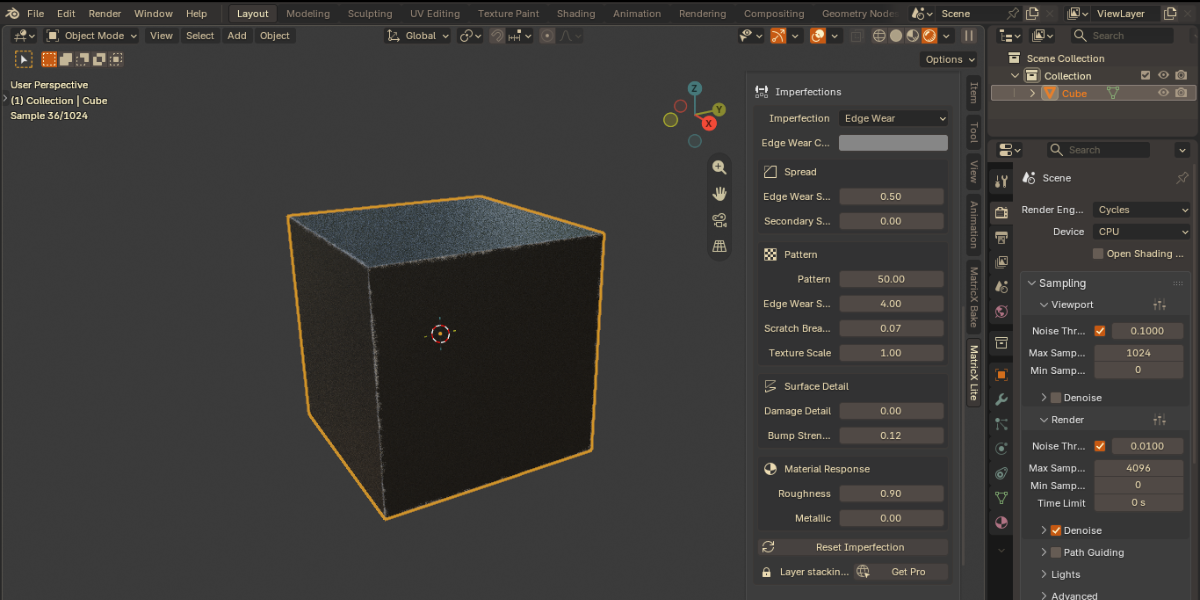
Lite includes Dirt and Edge Wear controls, with one imperfection at a time. Fix Material Mapping helps correct stretched procedural textures after scale or rotation changes. Changes to a shared Blender material update all linked objects; use Make Unique to create an independent copy for one object or variation.
Viewport colors and installation
Viewport presets include Clay, Dark, Light, Rubber Black, Metal Gray, Accent Red and Accent Blue. The documentation also describes a Material Preview shortcut and multi-object color assignment for blockouts and scene organization.
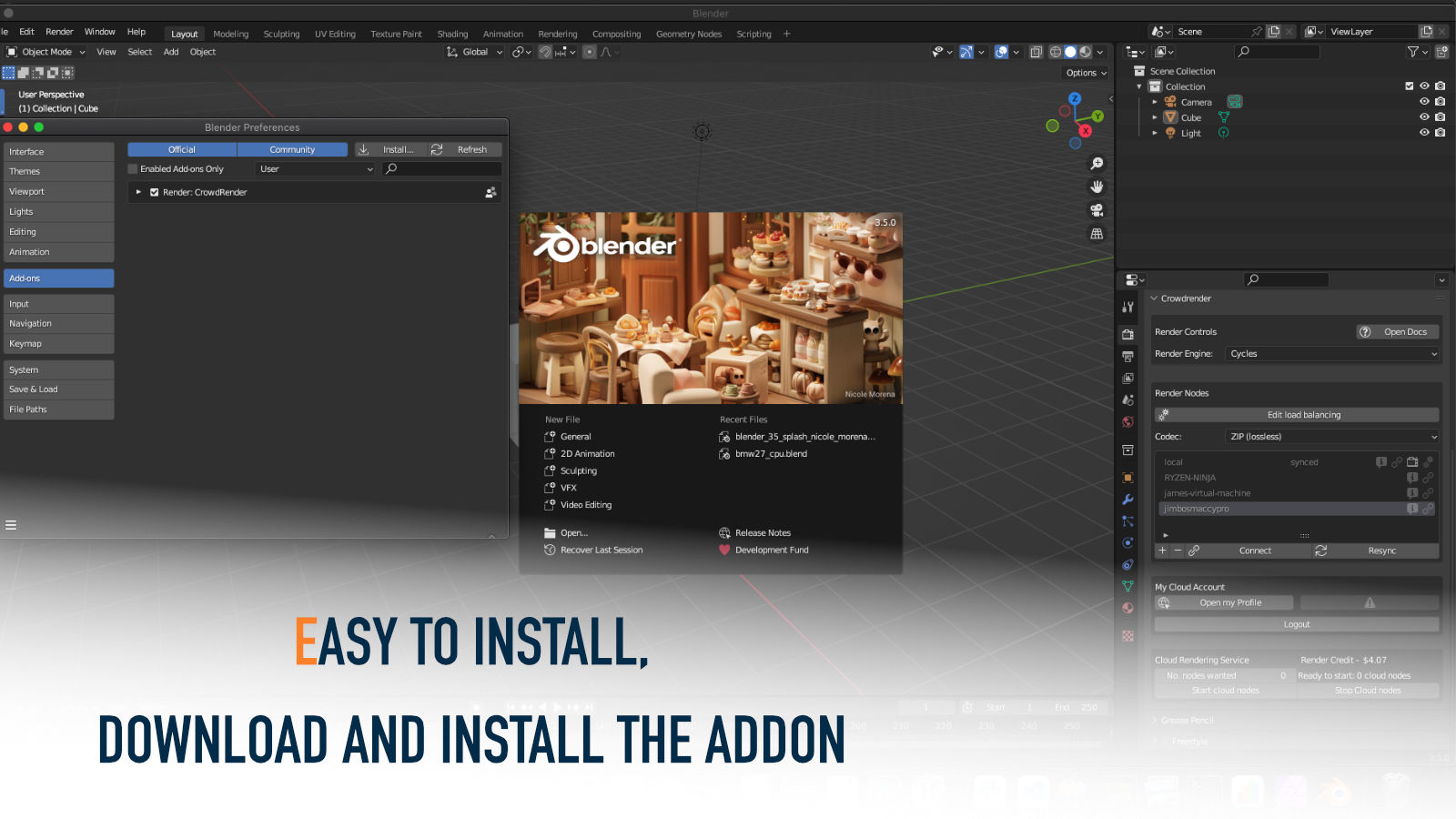
The documented installation steps are to download the ZIP without extracting it, choose Blender's Edit, Preferences, Add-ons, then Install from Disk, select the ZIP and enable the add-on. Press N in the 3D Viewport and open the Matricx Lite tab. In the material workflow, select a mesh, choose a category and preset, adjust the settings and apply the material. See the full installation and workflow instructions.
Compatibility and availability
The supplied product details list Blender 4.0 to 4.4, while the documentation lists Blender 4.0+ and names releases through 5.1+. Check with the creator about your exact Blender version before installing.
The Superhive FAQ describes Lite as free to download and use. Its product page says Lite will receive no future development or updates. Confirm that a download is still available and suits your Blender release before relying on it. The FAQ and documentation identify decals, custom PBR import and layered imperfections as MatricX PRO features.