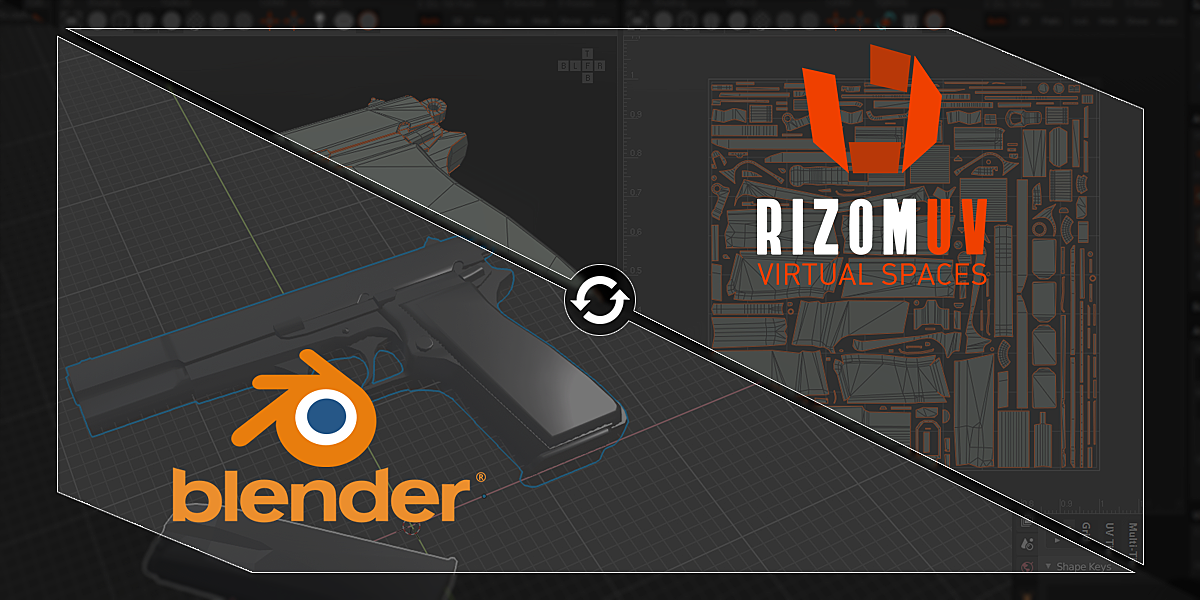
B2RUVL connects Blender with RizomUV or Headus UVLayout for UV work. Send a mesh from Blender to one of these applications, edit or unwrap its UVs, then bring the UVs back into Blender. Version 1.0.0 adds a live RizomUV connection and tools controlled from Blender. The developer documentation requires Blender 5.0 or newer, Windows, and a local installation of RizomUV, Headus UVLayout, or both; Superhive's Blender Version field shows 5.1 to 5.2.
Work with RizomUV
With a mesh selected and RizomUV configured, use Start to launch or connect to RizomUV over TCP. B2RUVL shows the connection status once linked. Send the active mesh to RizomUV, then retrieve the edited UVs in Blender. The active UV set can be synced during transfer when that preference is enabled.
- Sync UV sets, weld UV edges, and cut selected edges.
- Run Unfold, Optimize, and Pack from the Blender panel.
- Send Blender edge selections marked Seams, Sharp, or Crease, or send the current selection.
The Lua runner can execute bundled scripts such as Box, Mozaic, Pelt, and Sharp_Edges, along with custom scripts from the configured scripts folder. Auto-run is optional. See the developer's RizomUV workflow guide for connection and tool details.
Send meshes to Headus UVLayout
The UVLayout workflow exports a selected mesh using the configured application path. Choose Edit to send an existing UV map for editing, or New to start without its existing UVs. You can select the UV map and set the surface type to Poly for standard meshes or SUBD for subdivision surfaces. The Cut and Drop by sharp edges option uses Blender's Sharp edge marks and supports a single object. The UVLayout workflow guide explains these options.
Installation and compatibility
Install the B2RUVL zip through Blender's Edit, Preferences, Add-ons menu using Install from Disk, then enable the add-on and configure the application paths. Its panel appears in the 3D Viewport sidebar when a mesh is active. The installation guide gives the install steps; the setup guide covers preferences for both applications.
RizomUVLink binaries must match Blender's Python version. Use Get Latest in preferences and restart Blender to reload them. If no matching binary exists, use a Blender build with a supported Python version. B2RUVL is listed under the GNU GPL license on its Superhive product page.