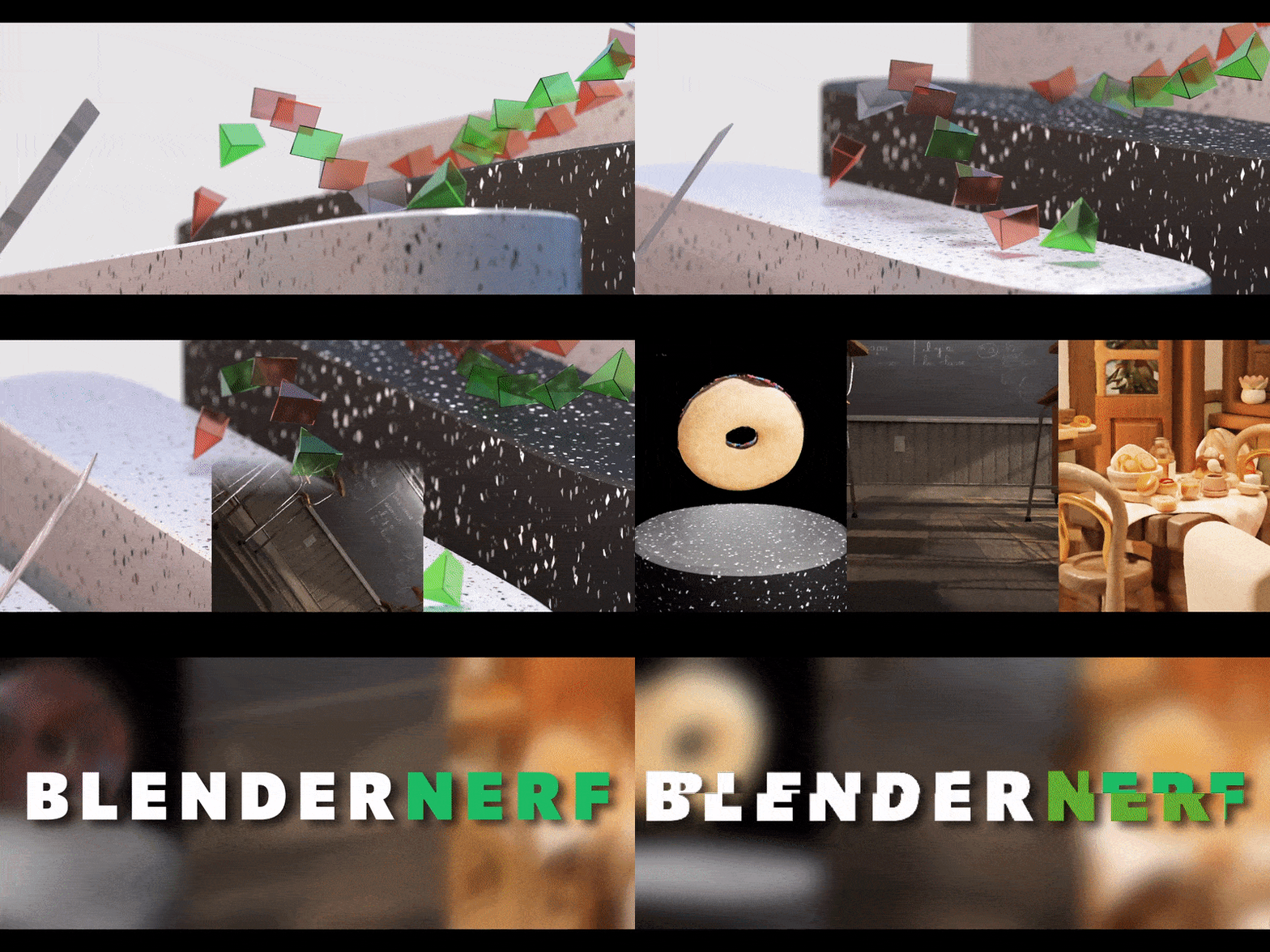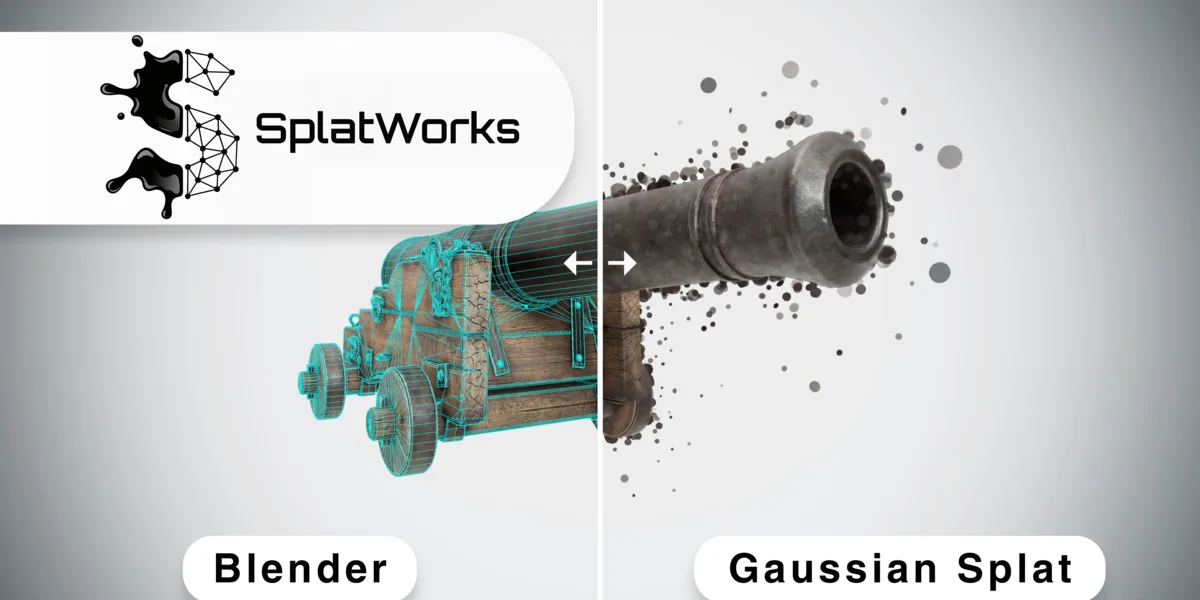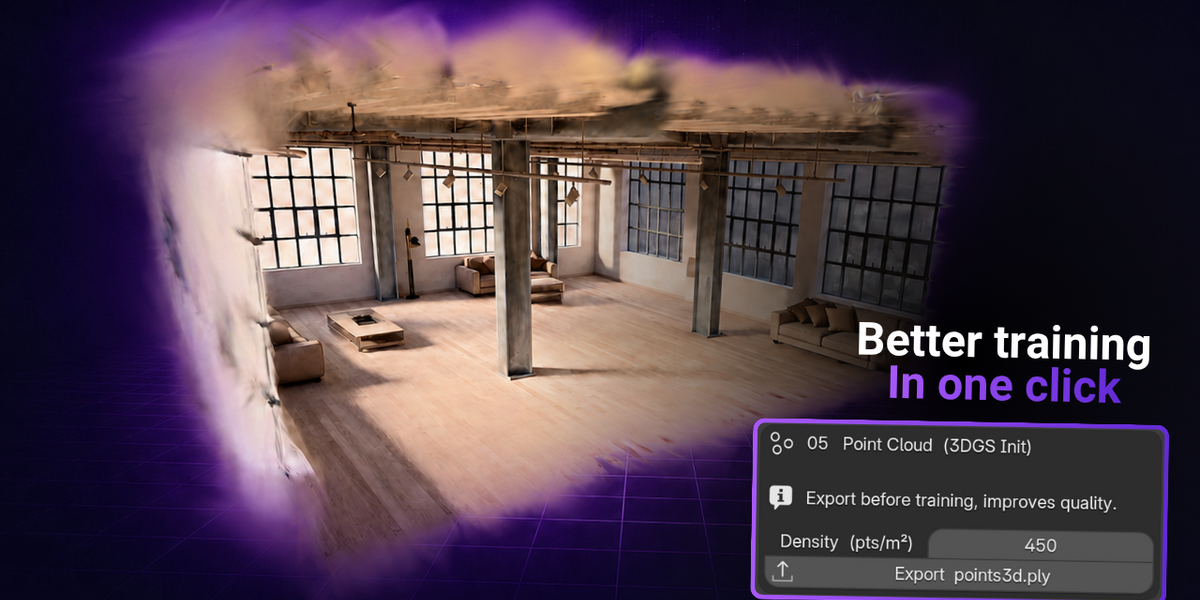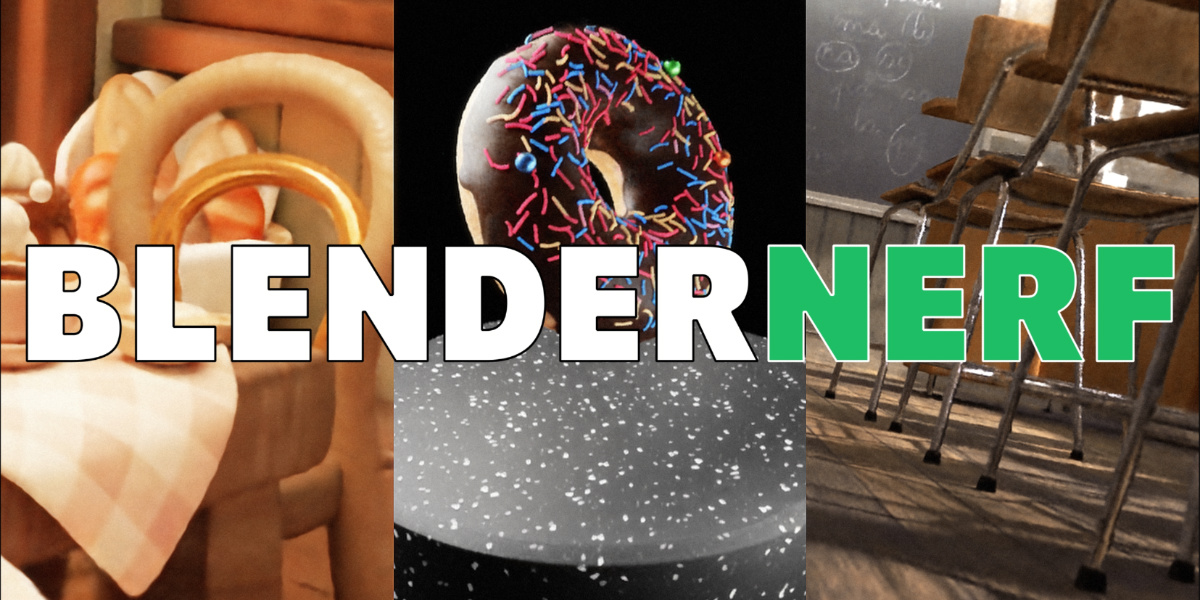
BlenderNeRF, by Maxime Raafat, is a Blender add-on for creating synthetic datasets for NeRF and Gaussian Splatting. It renders a scene and exports camera parameters in a single action while leaving the 3D scene and camera under your control.
Capture methods and exported data
The documentation describes three ways to create NeRF training and test data:
- Subset of Frames (SOF) renders every Nth frame from a camera animation. Test data covers the full animation, including training frames, making this method suitable for rendering or interpolating large animations of static scenes.
- Train and Test Cameras (TTC) uses two separate cameras that you choose: one for training data and one for test data.
- Camera on Sphere (COS) samples training views around a user-controlled sphere, pointed toward its center. A selected camera provides the test data.
For this documented NeRF workflow, the add-on packages training and test folders into a ZIP file. The folders contain rendered images and camera information in transforms_train.json and transforms_test.json.
Install the add-on
- Download the BlenderNeRF repository as a ZIP file.
- In Blender, open Edit > Preferences > Add-ons and choose Install From Disk.
- Select the ZIP file. Find the add-on in the 3D Viewport's N panel by pressing N, under BlenderNeRF.
The documentation's installation steps specify Blender 4.0.0 or later. The marketplace's version list names Blender 3.0 through 4.2. Check the current repository instructions for your Blender version.
Training and real-world footage
BlenderNeRF prepares dataset files; its product page says NeRF training is not included. For local training, the developer points users with an NVIDIA GPU to Instant NGP. The page also links to a Google Colab notebook for running NeRF on Google GPUs; it requires a Google account.
The add-on is intended for synthetic datasets. For real-world camera tracking, the product page mentions Tracky, a separate open-source iOS app and Blender plugin that records motion data from an iPhone ARKit session. Its source notes that tracking drift or inaccuracies can affect NeRF reconstruction quality.
Availability
The product page links to a free, open-source updated version on GitHub and lists the license as MIT. Check the repository for the current release and documentation.