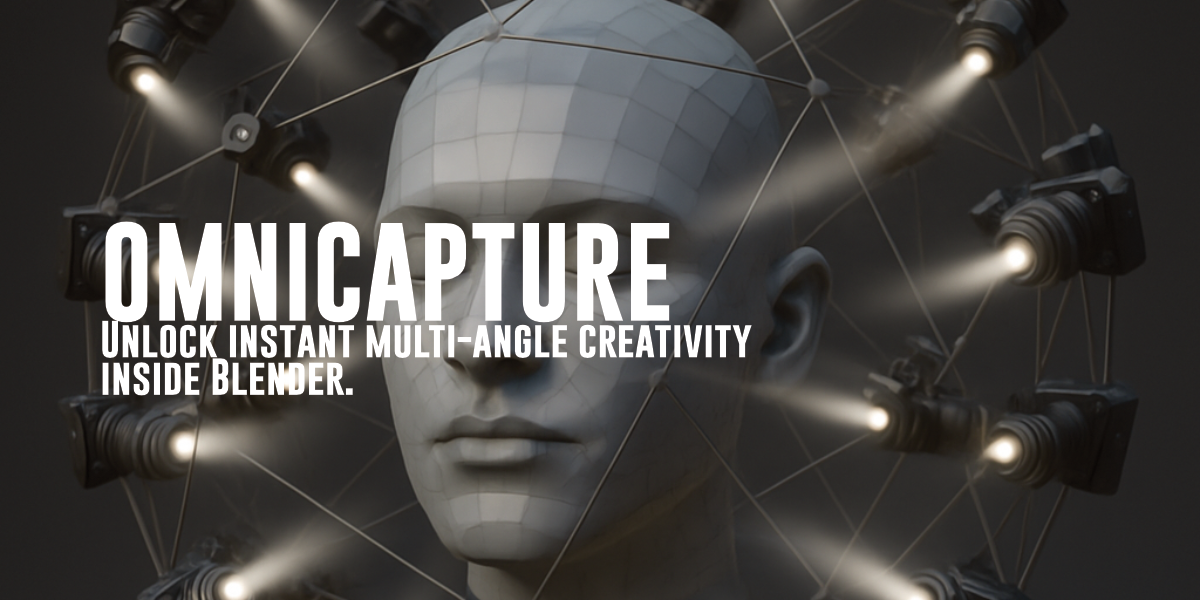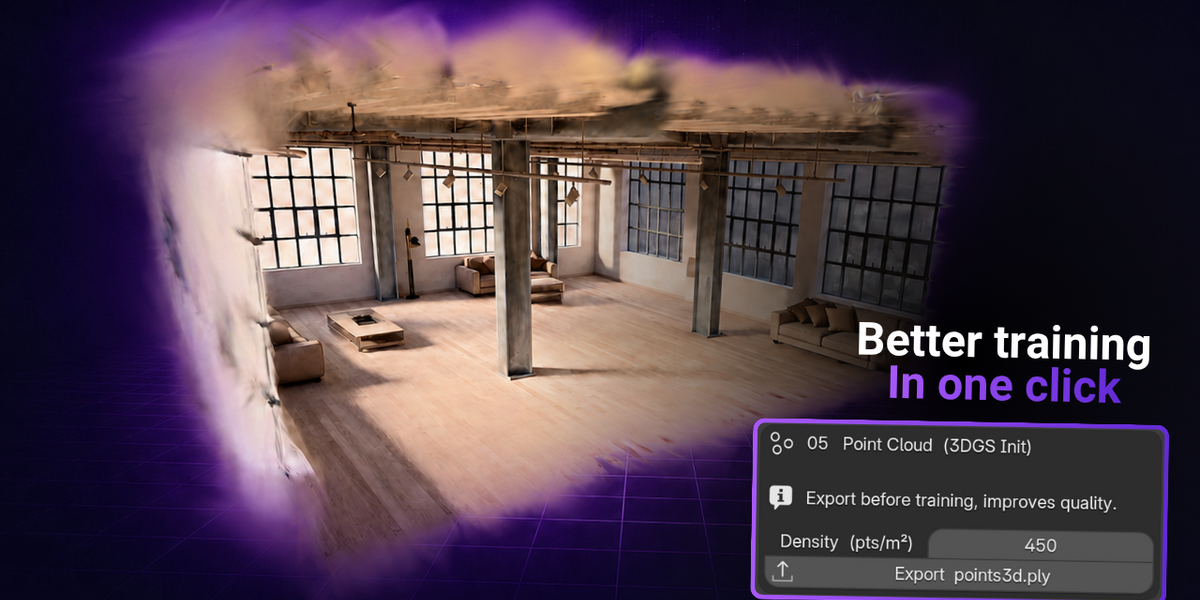
Synthra is a Blender add-on for preparing multi-view capture datasets for Gaussian Splatting. It combines camera placement, batch rendering, and export in one workflow. The captured images and metadata are used by external training tools; Synthra handles the capture stage inside Blender.
Set up a capture layout
Use Object mode to orbit a single mesh, or Scene mode to capture a larger space. The placement options described in the Synthra documentation include object, room or interior, walkthrough path, hybrid, and custom cluster setups. A live viewport preview lets you inspect camera placement before rendering.
Render and export the dataset
Set the render resolution, format, denoising, and sample count, then batch-render the camera views. Synthra restores the prior render settings after the batch. Its documented outputs include an images/ folder, transforms.json, and points3d.ply. The point cloud can be exported to help initialize training, with density adjustable before export.
The documentation lists Postshot, Nerfstudio, RealityCapture, and Instant-NGP as target tools. The product FAQ says to choose a target trainer before rendering so Synthra can adjust the coordinate system and JSON format for that destination.
Compatibility and license
The Superhive listing specifies Blender 4.2 through 5.1, Cycles and Eevee, and a GPL license. The listing specifies 12 months of support from Artemis3D and includes product updates. Check the developer documentation for current compatibility details before using a Blender version outside the listed range.