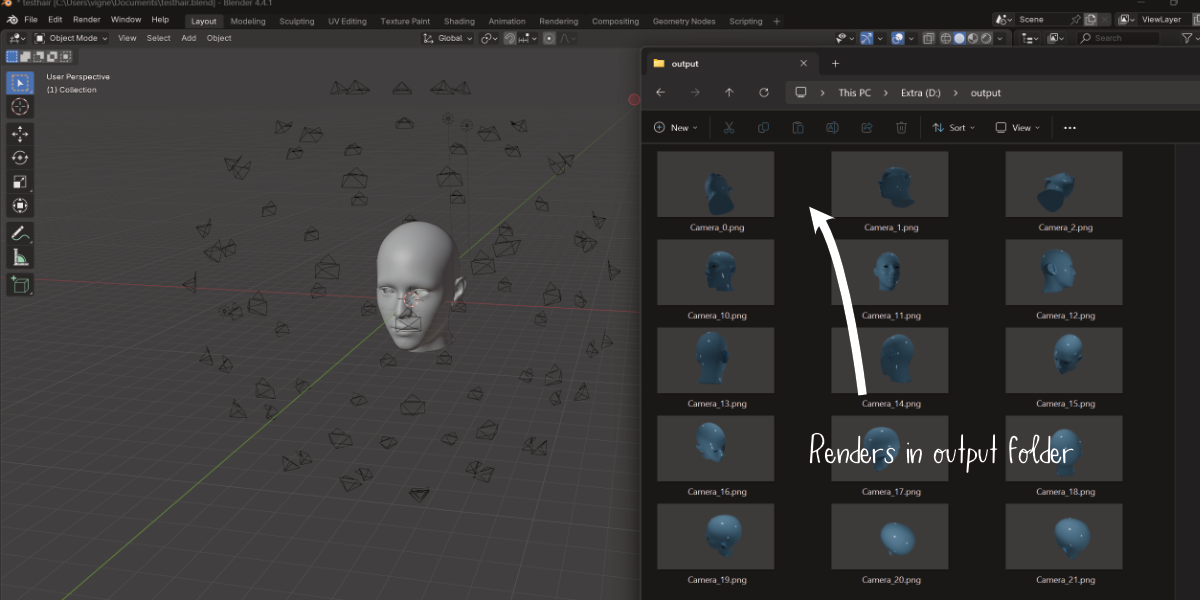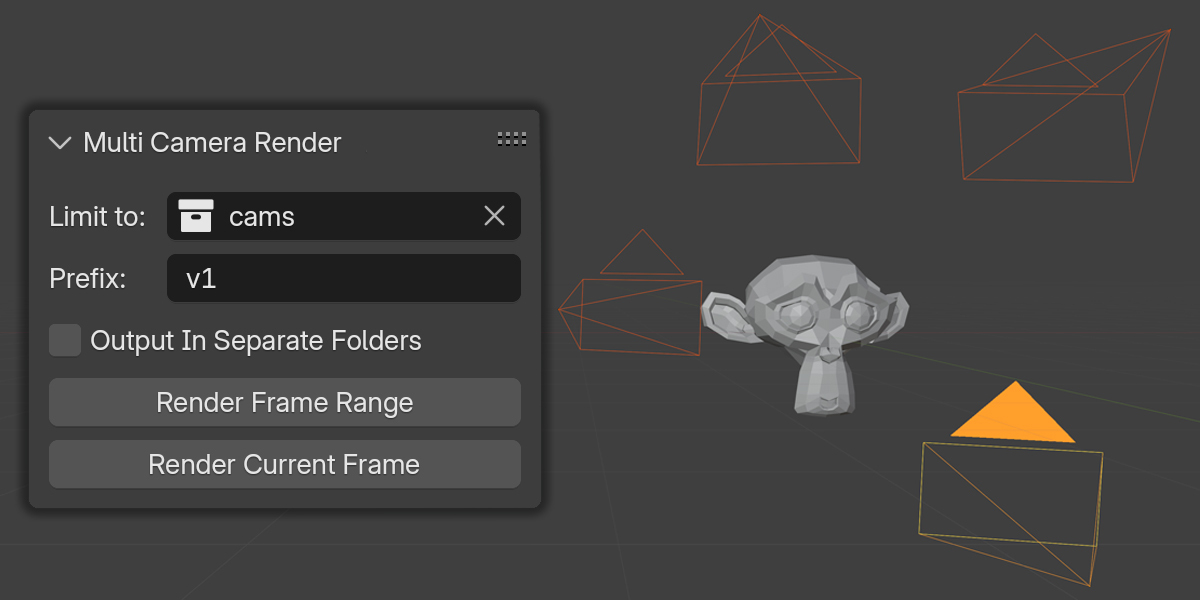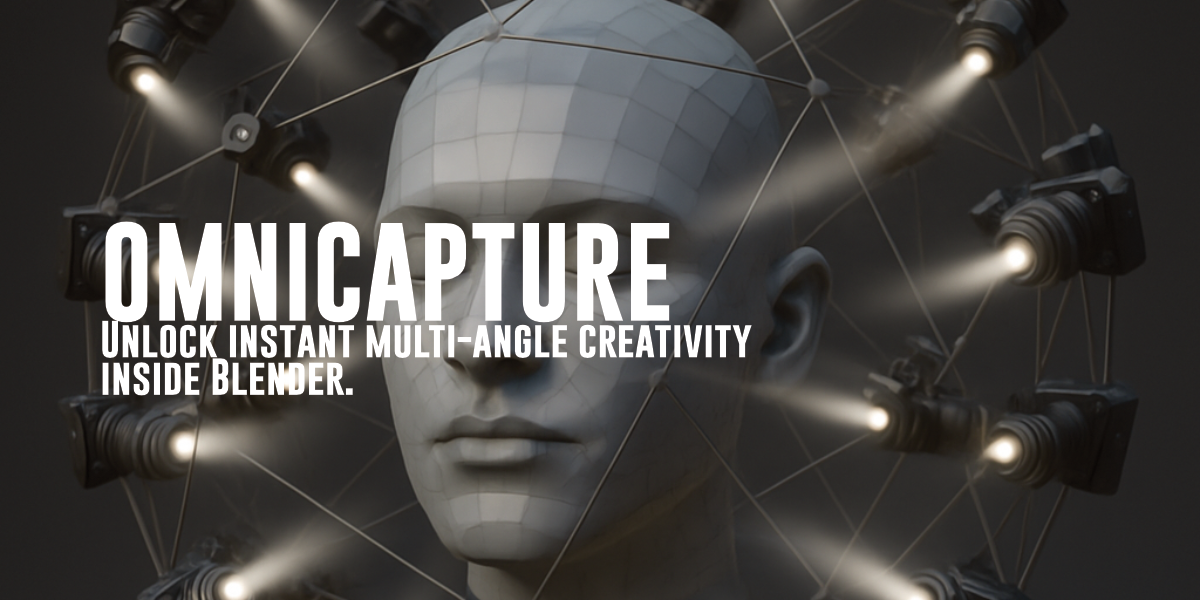
Omnicapture is a Blender add-on for creating multi-camera rigs around a subject. It is aimed at 3D scanning and photogrammetry, where arranging cameras one at a time can make setup repetitive.
Camera arrays for scanning work
The add-on can generate spherical, cylindrical, or custom camera rigs. The available product details do not explain the controls for custom layouts or specify camera counts and spacing. Check with the developer if those settings determine whether it fits your project.
Viewport behavior and render engines
Omnicapture automatically switches to the active camera view, mimicking Blender's Numpad 0 behavior. The creator says it is designed to prevent viewport lags and freezes; the product listing does not provide performance measurements.
Omnicapture is listed as working with Cycles and Eevee. The product details describe camera rig creation and viewport switching but do not state that the add-on configures scene render settings.
Blender compatibility and license
The developer lists Blender 4.4 and above, marks Omnicapture as Blender Extension compatible, and identifies it as an add-on under the GPL license. The available details do not specify a current add-on release number or provide installation steps. Check the product listing for compatibility information before installing.
Who may find it useful
Omnicapture is suited to Blender users who need a multi-camera arrangement for 3D scanning or photogrammetry. Its main documented functions are generating camera arrays and switching to the active camera view. If your workflow depends on exact camera spacing, array size, or detailed custom-layout controls, confirm those options with the developer first.