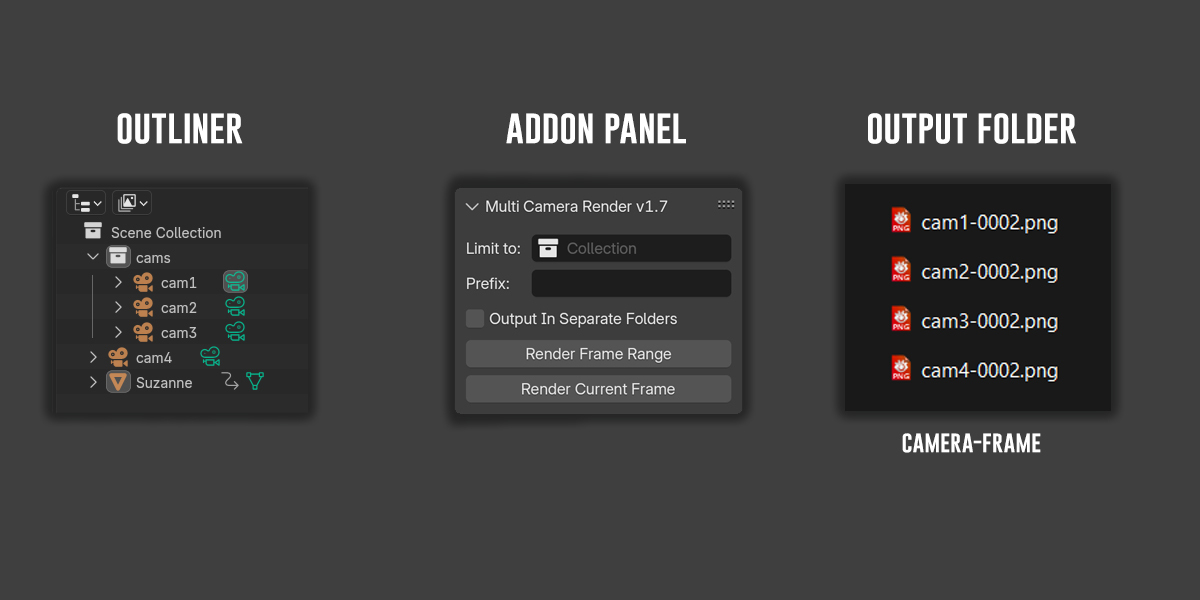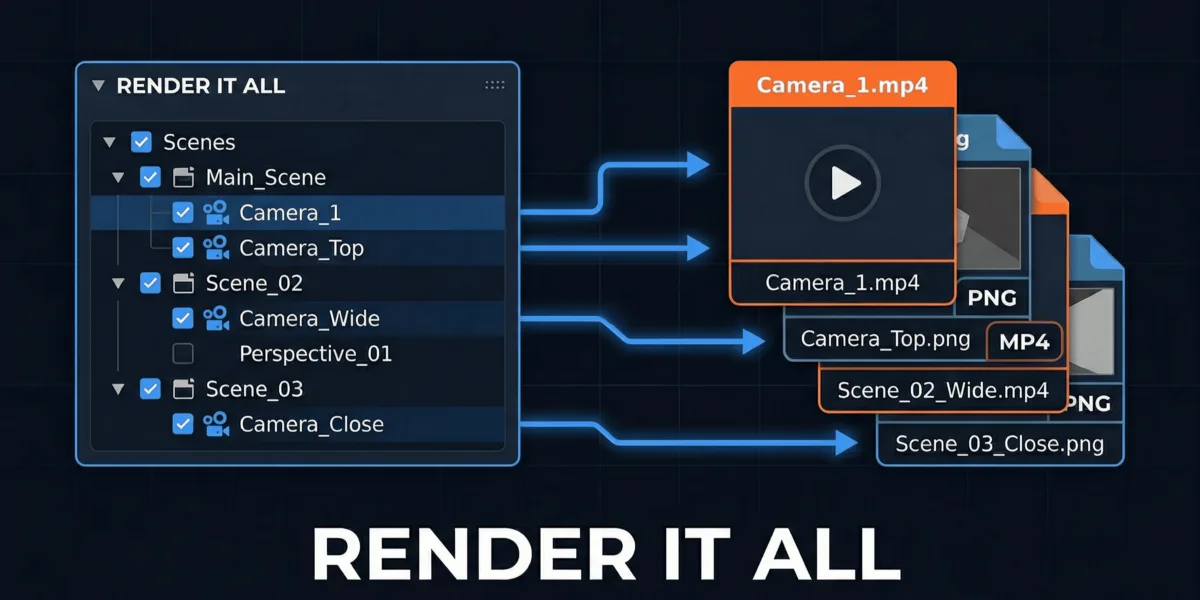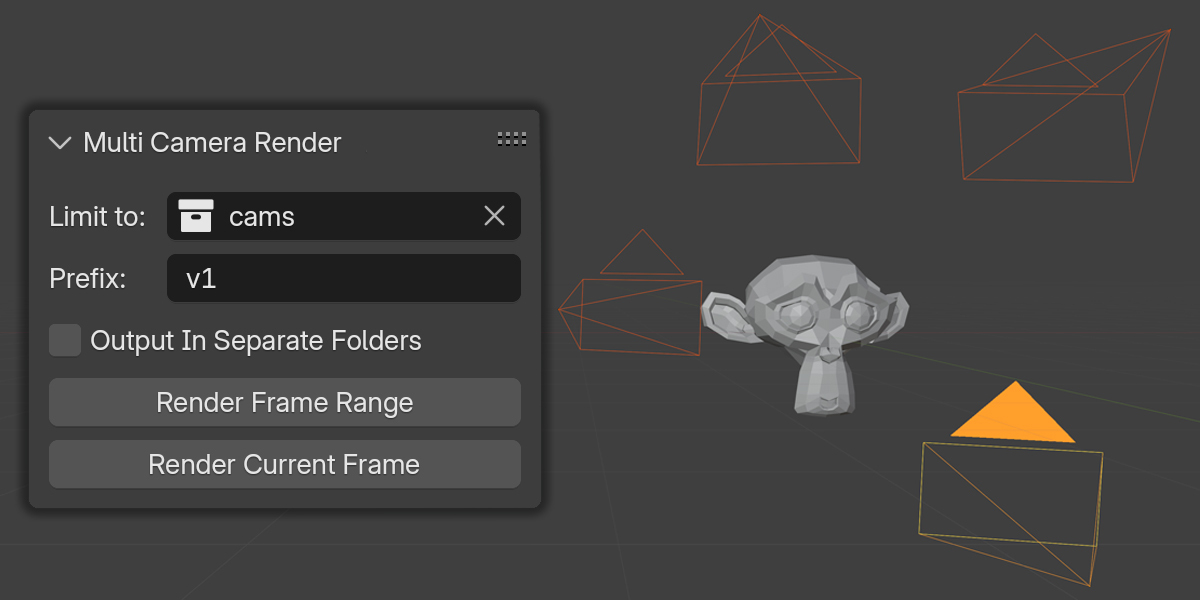
Multi Camera Render Addon is a Blender add-on for rendering a scene through several cameras while keeping their outputs organized. Its controls in Blender's Output Properties tab let you select cameras and set naming and folder options.
Choose cameras and organize output
You can render every camera in the scene or limit the run to a chosen collection. For output, the add-on supports a custom prefix and creates organized file names and subfolders for each camera.
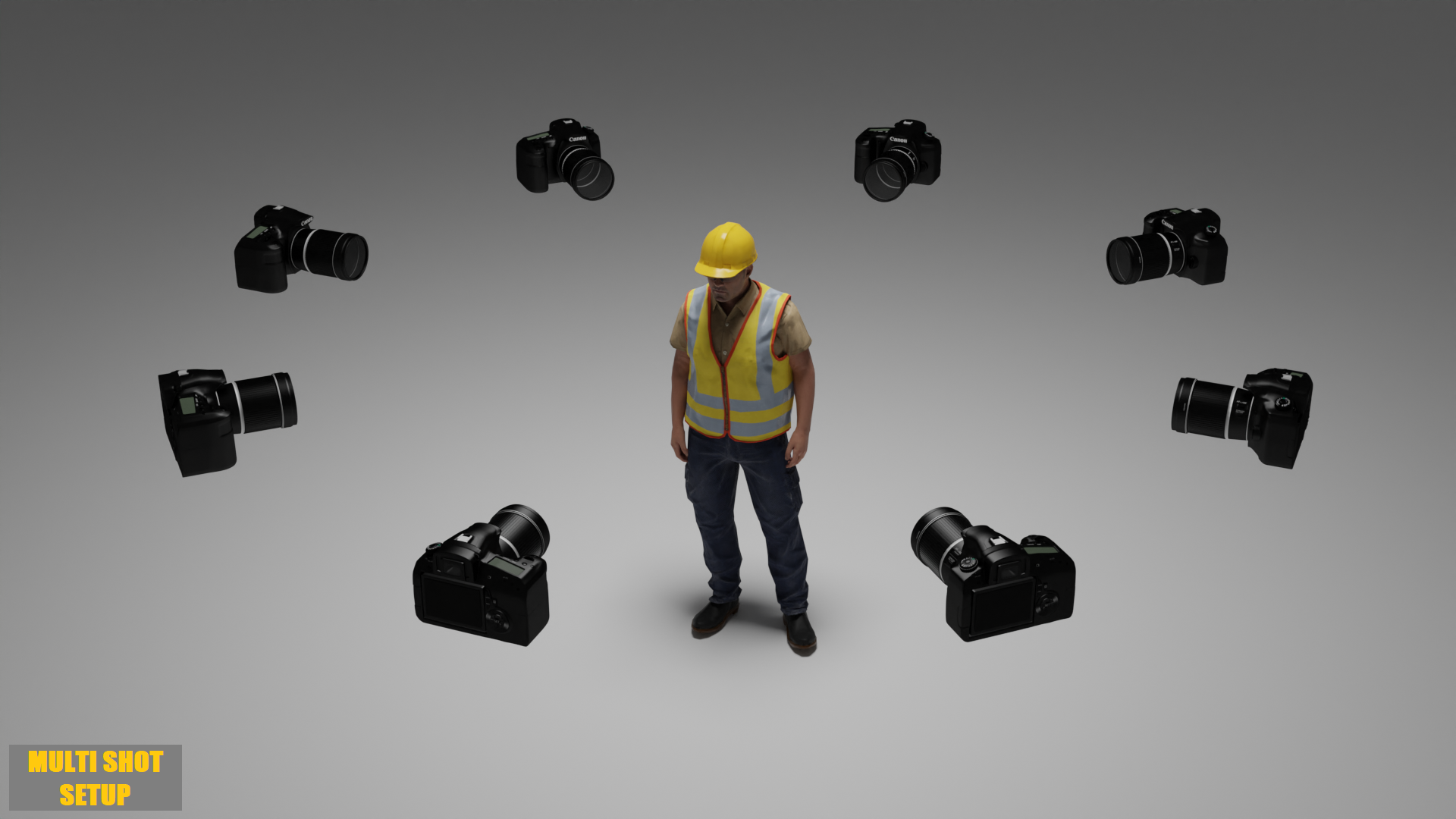
For example, a product scene with several viewpoints can use the collection option to target a subset of cameras, while per-camera folders help keep the resulting images identifiable.
Choose a frame range and track progress
Choose to render the full frame range or just the current frame. The current-frame option suits a still image from each view; the full-range option covers an animation. Both render options can be cancelled by pressing ESC. An overlay in Blender's 3D View shows render progress while the task runs.
Where it fits
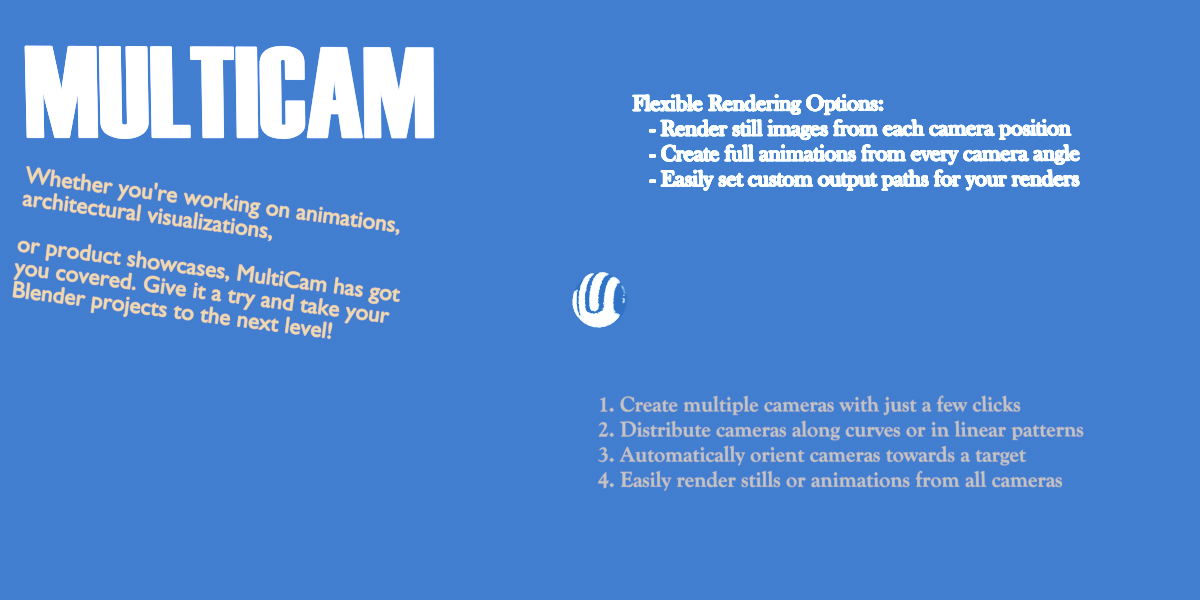
The developer lists product shots, multi-angle animations and VFX pipelines as use cases for multi-camera rendering.
Version and compatibility
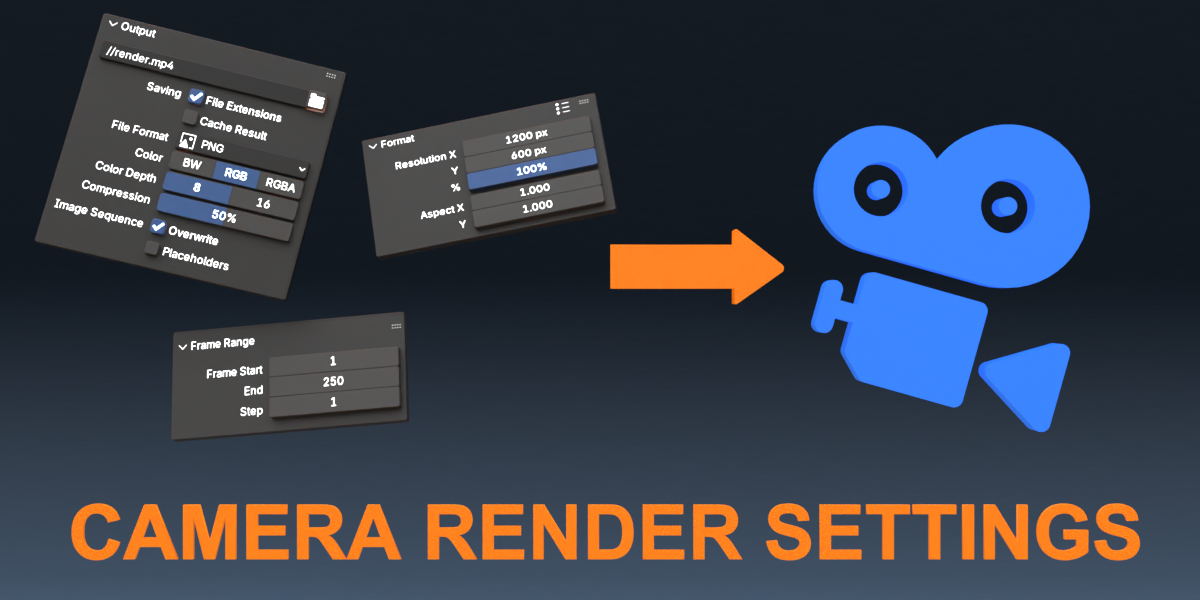
The Superhive product listing identifies Blender version 4.3 and marks the add-on as Blender Extension Compatible. It also states that Multi Camera Render is fully compatible with the Per Camera Resolution add-on. The listing does not establish support for other Blender releases. If you use another version or need setup instructions for that pairing, check the developer's current listing or documentation.
The listing identifies the license as Creative Commons and links to its license information. Check those terms before redistributing the add-on or modified files.