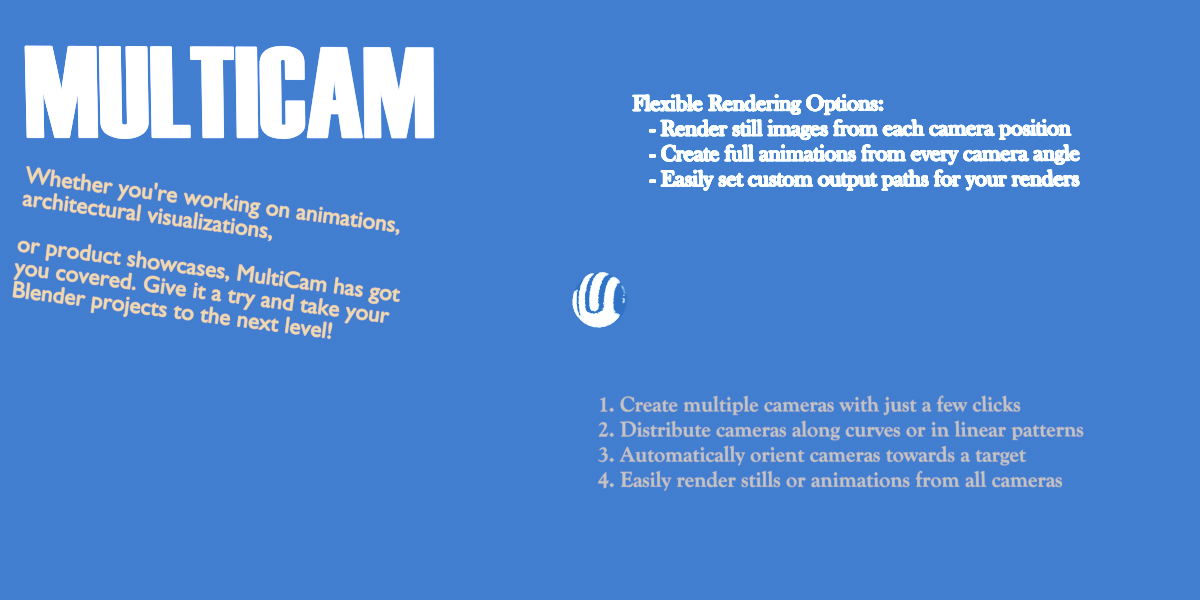
Multicam is a Blender add-on for creating and arranging several cameras in one 3D scene. It can distribute cameras along an existing curve, a circular path, or a linear layout, which is useful when a project needs multiple viewpoints.
Build a camera layout
Choose a curve already in the scene, create a circular path for orbiting views, or spread cameras linearly for parallel angles. Cameras can orient automatically along a curve. You can set a target object for them to focus on and still adjust their rotation and position.
The controls sit in a panel in Blender’s 3D Viewport and update as settings change. Multicam is aimed at animators, filmmakers, architectural visualizers, product designers, and other 3D artists who need repeatable camera angles.
Render from multiple viewpoints
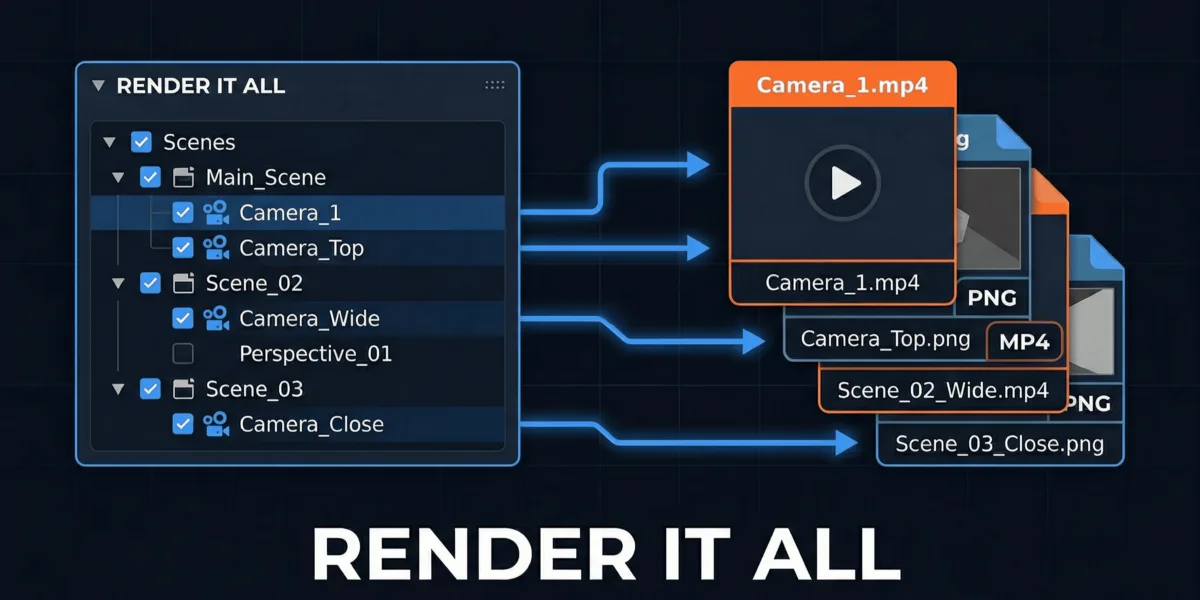
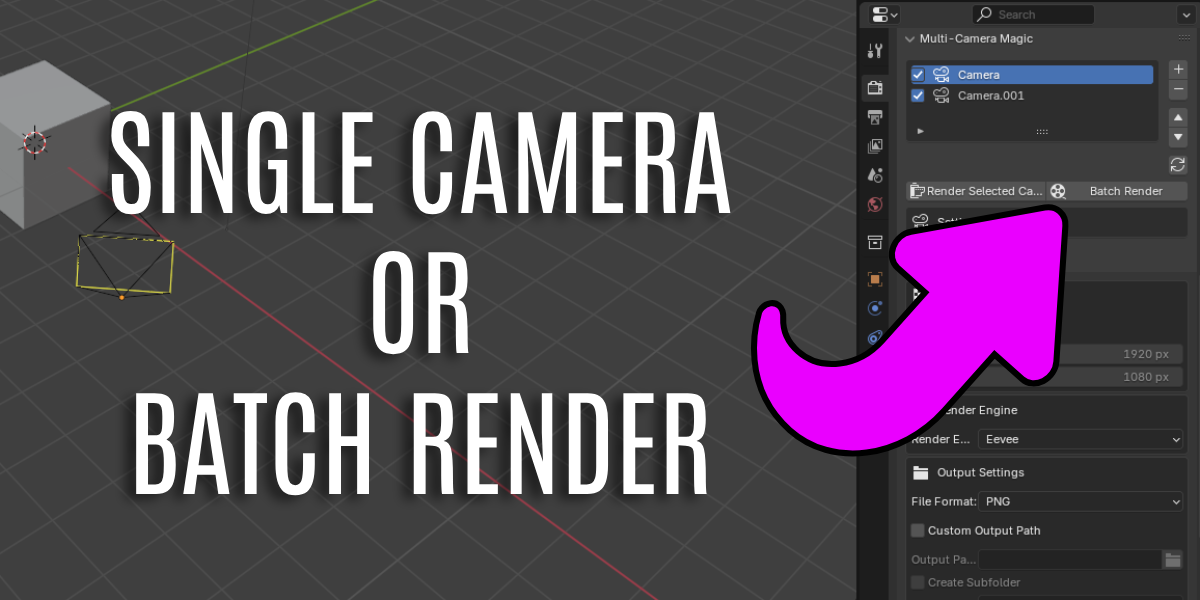
Multicam can render still images from each camera position or full animations from every camera angle. You can also set custom output paths for the renders. This suits workflows such as presenting a product from several sides or reviewing a scene from planned shot positions.
Blender compatibility and license
The Superhive listing describes compatibility with Blender 2.80 and later, and its version table lists releases through Blender 4.2. The listing identifies the add-on as GPL. Check the listing for current compatibility details when using a newer Blender release.