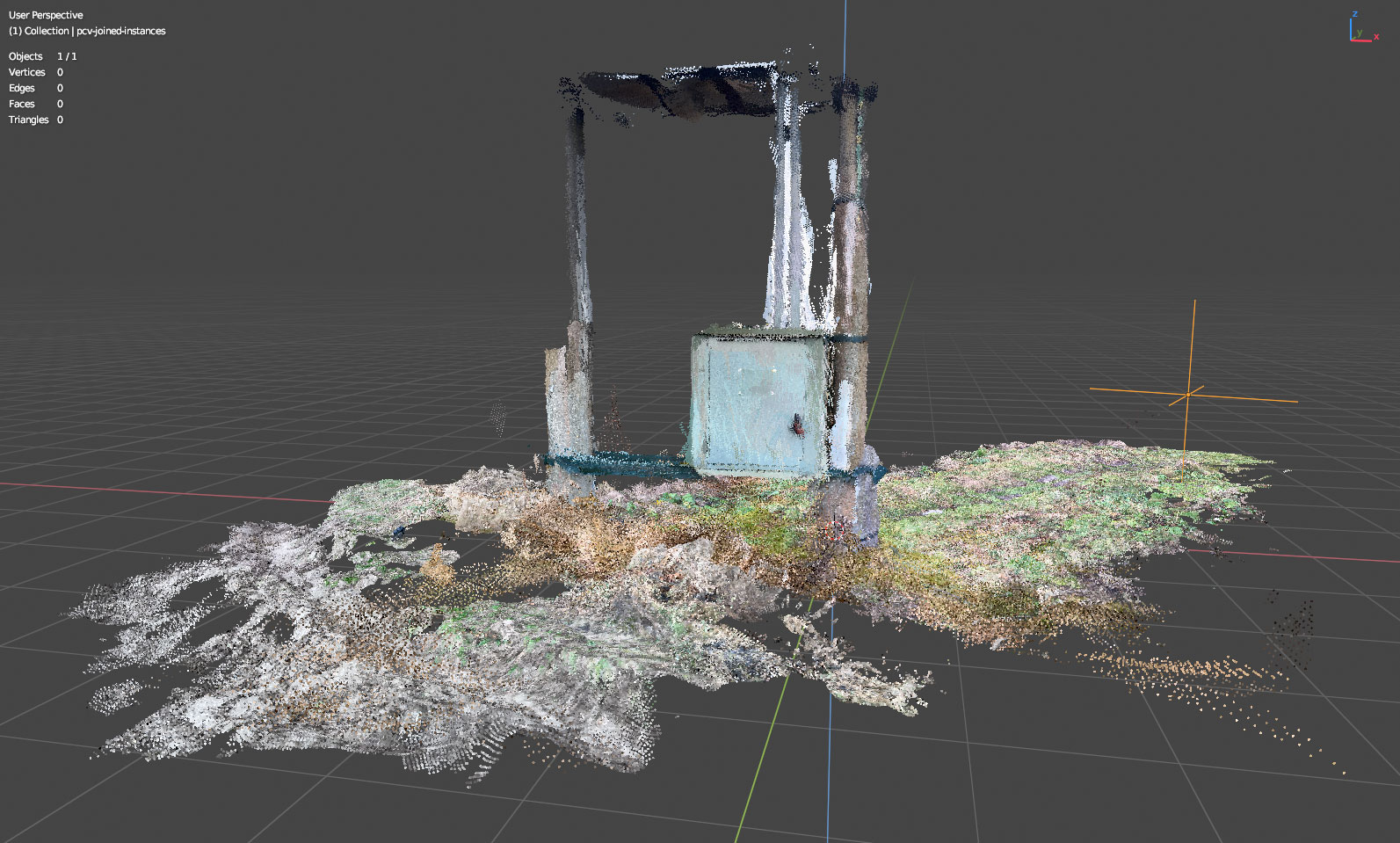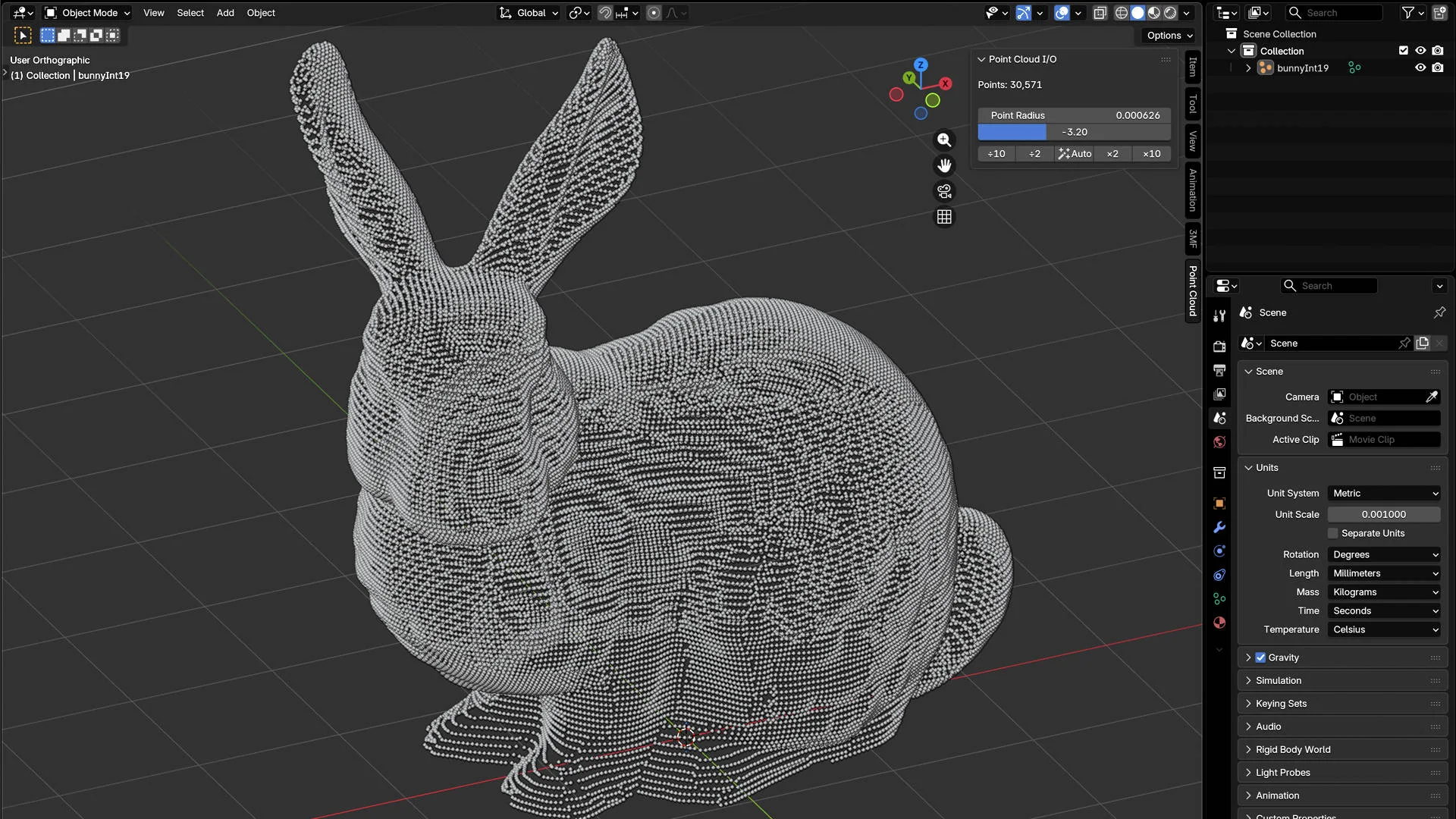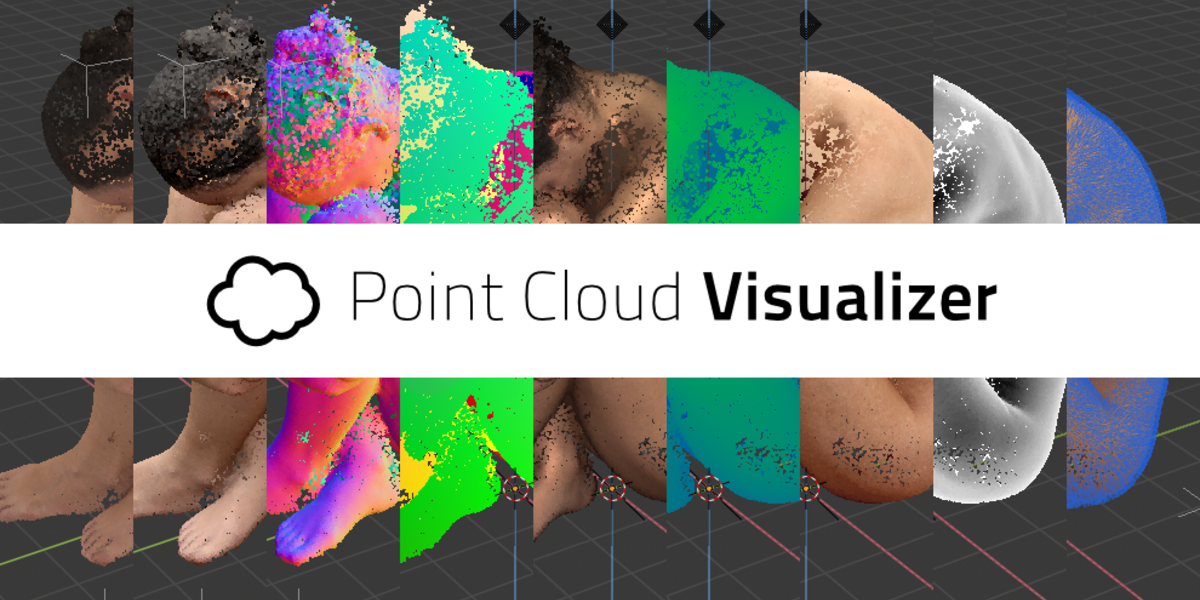
Point Cloud Visualizer is a Blender extension by Jakub Uhlík for displaying, editing, filtering, rendering, converting, generating and exporting colored point clouds. It can show hundreds of millions of points when system and GPU memory allow. The points stay outside Blender data until you convert them, which suits workflows built around LiDAR, photogrammetry, 3D scans and Gaussian splats. See the Point Cloud Visualizer documentation for operating details.
Supported formats and Gaussian splats
The extension reads PLY, LAS/LAZ, E57, PCD and text-based formats such as PTS, XYZ, TXT and CSV. It writes PLY, LAS/LAZ, E57 and PTS. Its custom PLY reader and writer are optimized for point data and performance. Since fewer formats are supported for export than import, confirm that the target format is on the write list.
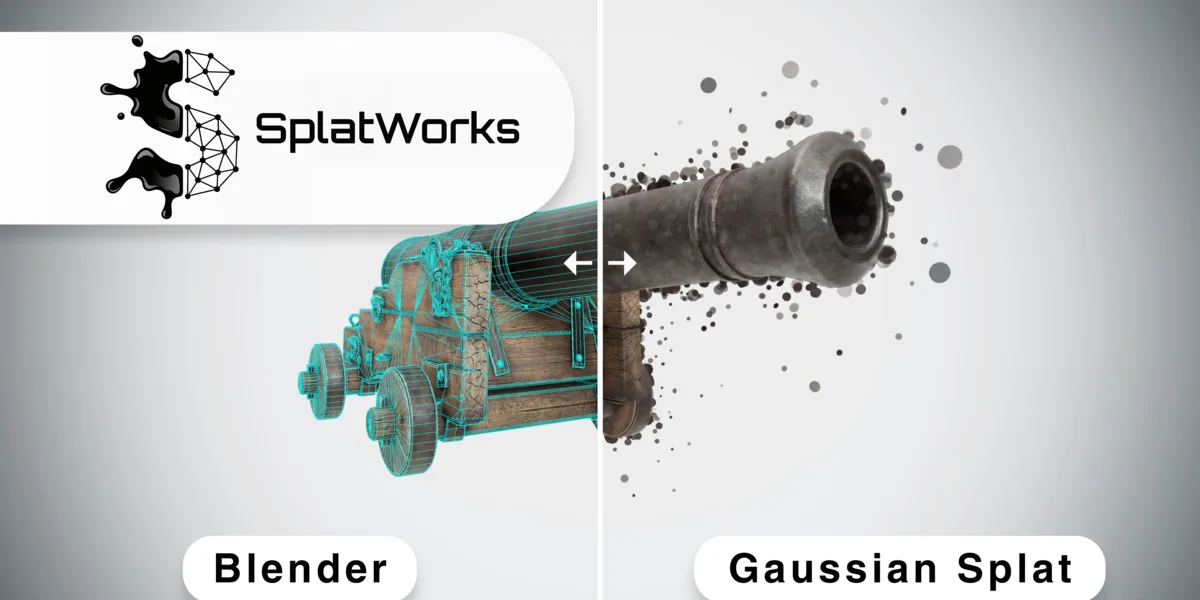
Point Cloud Visualizer can also load, edit and write 3D Gaussian Splatting PLY files. Conversion to Blender's native 3D Gaussian Splats object requires an experimental Blender 5.3 alpha build, according to the product listing.
Inspect and edit point clouds
Shading options can be combined to show points analytically, display normals, or inspect scalar values with range remapping and color schemes. Fast Navigation draws a subsampled view while you move around a large dataset. For cleanup, use modal selection tools or work in Blender Edit mode through a temporary mesh linked to the points.
- Reduce or shape a dataset with subsampling, voxelizing, slicing, cropping and boolean operations.
- Join or split point sets, adjust colors, remove points by color or value, project points onto a mesh, remove duplicates, estimate normals, register point sets or reconstruct a surface.
- Use vertex snapping for mesh retopology. Clip-plane gizmos and named states help set and restore viewing limits.
Some filters also work on Blender's native point cloud data-blocks in Object and Edit modes. The listing notes additional filters for the Gaussian Splats data-block subtype.
Generate, render and convert data
Point clouds can be generated from mesh surfaces or volumes, Geometry Nodes vertices and their attributes, or a whole scene simulated as a lidar scanner or photogrammetry capture. PLY sequences support playback, batch conversion, filtering and export; sequences can also be generated from a mesh or scene.
Built-in GPU rendering can output an image or image sequence using the viewport, with an option for a transparent background. The listing says converting points to mesh or VDB volume makes them available to Geometry Nodes and any Blender render engine. The product FAQ says Cycles can also render points directly, while Eevee converts them to a mesh internally and can render them slowly.
Memory and saved-data limits
Point Cloud Visualizer loads all points from a source file into system memory. Memory use during loading can peak at four times the runtime use or more. Displaying points also uses GPU memory. The display-percentage control and the Every Nth or Slice loading methods can reduce the number of points in use. Trying to upload more points than the GPU can hold may freeze or crash Blender. The developer's FAQ gives an estimate of about 300 million points on an 8 GB GPU with the default shader and scalars disabled; actual capacity depends on the data and settings.
Loaded points are not stored in a .blend file by default. The file saves Point Cloud Visualizer settings and the source path, so reopen the project and use Draw to load the points again. Export edits to PLY before closing Blender or loading another blend file. The Pack option stores points as a hidden mesh, but Blender's single-precision vertex positions can lose precision for geolocated data, preventing exact placement back in world coordinates.
Tiles mode and compatibility
The listing describes Tiles mode for large datasets split across multiple files, with level of detail and an octree, along with measurement tools and shading options for datasets without colors. The marketplace listing reports Blender 4.2 through 5.3 and Windows x64, Linux x64, and macOS arm64 and x64. Its FAQ qualifies Intel macOS support: that build is for Blender 4.5, is untested and is expected to stop receiving updates. Check the current product listing and documentation for compatibility and installation details.