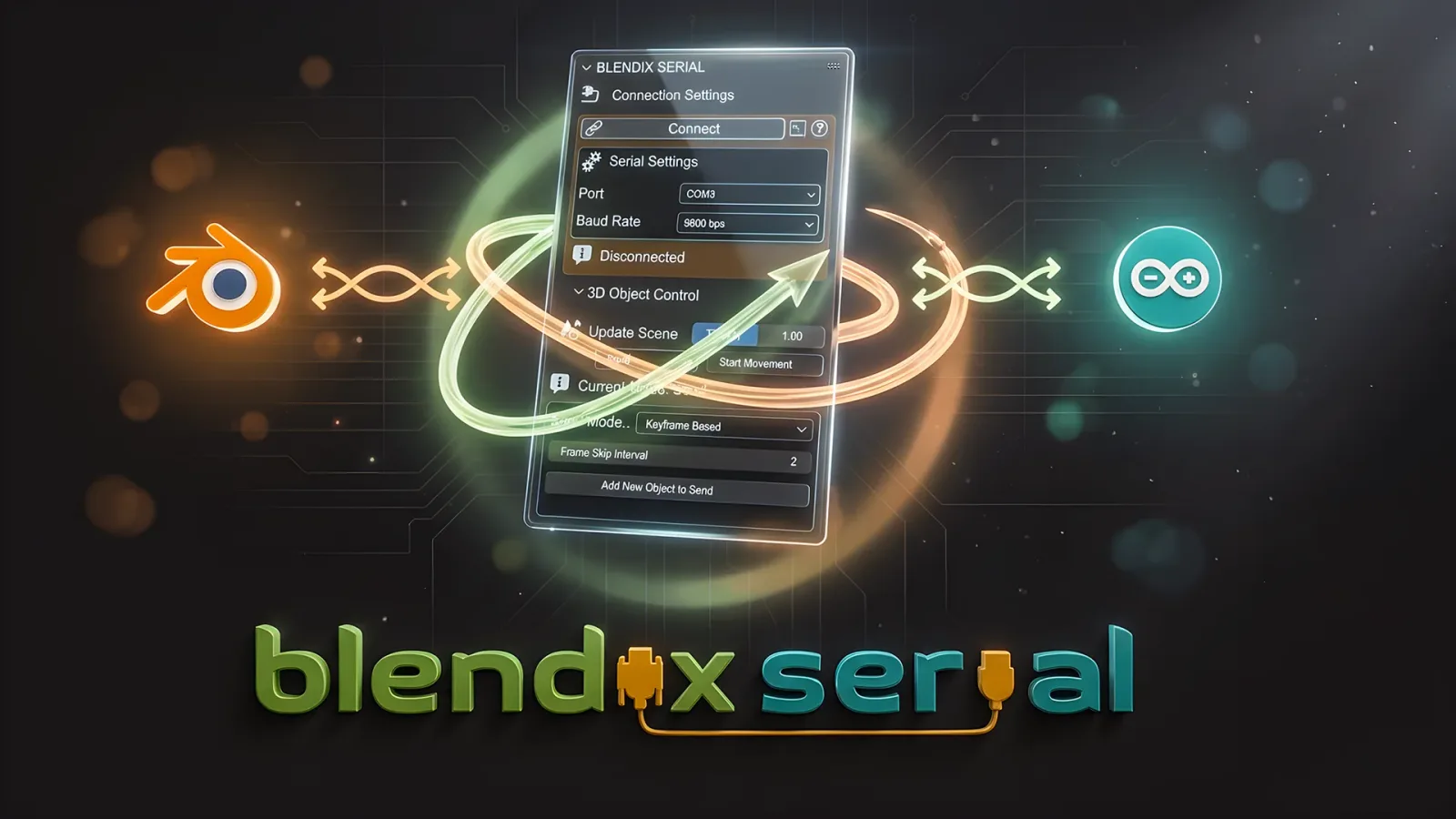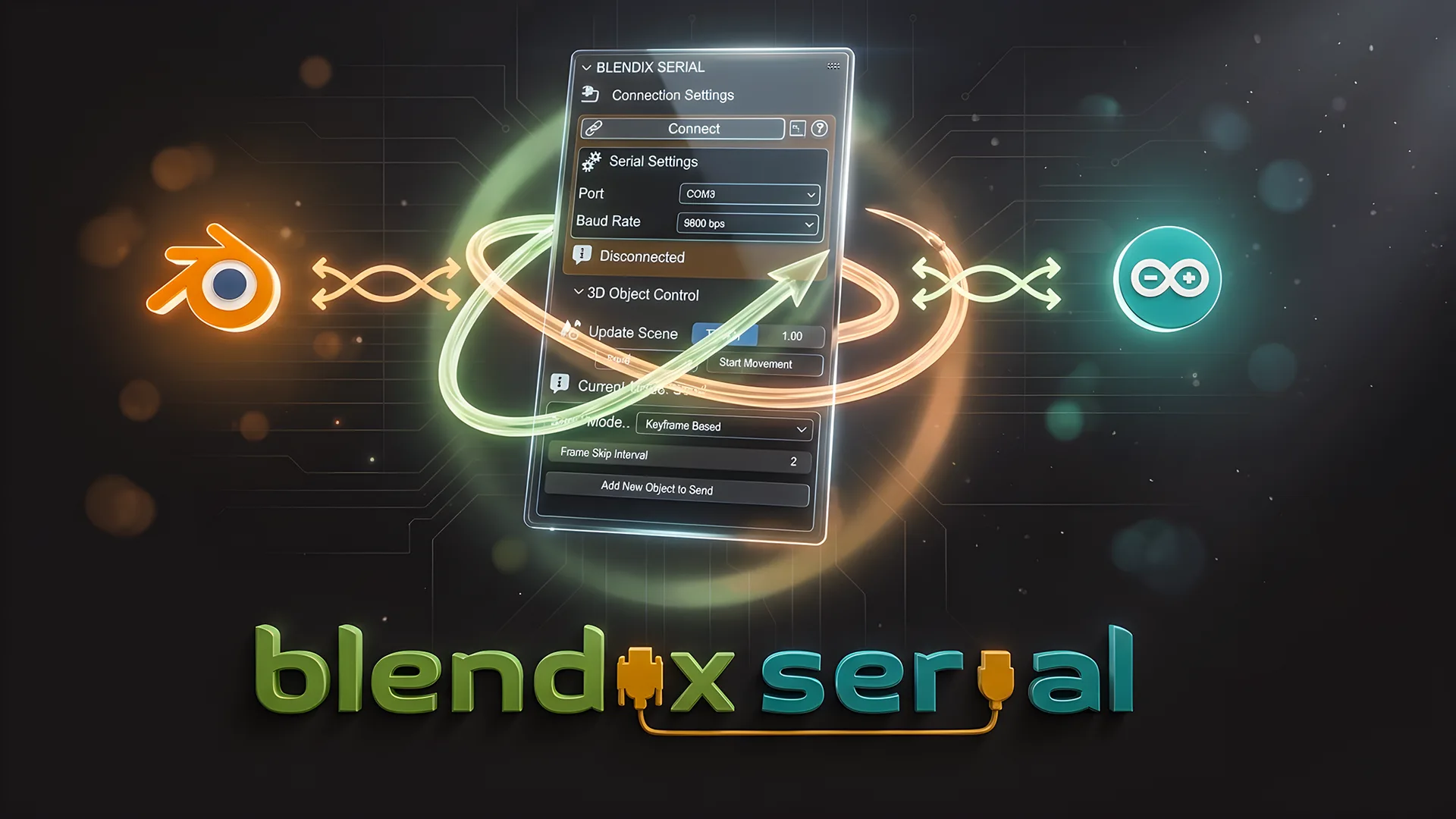
blendixserial connects Blender to external devices and applications over serial COM ports using UART. It can send and receive structured data in real time, control Blender objects, and display text from a connected device inside Blender. The add-on is intended for projects involving microcontrollers, embedded systems, or custom software.
Serial data in a Blender workflow
You can set up a serial connection, adjust port settings, and choose the data-flow mode: Receive uses incoming serial data to move Blender objects; Send transmits object transforms to the connected device, and Both mode enables both directions. Interactive Viewport Mode lets you drag marked objects as controls in Send or Both mode; with an active connection, their values go to the device only if the object is in the Send list and the relevant axes are enabled. blendixserial supports simple CSV and a custom binary protocol. That gives a project two ways to structure data exchanged between Blender and a connected device or application. The listing does not describe the protocols' packet structures, so check the developer's page for details before planning around a specific device.
Compatibility and version 2.2.2
The Blender Extensions listing identifies version 2.2.2 and Blender 4.2.0 as the minimum version. Its release notes describe a macOS fix for connections that could remain at CONNECT: the add-on now handles EINPROGRESS and checks SO_ERROR after select, avoiding a failed connection being treated as sent.
Install and check fit
The Extensions listing supports dragging the add-on into Blender or downloading it and using Blender's Install from Disk option. Before setting up a project, confirm that Blender is 4.2.0 or newer and that the device or application can exchange serial data in a format your workflow can use. Then configure the connection and port settings for that setup.