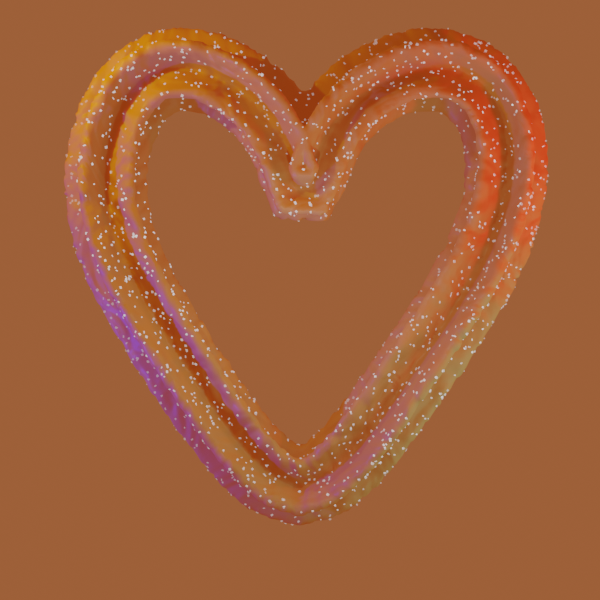
Turn a curve into a churro mesh
Blendurro is a single-purpose churro generator add-on for Blender, built with Geometry Nodes. It converts a curve object into a churro mesh in one click. Parameters let you set the churro thickness, choose dough or sugar materials, and change the ridge count. The product listing says two stylized shader sets are available depending on the selected variant, so check what the variant includes.
The add-on suits Blender artists who need a stylized churro asset for a scene. The listing names Blender 3.5, 3.6, and 4.0; it does not establish compatibility with later versions.
Installation and support
The installation documentation says to open Edit > Preferences, choose Add-ons, select Install at the upper right, and locate the add-on file.
The product listing identifies the license as Royalty Free. Its FAQ says the creator planned little to no support because the add-on was free and was used as a Geometry Nodes study project.
Geometry Nodes limitations
The listing describes a one-churro-at-a-time limit. When applying the Geometry Nodes modifier, Blender asks for the curve to be converted to a mesh. The FAQ's workaround is to use a mesh object with vertices, then add a Mesh to Curve node before the blendurroInternal node. The listing also notes that applying the modifier does not add sugar.