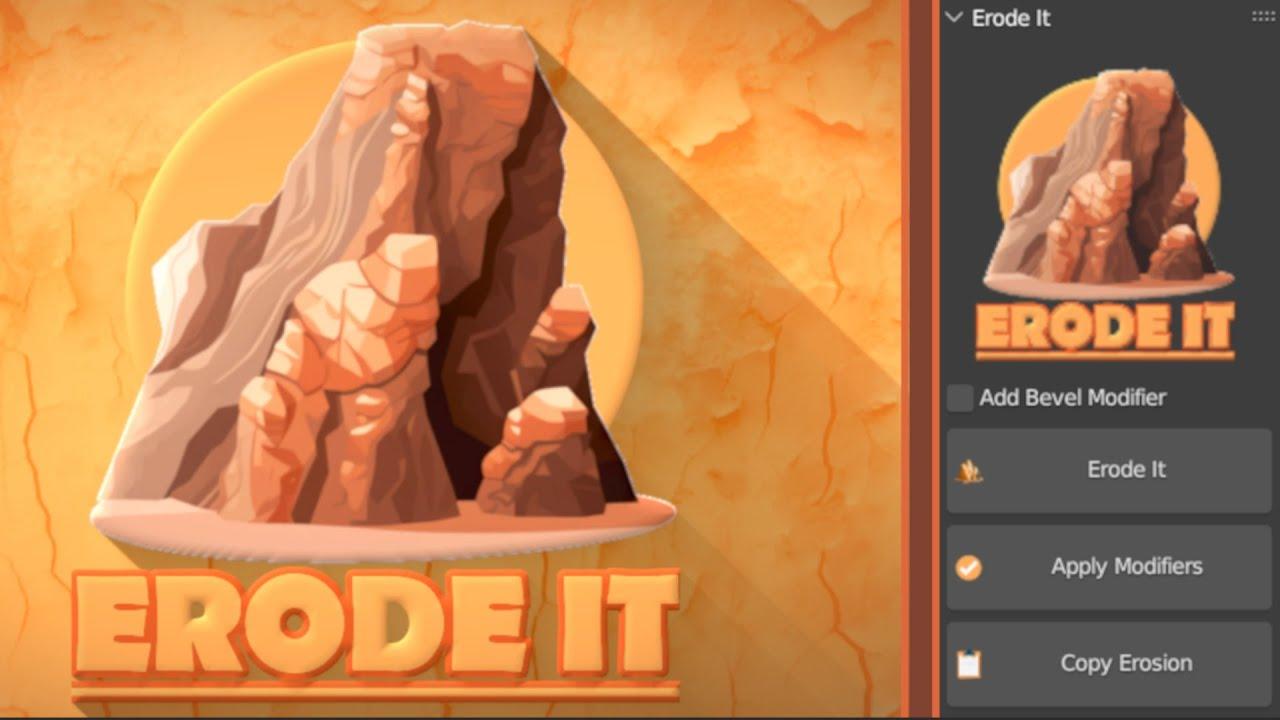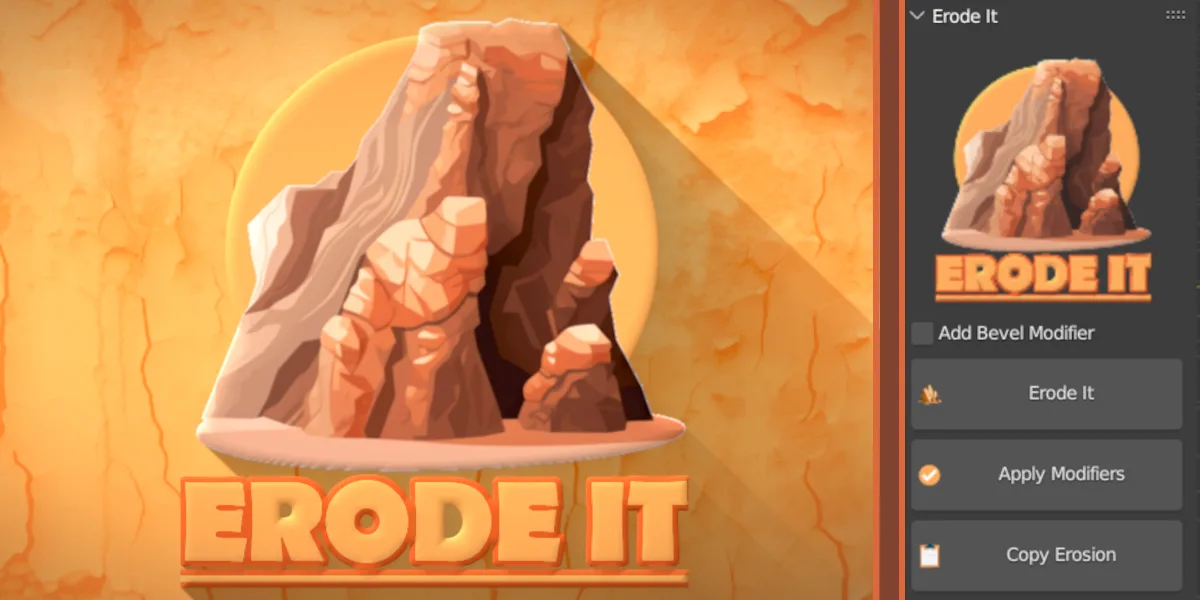
Erode It is a Blender add-on by CGMatter for adding procedural erosion to 3D models. Its operator applies erosion with a click, while a modifier exposes controls for detail, quality, erosion type, and other properties. You can adjust the result before applying it to the geometry.
How the erosion workflow works
An optional bevel operator adds a randomized bevel before the erosion network. Then use Erode It to add the modifier. Its controls include dynamic resolution, detail level, a randomization seed, erosion properties, smoothing, and cuts to the model.
When you are ready to finish, the Apply operator bakes the erosion into the updated geometry. The result is no longer controlled as a live erosion modifier, and the product listing describes applying it as a way to improve performance.
Multi-object erosion and settings transfer
The modifier works with multiple selected objects. Copy Erosion transfers settings from the active object to the other selected objects, which is useful when you want to match an erosion setup across several models. Make the object with the settings you want active before using the copy operator.
Use Erode It without building a node network
Erode It has an interface for using its operators and modifier without manually building a node network. The underlying Geometry Nodes setup remains open for editing, so you can inspect or adjust the nodes if you want more direct control.
Blender compatibility and available editions
CGMatter's product listing has conflicting Blender version information: a notice says the add-on currently works with Blender 3.5, while the version details list Blender 4.0 through 4.4. Confirm compatibility with CGMatter before installing, especially if you use one of the listed 4.x versions.
The seller offers a free version described as a one-button edition that does not let you edit the effect later. The listing also mentions a fuller version, but the supplied details do not establish its current price. Check the seller's page for the available edition and terms.