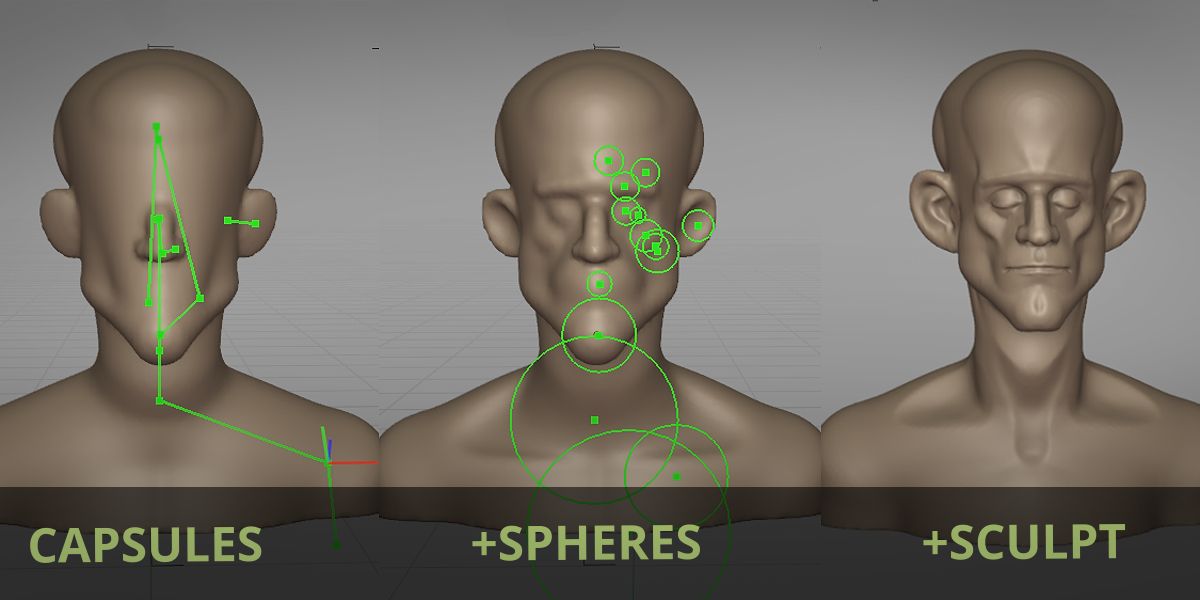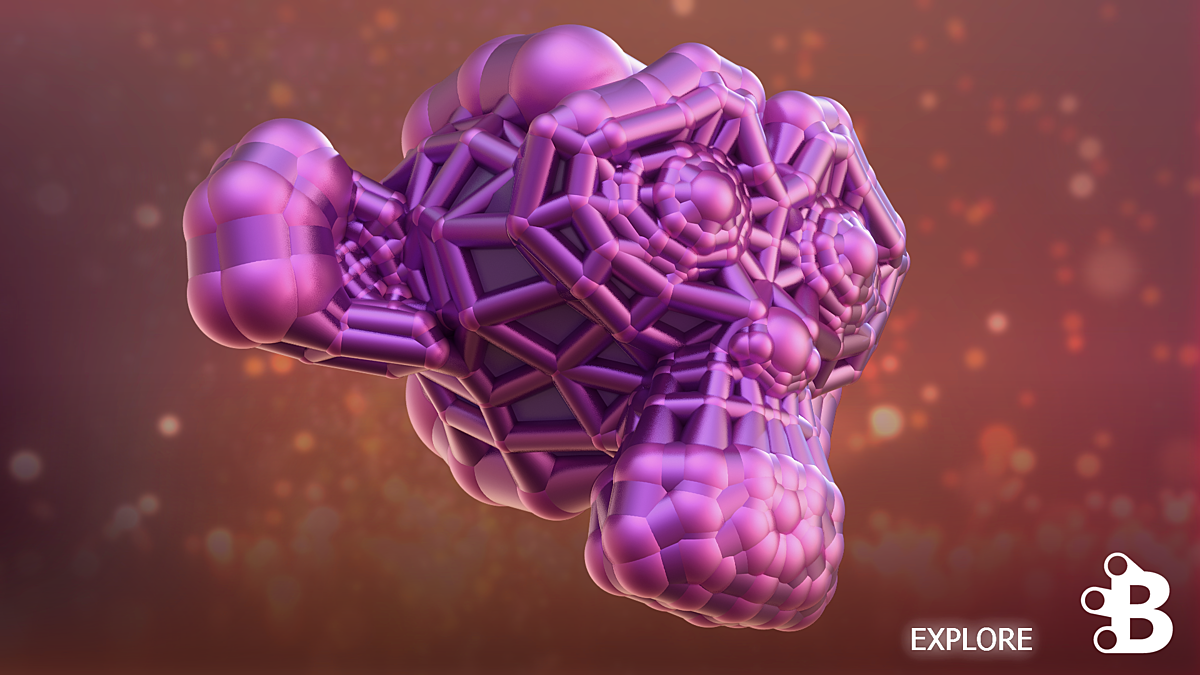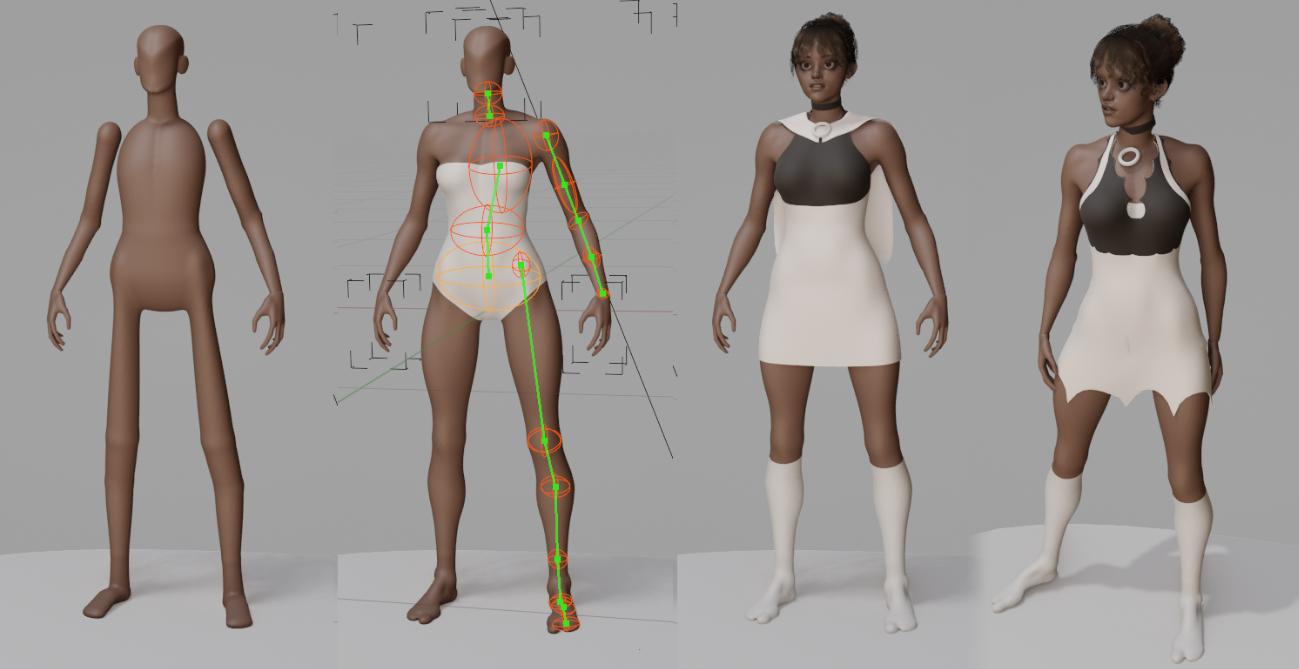
Blob Fusion is a Blender add-on for creating character and creature base meshes from Sphere and Round Capsule Blobs. The creator describes its approach as a mix of ZSpheres and Metaballs. Blob blending controls let you join forms into organic shapes as you block out a model.
Adding a Blob creates an automatic object hierarchy with a rig-like structure. The add-on also includes presets for humanoid and animal forms, plus a separate one-click Armature generation feature.
Start a Blob Fusion model
- In the 3D Viewport, press N to open the right sidebar. Choose Tools, open the Blob Fusion tab, and click the [+] icon to add a Blob Domain.
- The workspace tool switches to Blob Fusion. The add-on overrides some hotkeys while this tool is active.
- Press Shift+A and choose Add Blob from the first entry in the add menu. Select the new Blob empty and press E to extrude it into a capsule.
From there, the main modeling actions are extruding, duplicating, connecting and subdividing blobs. You can also adjust how blobs blend, separate a segment, or generate an armature when you need one.
Blob Fusion hotkeys
E: extrude the selected Blob into a capsule; Shift+D: duplicate selected Blobs; F: connect two selected Blobs; W: subdivide the selected Blob segment; P: rip or separate the selected Blob segment; Alt+B: adjust the Blob blend factor; Ctrl+B: open the Blob Parameters popup; Ctrl + middle-mouse scroll: select adjacent Blobs; Shift+G: select child Blobs or Blobs by type; M: toggle mute for selected Blobs; Alt+M: unmute all Blobs; X or Delete: delete selected Blobs; Alt+S: unify scale to make the empty round; Shift+V: slide the empty toward an adjacent node ending or parent.Compatibility and documentation
The Superhive product listing lists Blender versions 4.5 through 5.0 and identifies the license as GPL. For setup and the complete shortcut list, see the creator's online documentation and video documentation. Blob Fusion has a built-in auto-updater in the add-on preferences; the creator recommends restarting Blender after an add-on update.