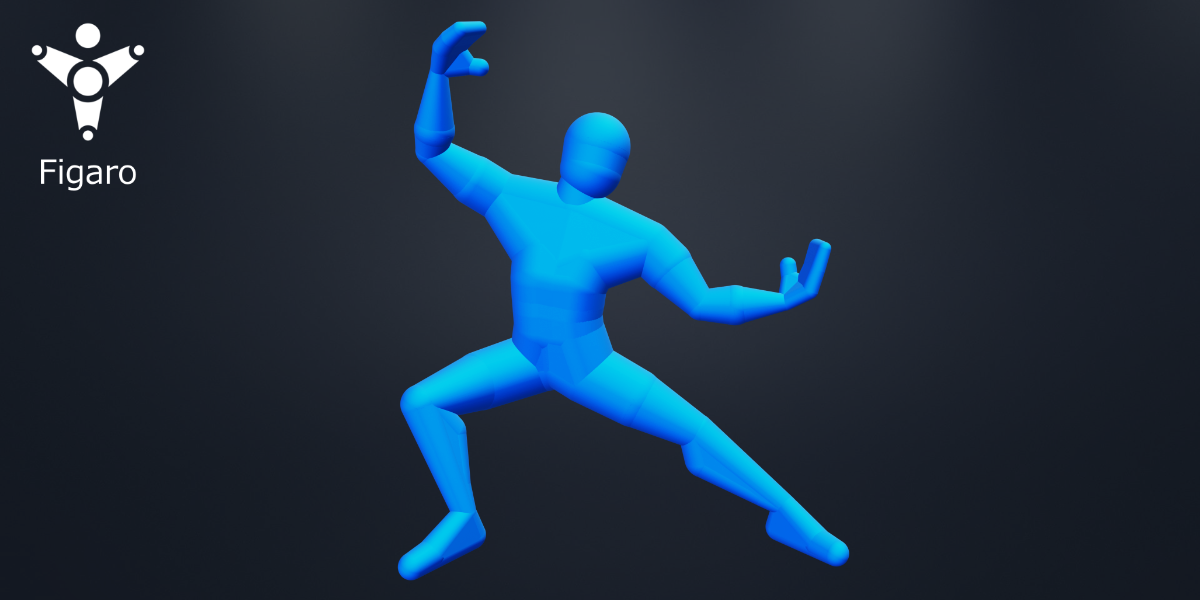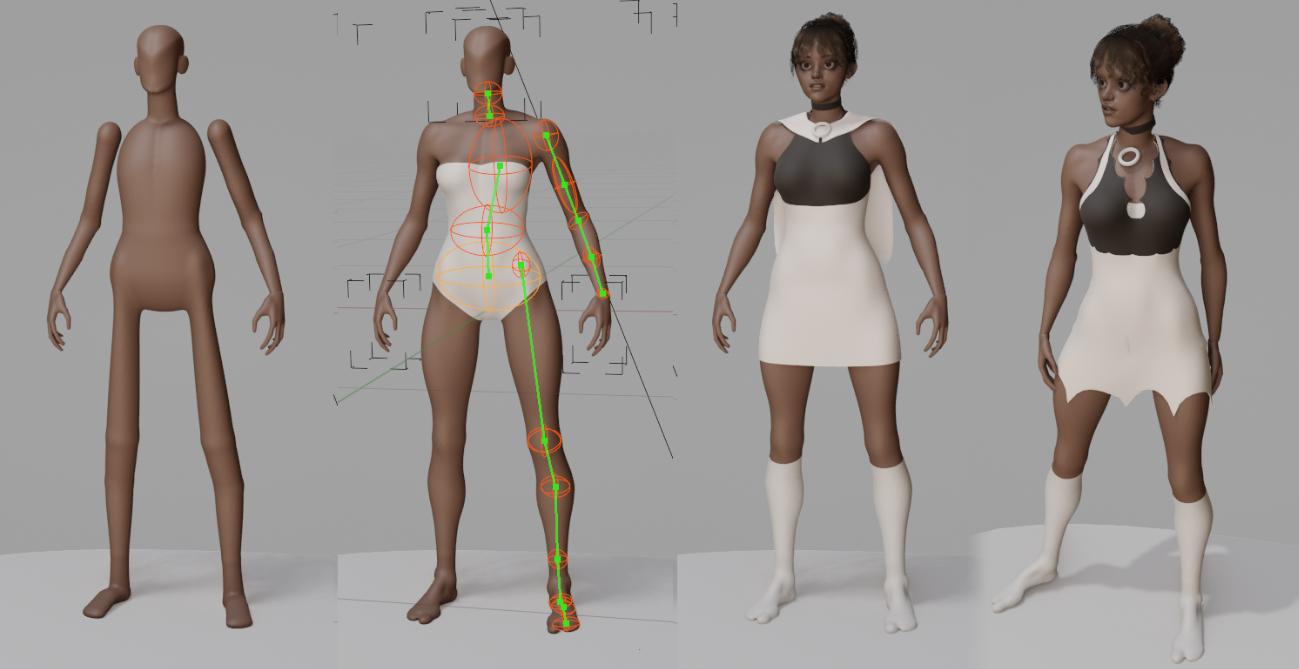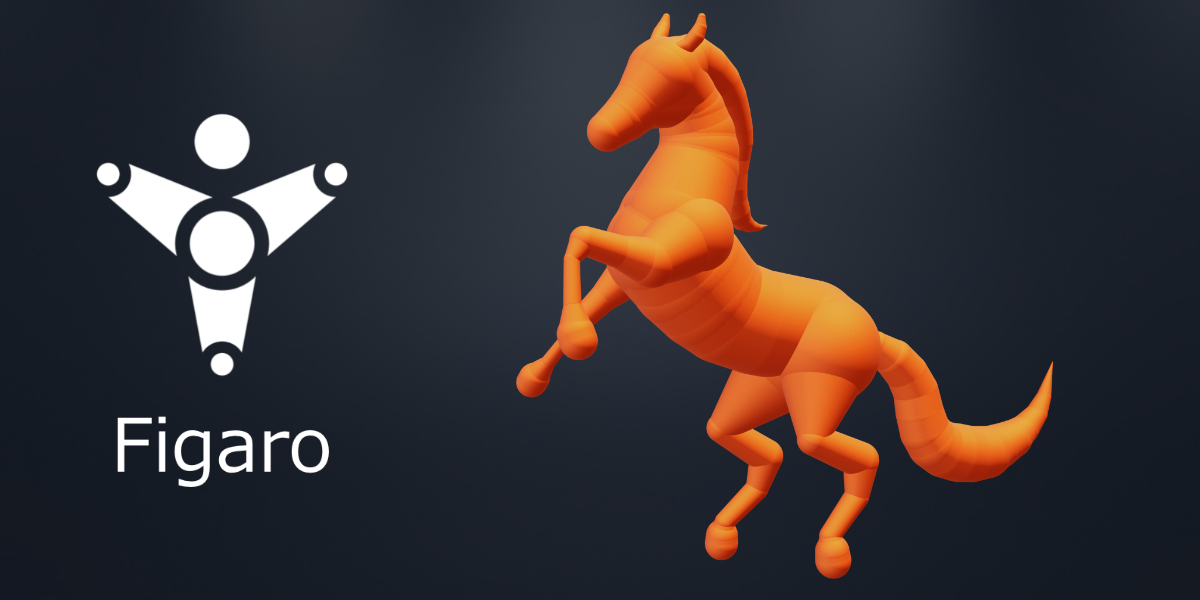
Figaro - Fast Base Meshes is a Blender add-on by 3D Mage for building character and creature base meshes. You define forms with vertices and edges, set a radius on each vertex, and Figaro interpolates between neighboring radii to generate volumes. It also supports solid faces for more complex shapes. The approach builds on ideas from ZBrush ZSpheres and Blender's Skin modifier.
Build a shape with vertex radii
Create a Figaro object from the Figaro side panel in Object Mode, then extend edges and fill faces in Edit Mode. Select vertices and press Shift + R to enter Radius Mode. Move the mouse right to increase the radius or left to decrease it. Confirm with a left click or Enter, or cancel with a right click or Esc.
Choose an output for the next step
When the blockout is ready, convert it to a standard mesh or a voxel mesh. Voxel conversion includes controls for voxel size, adaptivity and smooth or flat shading in the side panel, so you can prepare the form for sculpting. Figaro objects also work with Blender's modifier stack. The product changelog notes that conversion hides the original Figaro object instead of deleting it.
Reuse templates and refine the form
The Template Manager can instantiate default or user-made Figaro templates, save a template from the selected object, update a template or remove one. Split & Pull works on a vertex connected to just one edge: press Shift + U to split it into two vertices and form a triangle based on the source edge direction and the current view angle. The side panel also has display options for Solid, Material Preview and Rendered modes.
Compatibility and setup
The product listing identifies Blender 4.5 through 5.3 as the supported range. A July 14, 2026 changelog entry notes a fix for minor issues related to Blender 5.2. Installation instructions are included with the files and in the documentation. Check the Figaro documentation for setup details and the product listing for current compatibility and release information.