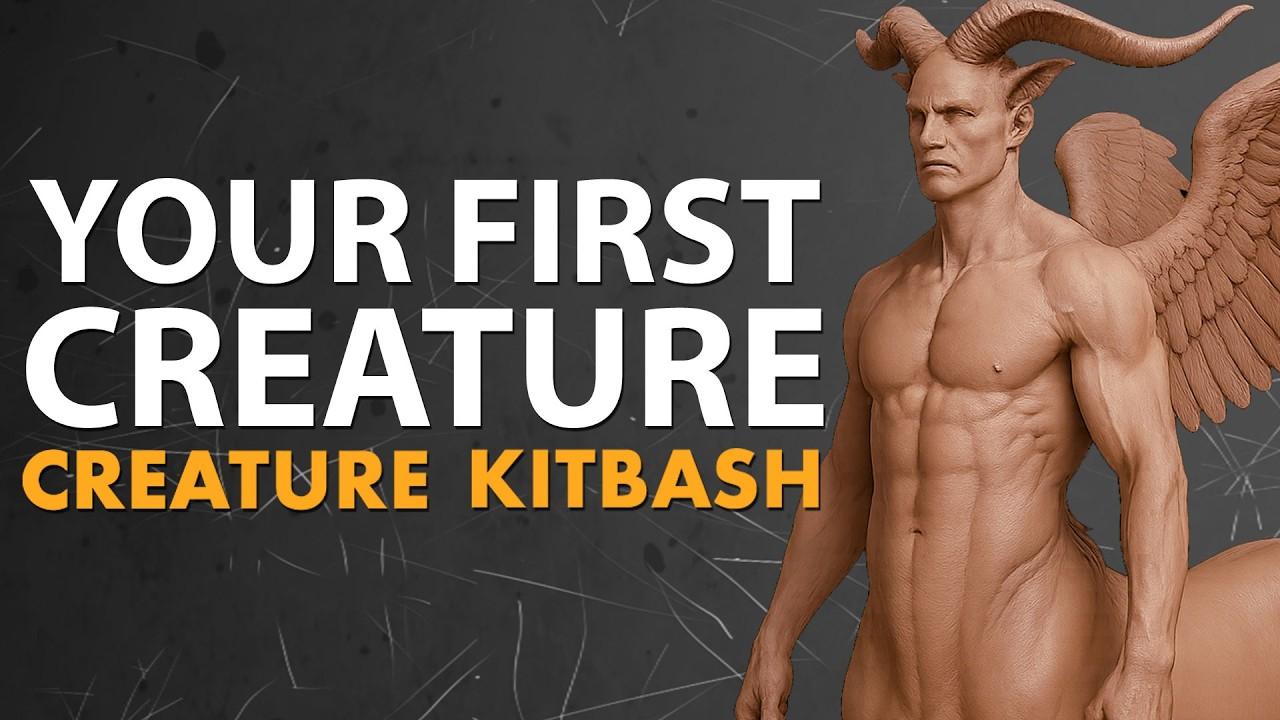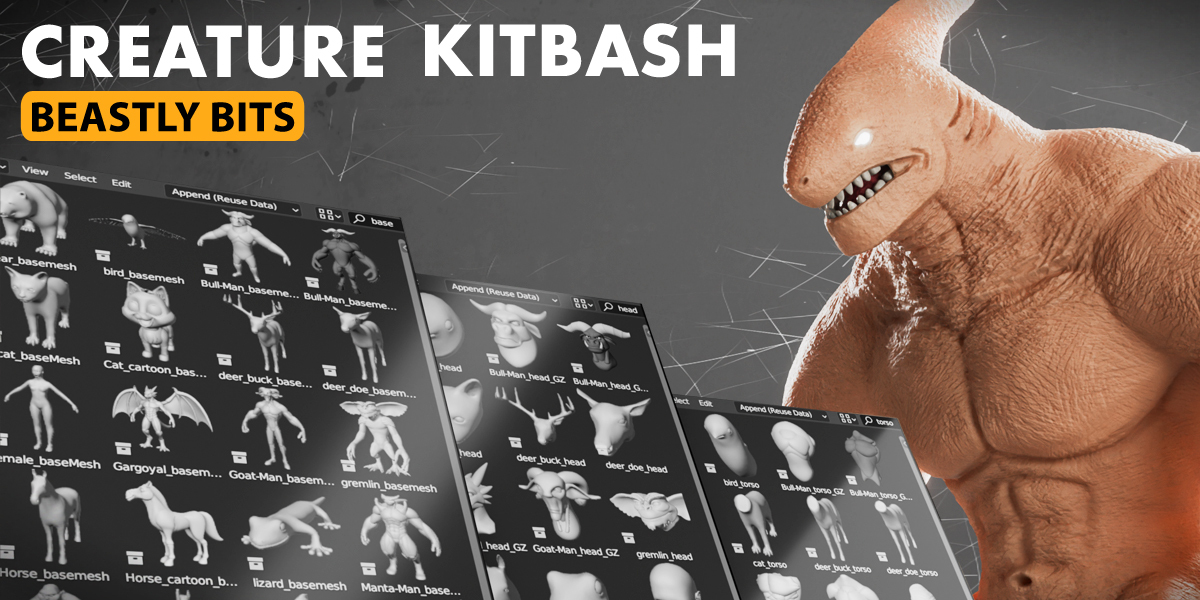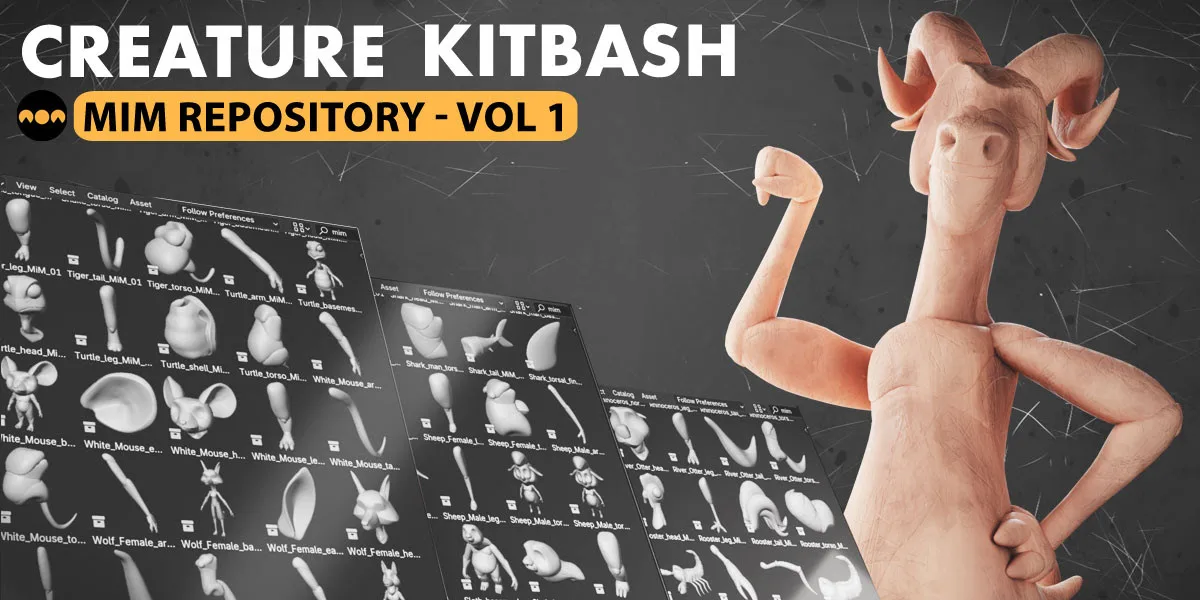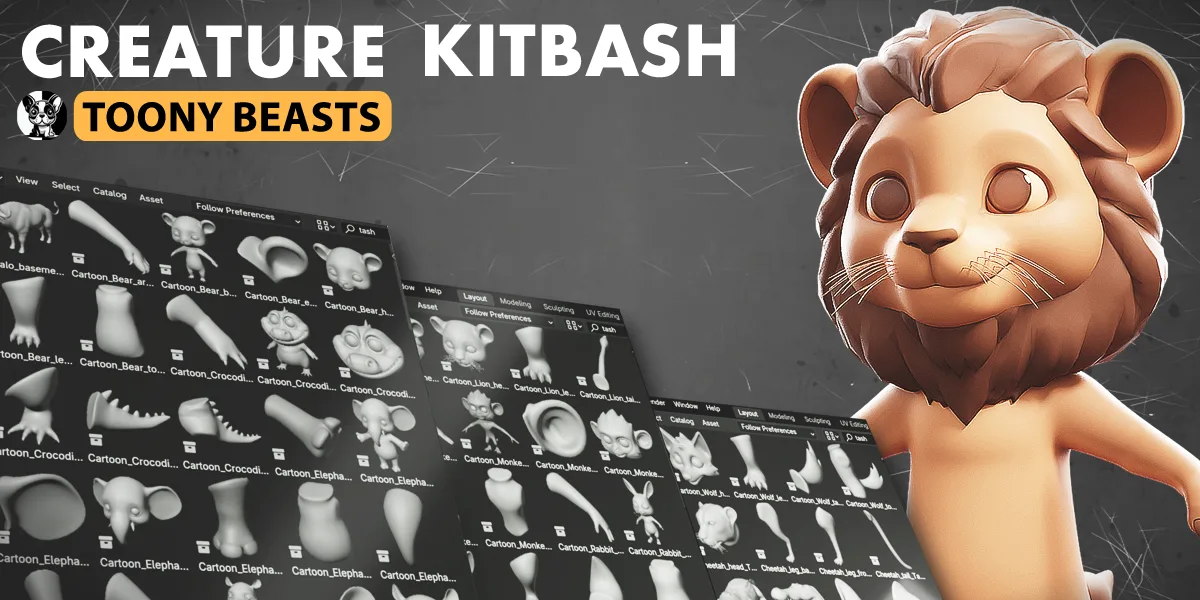
Creature Kitbash - Toony Beast is a Blender kitbash pack for building stylized and wild-animal creature forms from reusable parts. The Toony + Wild Animal pack contains 153 pieces: 64 cartoon and 89 wild-animal parts. The listing names heads, torsos, limbs, claws, and other elements. They give artists a way to assemble a base form before sculpting its finer details.
Assemble a sculpting base
The pack integrates with Blender's Asset Manager. Choose parts in the Asset Browser and add them to a scene, then use the mirroring and placement tools to arrange them. When the pieces are in place, a single-click operation combines them with boolean or remesh tools into one mesh for further sculpting. This workflow skips making every basic form from scratch, leaving more of the work for shaping and detailing the creature.
- Choose creature parts from the library.
- Add them to the Blender scene through the Asset Browser.
- Position and mirror pieces to build the form.
- Combine the parts into one mesh, then continue sculpting.
How Toony Beast fits the Creature Kitbash range
Toony Beast is the partner pack for cute critters, cartoon companions, and whimsical animal designs. The wider Creature Kitbash range also includes Beastly Bits for mammals, humanoids, and classic monsters, plus Insidious Insects for bugs, aliens, and exoskeletal creatures. The product listing describes the combined library as containing more than 1,000 assets and says each pack includes the Creature Kitbash add-on. Assets from the different packs can be mixed to make hybrid designs.
If you want to check the included pieces, the listing links a full Toony Beast asset list. You can also add your own assets through Blender's Asset Manager; the creator provides a tutorial on adding assets and a quick-start guide playlist.
Compatibility and licensing
The Superhive product details list Blender versions 3.6 to 4.5 and Eevee as the render engine. The details section lists GPL; the product description specifies that the code is GPL while the assets use a Royalty Free license. Review the license agreement for the terms that apply to your intended use.