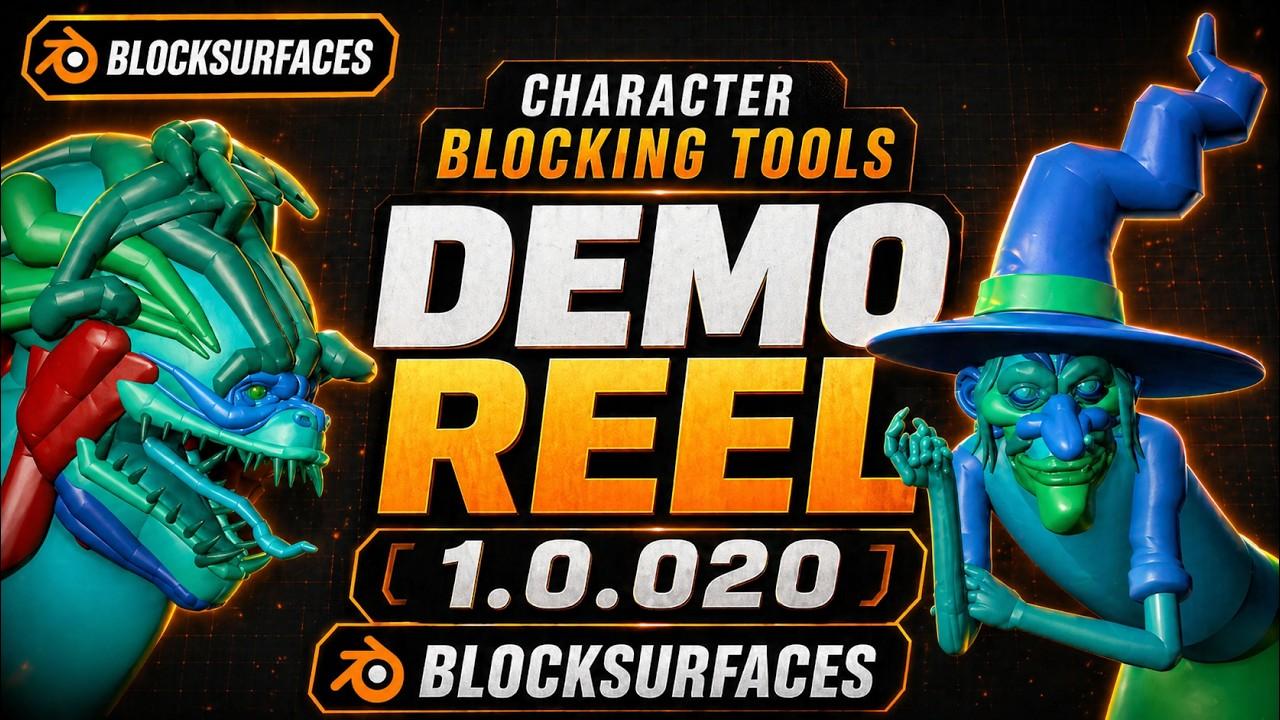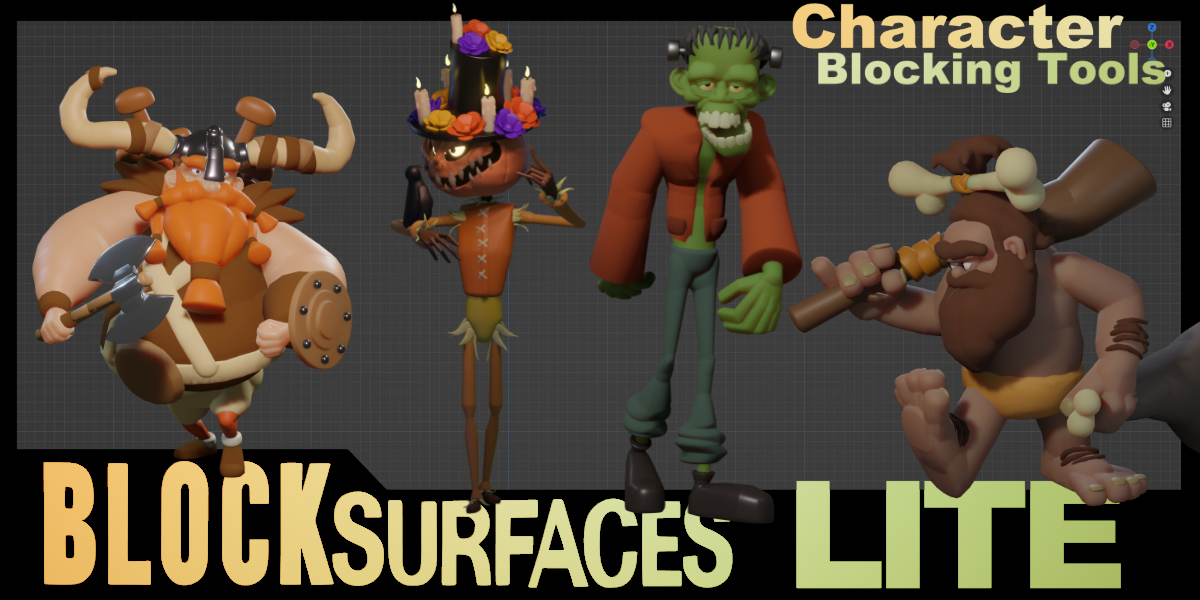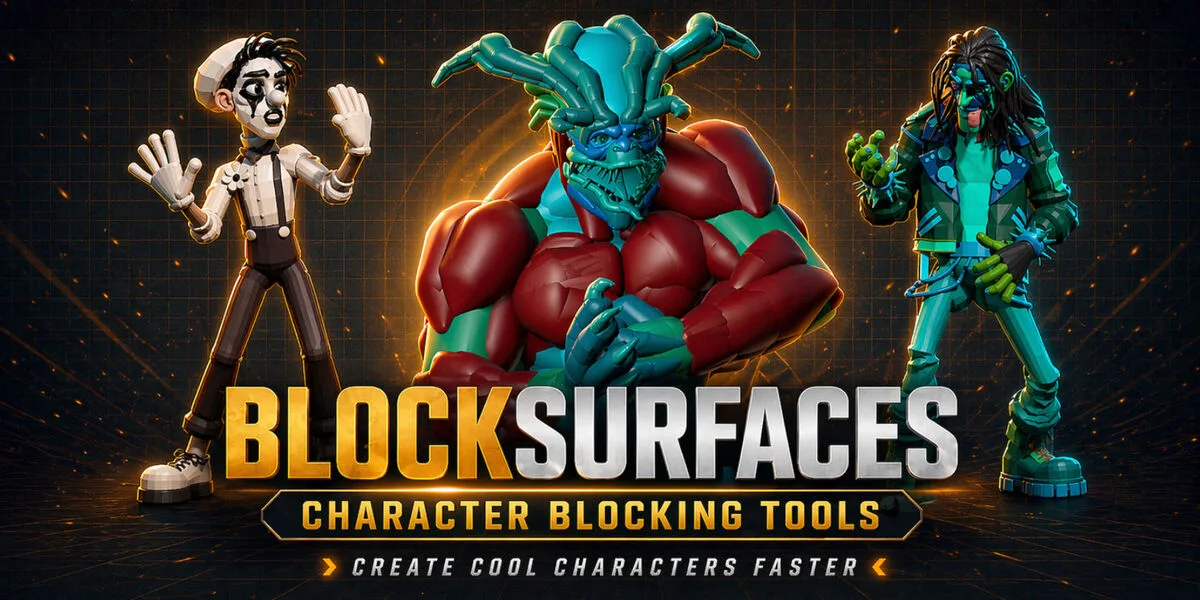
BlockSurfaces is a Blender add-on for blocking characters and creatures before detailed sculpting. It builds connected forms from branch objects, so you can explore proportions, silhouettes, and poses while the model is still taking shape.
Shape a blockout with branches
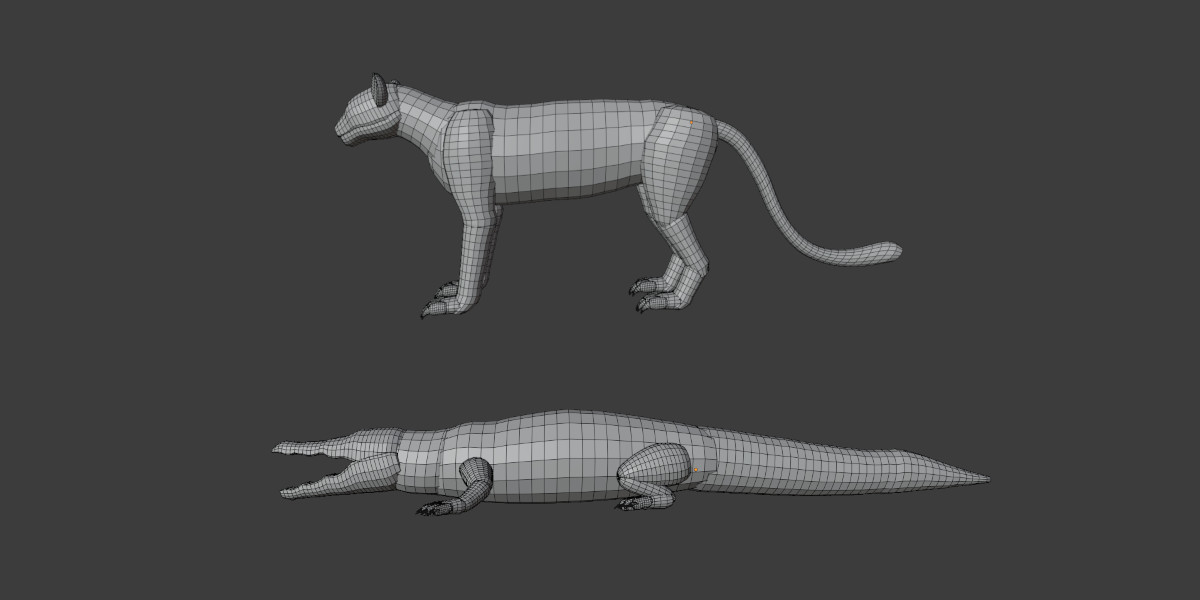
Branches connect objects into forms for bodies, limbs, horns, tails, tentacles, and stylized armor. You can move, rotate, scale, edit, or sculpt objects in a branch, then duplicate branches or parts to try variations. Placing objects along a curve helps shape non-linear forms such as tails and horns. You can also add objects between existing ones to adjust a branch's shape.
Explore poses and organic forms
BlockSurfaces includes tools for building branch hierarchies and testing poses without setting up a traditional rig. BlockMuscles turn branches into forms that simulate stretching and contraction during blocking. The product documentation describes this as a basic muscle simulation for helping assess a posed character, rather than a detailed anatomy or muscle simulation system. FlatMuscles can create surfaces around selected objects to represent membranes.
Continue into sculpting
When the blockout is ready, generate a mesh for the whole model or selected parts. The resulting mesh can be used for sculpting or retopology in Blender, or imported into another sculpting program such as ZBrush. You can return to blocking, adjust the model, and generate another mesh or pose as your design develops.
Scope and compatibility
BlockSurfaces is focused on early character and creature design. The listing describes BlockHardSurfaces as a project with two small tools; its notes say hard-surface blocking can be done with BlockSurfaces, while further dedicated tools are planned. The Superhive listing reports Blender versions 3.4 through 5.0 and a GPL license. Check the current product listing for the latest compatibility and license details.
Manual and tutorials
The creator provides a BlockSurfaces video manual and tutorials covering the add-on's panels, options, and character workflow. The product documentation page also links to the English manual and character tutorials.