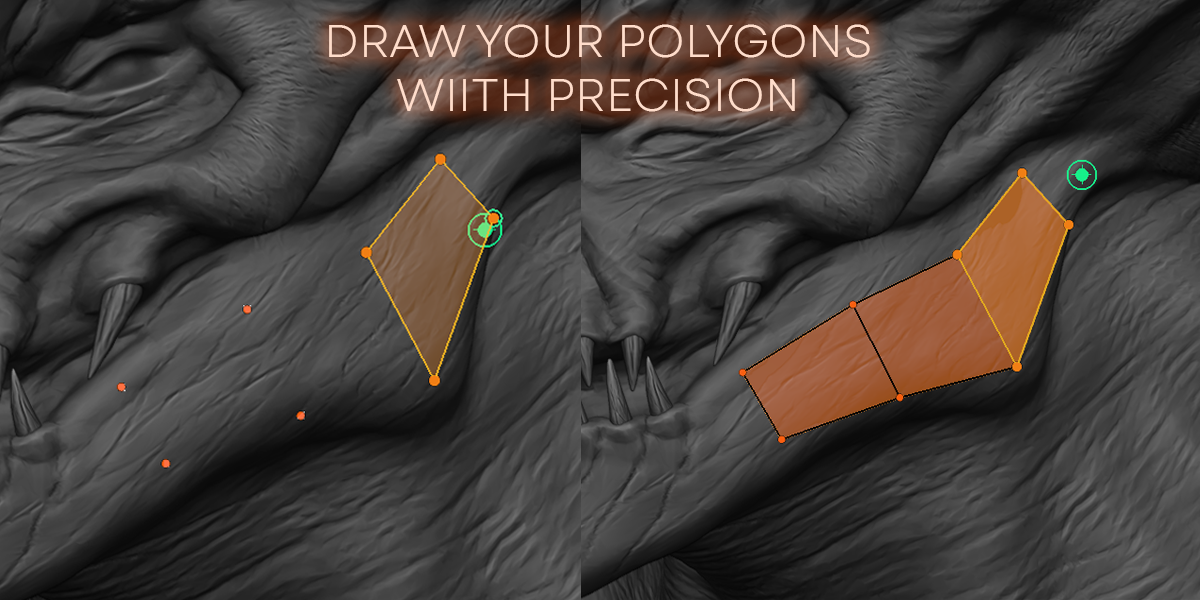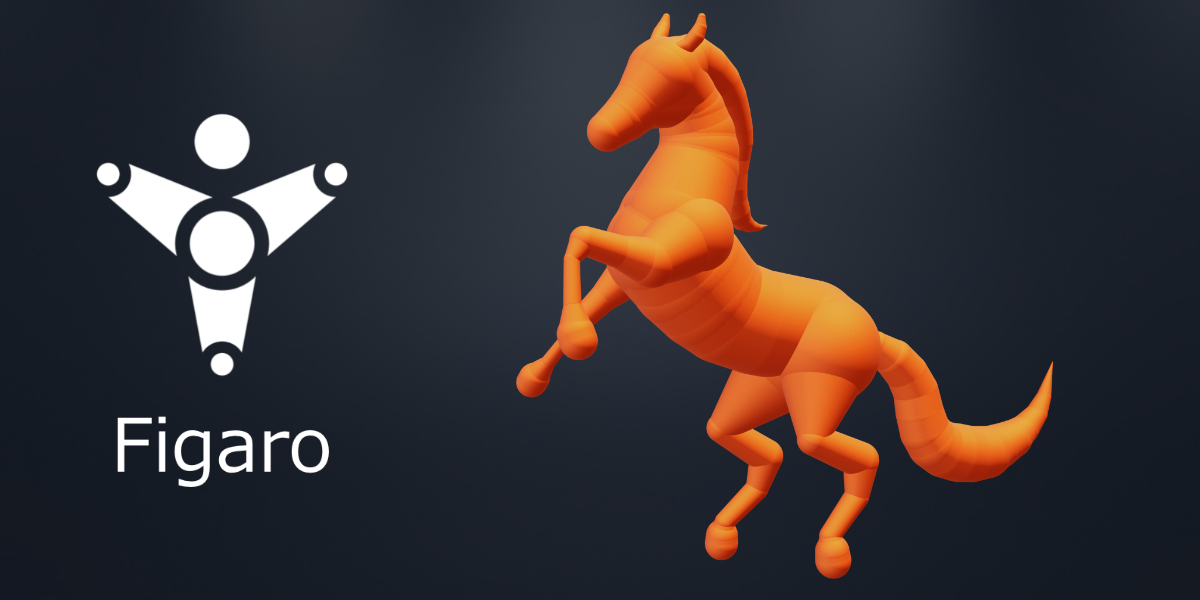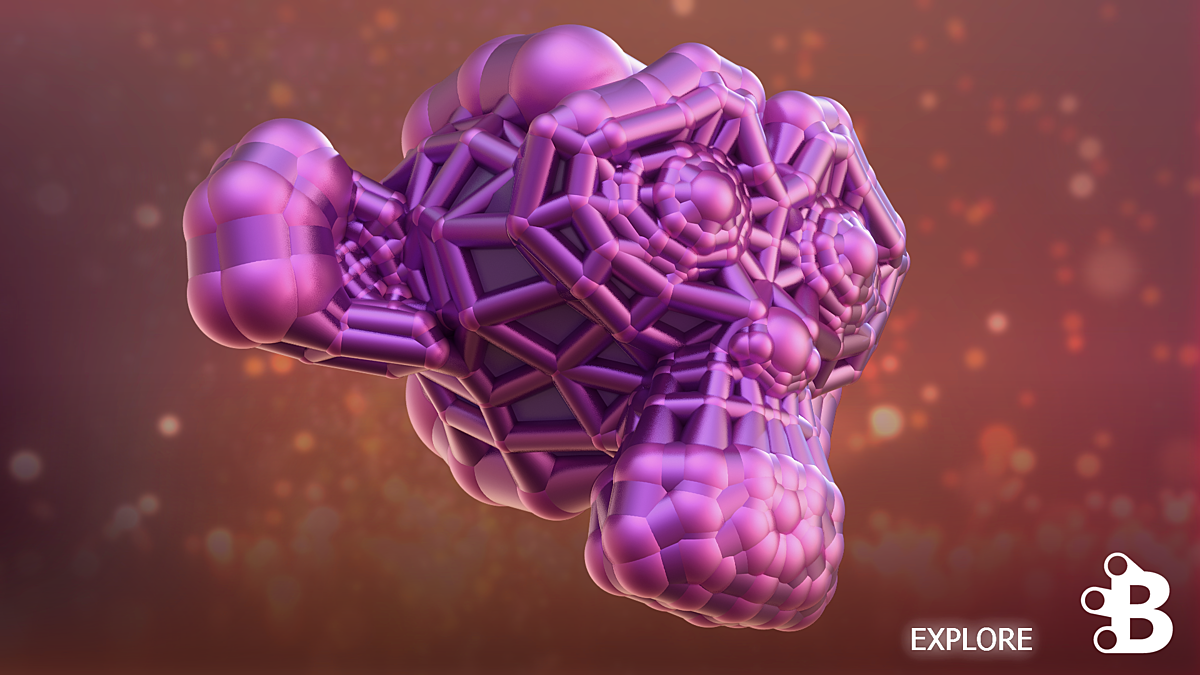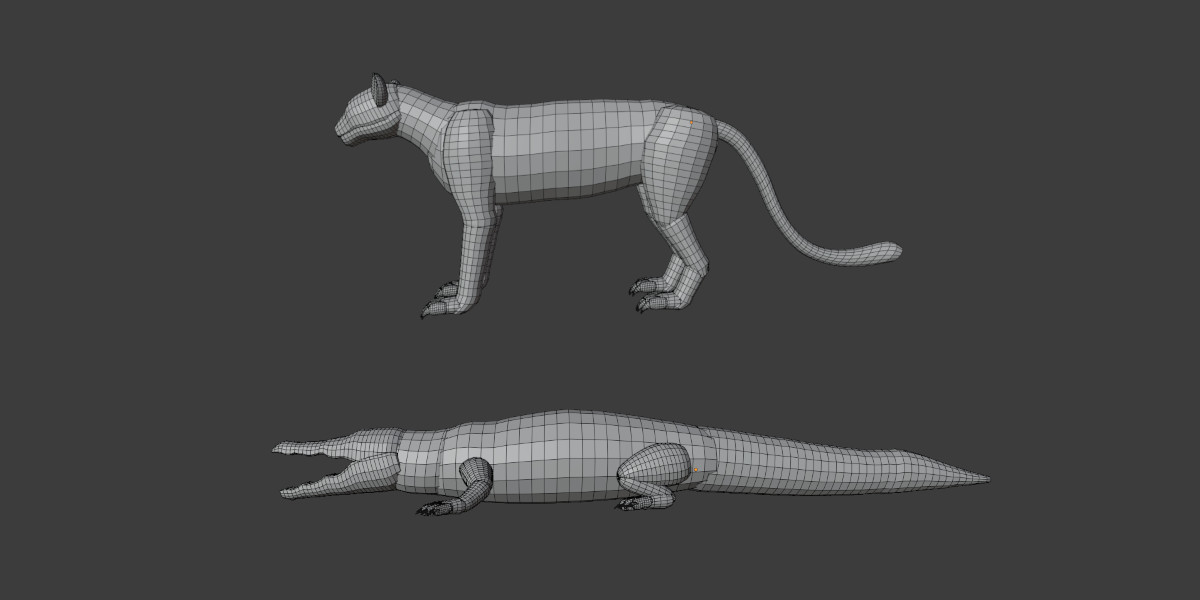
Base Mesh Tools - S is a Blender add-on for creating base meshes and shaping them into different body forms before sculpting. Its Brush Mode includes options to add or cut mesh, while transform controls help adjust objects and work with multiple objects.
Creating and shaping base meshes
The add-on includes Rotate, Move and Multiple Object Transform, along with tools for selecting objects in a hierarchy, constraining an axis, setting the cursor, switching objects in Brush Mode, resetting a profile, symmetrizing in Brush Mode, setting a parent and aligning objects. The product changelog also lists Multiple Scale.
Tools and object limits
Most features, including Brush Mode and Multiple Scale, work only on objects created with the add-on. If your workflow depends on those tools, plan to create the base mesh with Base Mesh Tools - S rather than assume the controls will work on any existing scene object. The listed version 1.5.2 update adds a separate shortcut for smooth brush strength.
Compatibility and documentation
The product listing identifies Base Mesh Tools - S as a Blender Extension and lists Blender 4.1 and 4.2 compatibility under the GPL license. Kihoon's product listing links to the documentation and a demo video. Check it for compatibility details if you use a different Blender version.