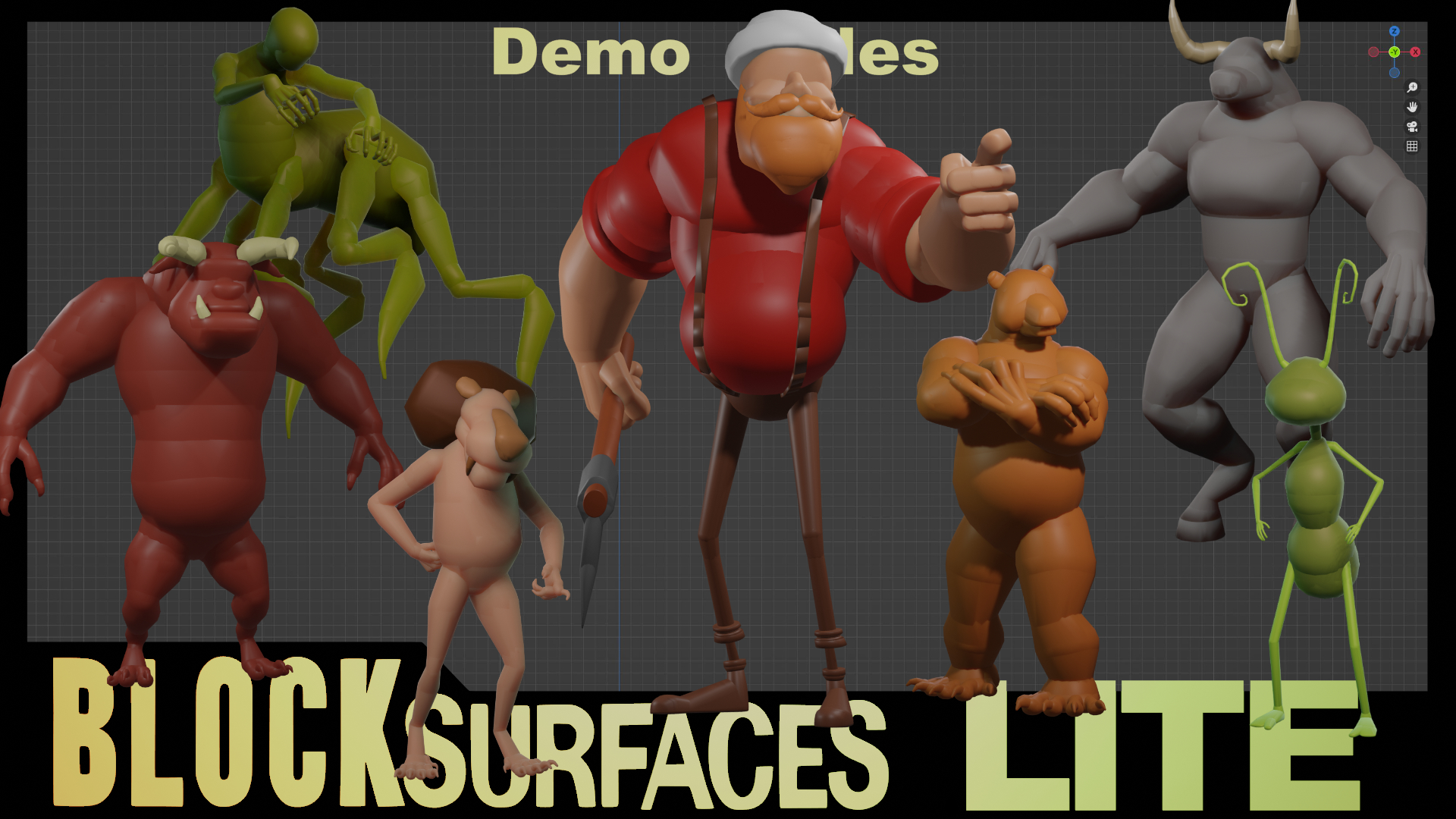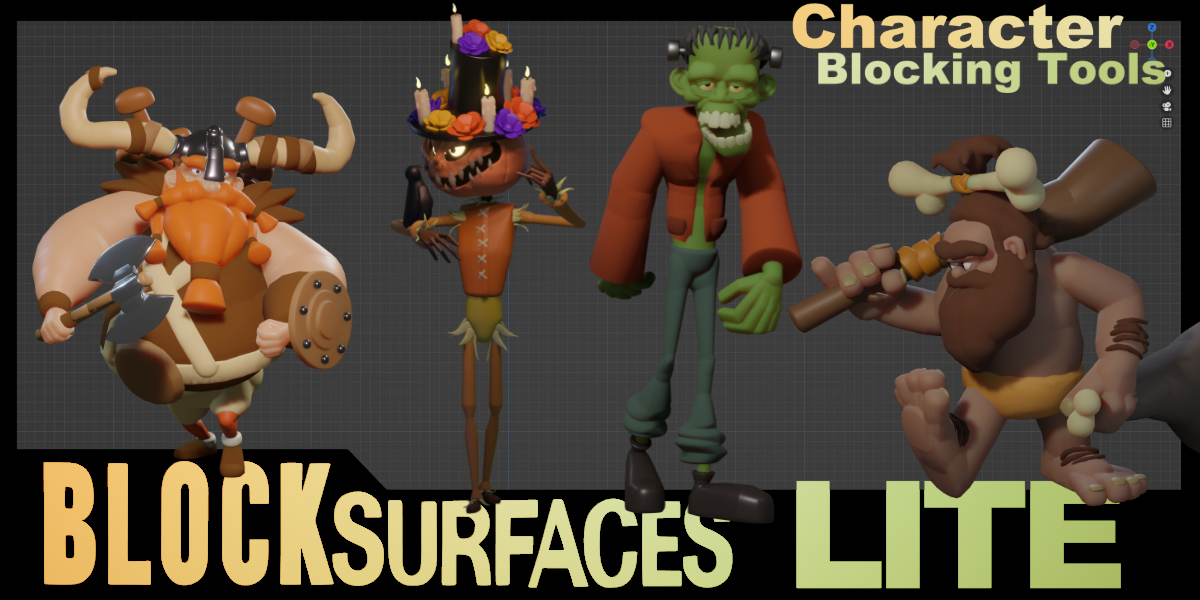
BlockSurfacesLITE is AitToolsB’s Blender add-on for blocking out 3D characters. Build a figure from branches of basic shapes, adjust its proportions and pose, then generate a remeshed model for sculpting or retopology.
Build and adjust character forms
A branch connects its objects in sequence, so changing their position, rotation, scale, or shape changes the character’s main volumes. You can duplicate a branch or part of one to try another limb or composition, and edit linked objects together when you want changes to carry across them. Placing selected objects along a curve can help shape forms such as horns, tails, or tentacles.
The workflow starts with broad proportions, then adds detail. You can pose a character without rigging knowledge, then generate a mesh for the next modeling stage.
Continue from blocking to sculpting
Generate a remeshed model as a whole or in parts. The resulting mesh can be sculpted in Blender or imported into another sculpting program, and it can also serve as a base for retopology. BlockSurfacesLITE lets you return to blocking, revise the forms or pose, and generate another mesh.
What the LITE edition includes
The Superhive listing says BlockSurfacesLITE does not include muscles or floating panels; those are features of the full BlockSurfaces edition. The listing also says LITE will not receive new features. Check the current product listing for edition details before choosing between them.
The listing names Blender 3.4, 3.5, 3.6, 4.0, and 4.1. If you use another Blender release, confirm compatibility with the developer before installing. The product’s documentation page links to an English manual and tutorial playlists.