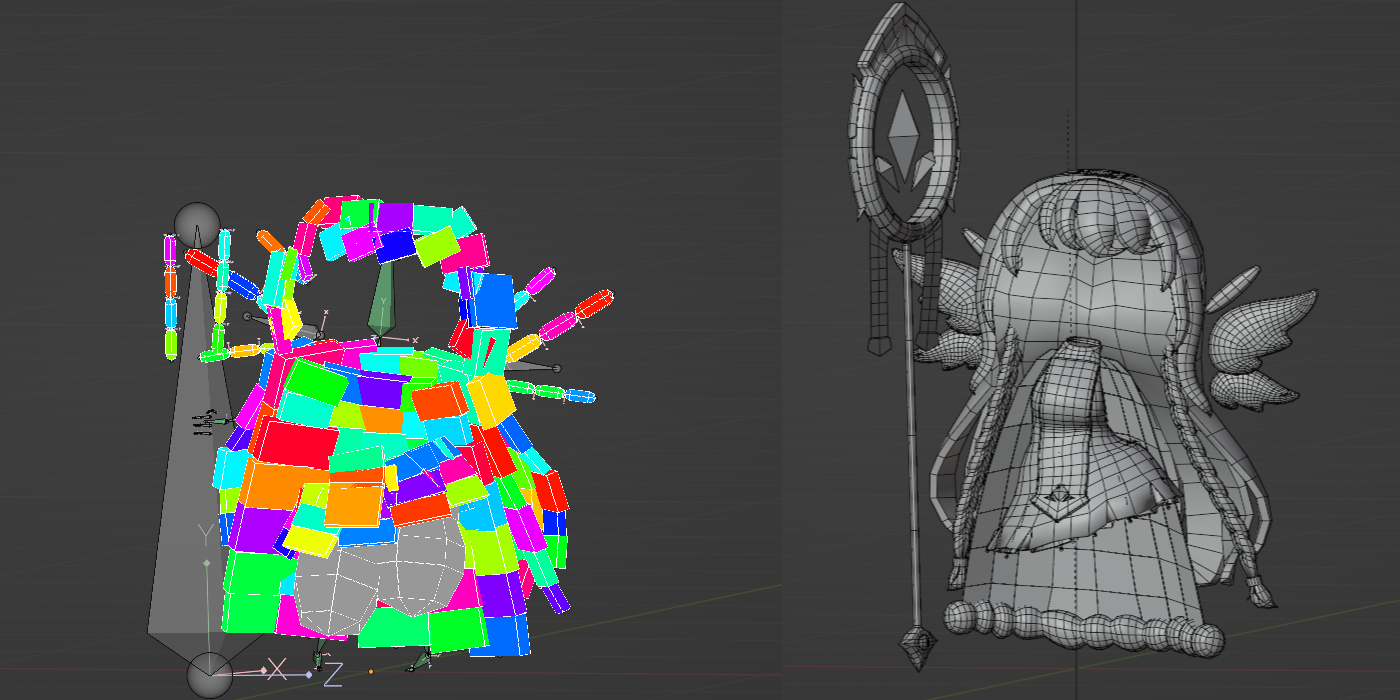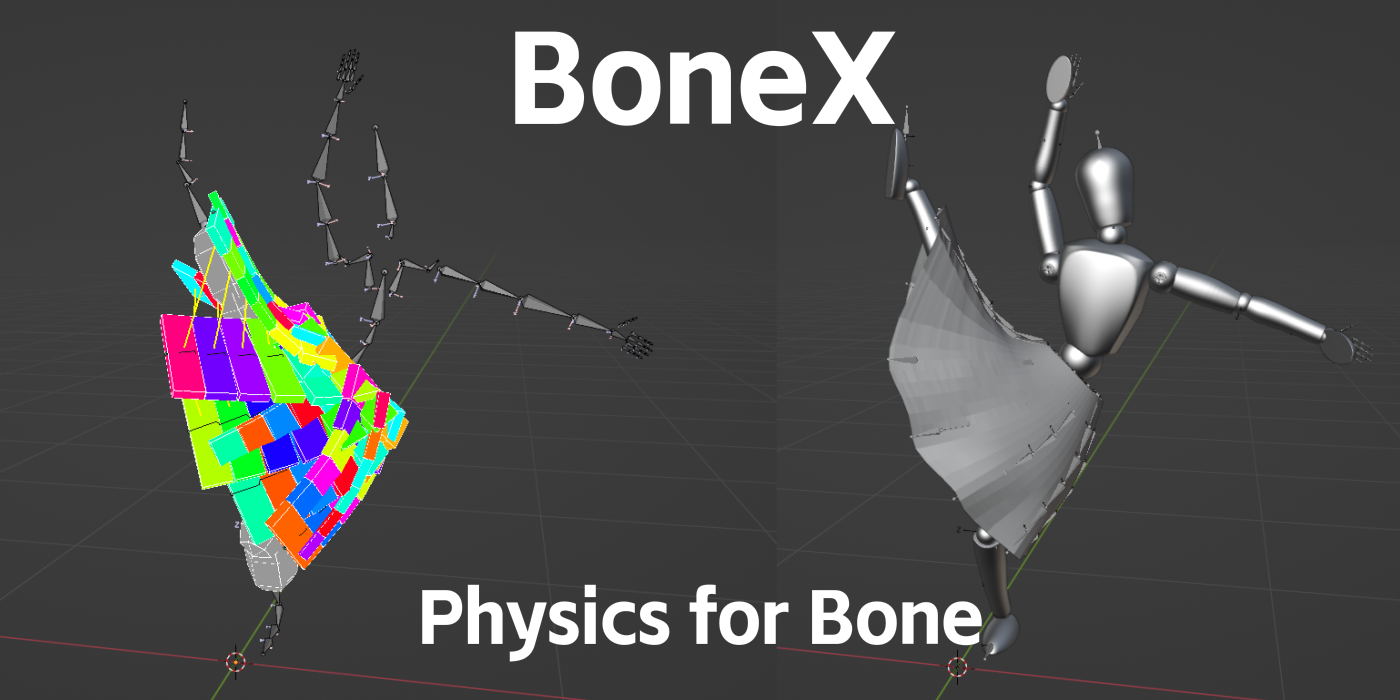
BoneX is a Windows add-on for Blender that creates bone physics animation with PhysX. It uses rigid body simulations to add motion to character rigs, with controls for rigid-body properties such as mass and for connection stiffness and damping. The maker describes the move to PhysX as a way to get stable, faster results after running into problems with an earlier tool based on Blender’s rigid body simulation.
Character motion and rig controls
BoneX can be used for setups such as skirts, cat ears, tails and necklaces. Its controls include collision group masks for managing which bodies interact, custom collision body meshes, constraints and partial simulation for focused adjustments. Real-time playback interactions let you inspect the motion while tuning the setup.
Horizontal soft connections help keep bones in a chain in position relative to one another, which can reduce mesh stretching. For a skirt with closely packed rigid bodies, the maker’s instructions recommend disabling self-collision for the relevant rigid body group. The bodies can overlap in that setup, so leaving self-collision on may cause unwanted interactions.
Substeps for fast movement
Simulation advances in time steps. A fast-moving body may travel too far in one step, causing penetration or inaccurate motion. BoneX lets you divide a step into substeps to improve accuracy. More substeps use more processing time; the maker’s example notes that ten substeps can consume about ten times the performance. Start with one and raise the count when a fast movement needs more accuracy.
Platform and Blender version notes
BoneX supports Windows, and its interface is available in English, Japanese and Chinese. The Superhive listing shows Blender versions 3.6 through 5.2. Its description says the add-on can install below Blender 3.6.1, but real-time simulation is unavailable there. Check the maker’s documentation for setup details and the product listing for the latest compatibility information.