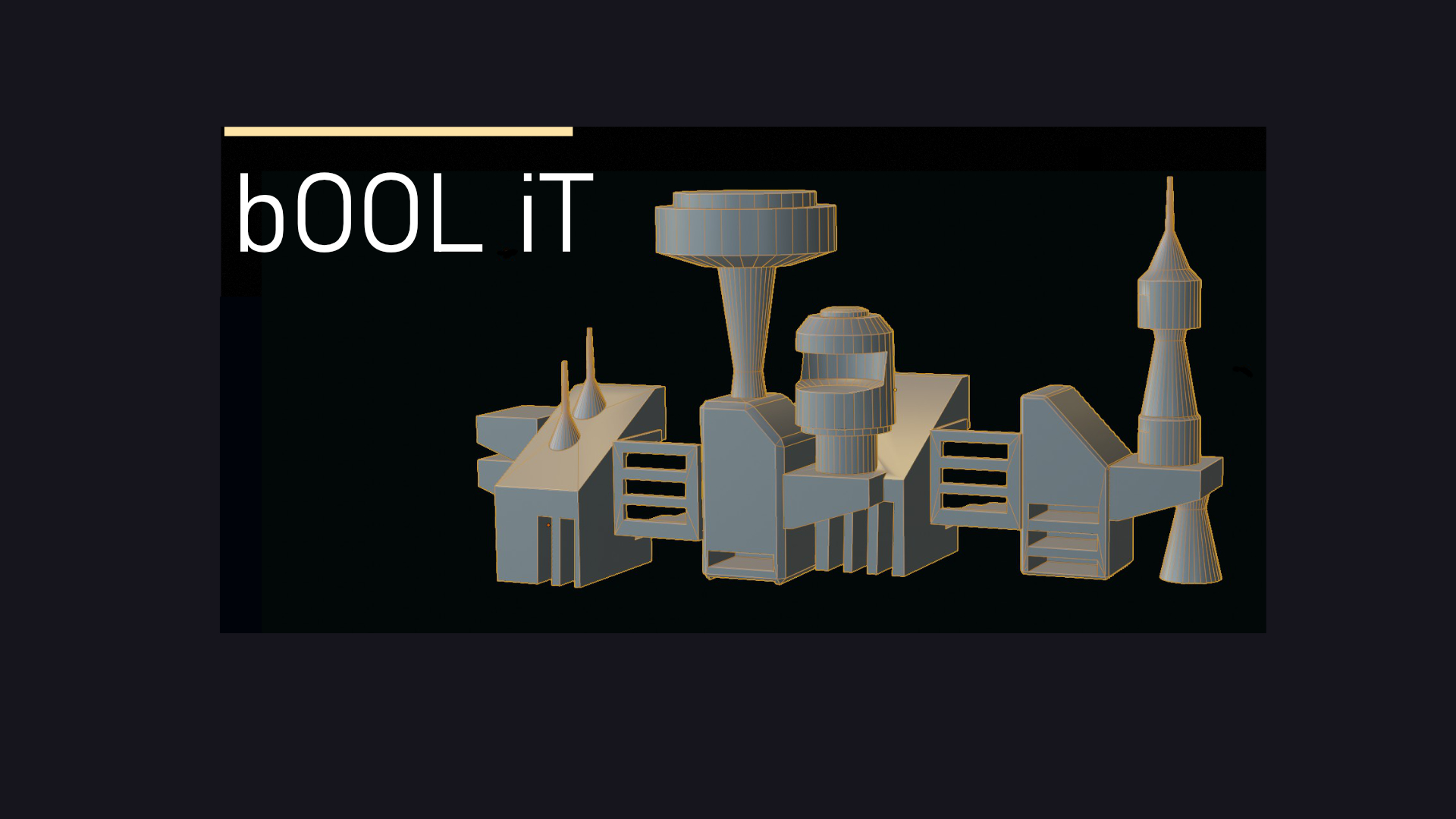
Bool It - Quick Booleans is a Blender add-on by Synthomesh for applying and managing Boolean operations in Object Mode. Arrange, rotate and scale separate parts in the viewport, then mark them as positive or negative for union and subtraction. You can refine the parts before converting the booleans into a mesh. For a fuller product description, consult the Bool It product listing.
Work with Boolean parts in Object Mode
Bool It is aimed at hard-surface modeling. You can bring parts in from Blender's asset browser and apply modifiers to individual parts, including bevel, panel cut and array. When the shapes are ready, the add-on can convert all the booleans into a single mesh in one click.
Use the Quick Edit panel for edges and faces
Version 1.5 added a new interface and the Quick Edit panel. Its green icons are shortcuts for edge editing; pink icons are for face editing. Clicking an icon switches from Object Mode to the relevant editing tool. Double-clicking the left mouse button returns to Object Mode. The developer says the panel can also be available as a separate add-on for people who do not need the Boolean tools.
After activation, the developer's installation notes place Bool It in the 3D Viewport under Object Mode. The product listing names Blender versions 3.0 through 5.2 and a GPL license. Check the listing for current compatibility and package details.
Who may find Bool It useful
Beginners can use its object-based workflow to arrange parts and apply Boolean operations without building every shape through Blender's edit-mode tools. The developer also describes it as a possible time-saver for experienced modelers who use Boolean-based parts.